Question
Premiere Pro will not connect to existing file used in Essential Graphics
This started at least one upgrade ago.
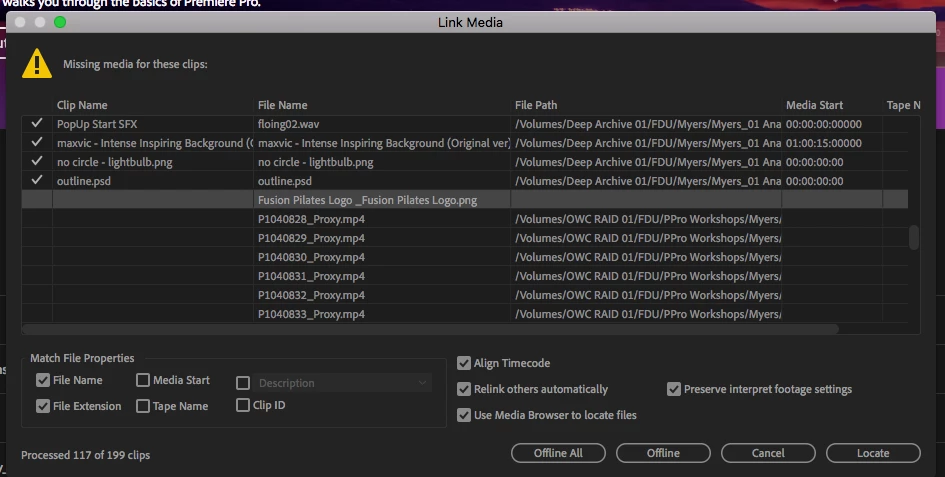
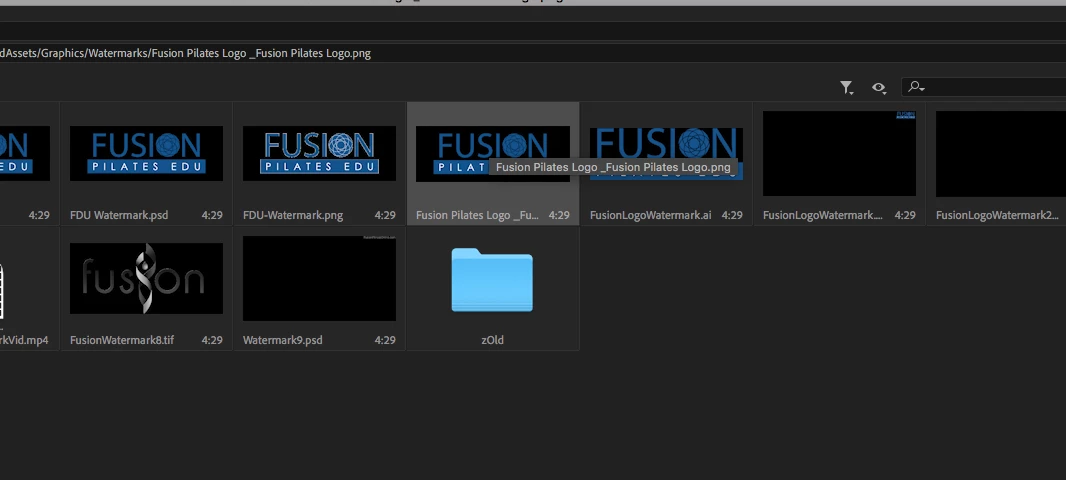
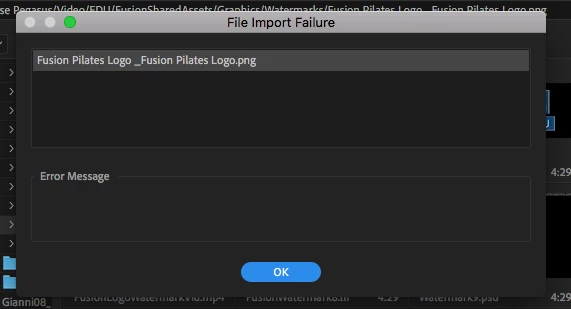
I use the same watermark in all of my projects. It's just a simple .png that I saves as an Essential Graphic template. Every project I open shows this file as not found. I do locate - I find the file, and when I click OK to connect - PP just says "Error". There is absolutely nothing wrong with the file. It opens in Photoshop. I've tried res-aving it. I've tried saving it with another name and tried to relink that way. Nothing works.
I have probably 70 projects with this in them. Going in and using a new Essential Graphics template to replace each and every one of them is going to be (is) hell.
Any ideas?

 AdChoices