
Premiere - Tool right-click issue
- May 18, 2020
- 1 reply
- 2426 views
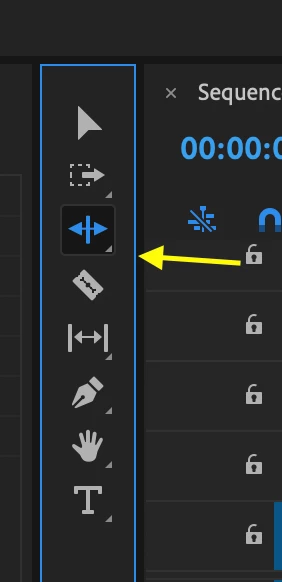
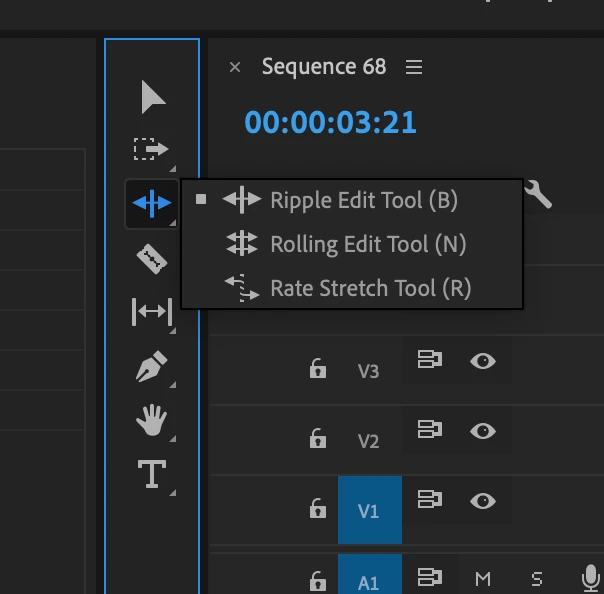
Hi, I'm having an issue to right-click on any tool in Premiere to change for another tool in any category.
I'm using a macbook pro 2019, and I can change the sub-tools using the touch bar, wich is very slow and anoying.
I just installed Premiere in windows 10, using the same macbook, and also the right-click is not working on the tools. Even using mouses or the trackpad. (and the touch bar doesn't work properly in windows)
I believe I'm facing the same issue in Audition, but it's working fine in Photoshop.
Is there any configuration to fix this?
I already uninstalled and installed, cleaning all settings.
Reset the workspace to saved layout (as the macbook is new, the saved layout is the installation one)
And as I said, installed from zero in windows 10 at the same computer
Thanks for the help and sorry about my english
 AdChoices