
Answered
Premiere won't launch and keeps displaying "preparing to install"
I am using a Win 10 PC with Ryzen 5 CPU and Nvidia 1060 card.
Here is a screenshot of my problem, premiere worked fine a month ago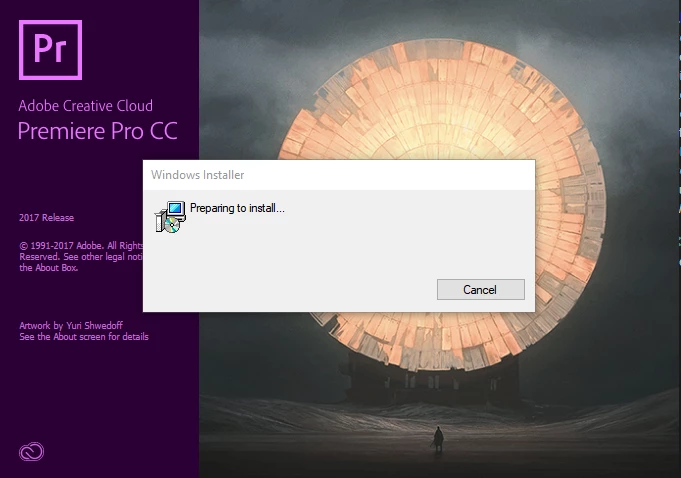

I am using a Win 10 PC with Ryzen 5 CPU and Nvidia 1060 card.
Here is a screenshot of my problem, premiere worked fine a month ago
It turns out that it was the driver of my sound card causing the issue. I reinstalled my driver, and problem was solved.
Already have an account? Login
Enter your E-mail address. We'll send you an e-mail with instructions to reset your password.
 AdChoices