NotSoSane
Participant
December 28, 2020
Question

Premiere won't open project, unless I first open a New Project

  • December 28, 2020
  • 1 reply
  • 524 views

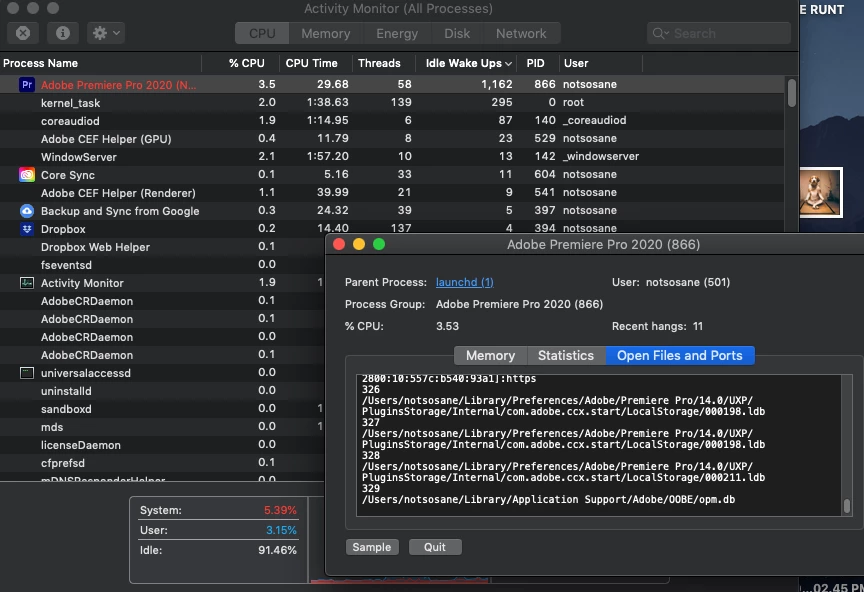
This is a wierd one.  It is similar to some other posts, but their fix doesn't help. I can open Premiere, but if I try to open a file from the recent projects list, or I use the Open Project option OR I try and open a project directly from Finder, Premiere just locks up.  BUT if I open a New Project first, and then Open a project from the File menu, it will open.  I have tried holding option while starting, but I don't get a window asking if I want to reset preferences.  I've screen captured an image what's happenening in my Activity Monitor if that helps.  I'm using the most recent version of Premiere and am up to date on all updates.
This topic has been closed for replies.

1 reply

Peru Bob
Community Expert
Community Expert
December 28, 2020

Try resetting the preferences:
https://community.adobe.com/t5/premiere-pro/faq-how-to-reset-trash-preferences-in-premiere-pro/td-p/8236158?page=1

If that doesn't work, try resetting the Workspaces:
Reset a workspace
Reset the current workspace to return to its original, saved layout of panels.
1. Do one of the following:
• Click the Workspace menu icon and select Reset to Saved Layout.
• Choose Window > Workspace > Reset to Saved Layout.
from here:
https://helpx.adobe.com/premiere-pro/using/workspaces.html

If that doesn't work, try Preferences > Audio Hardware and set Input to None.