
Premiere won't play audio
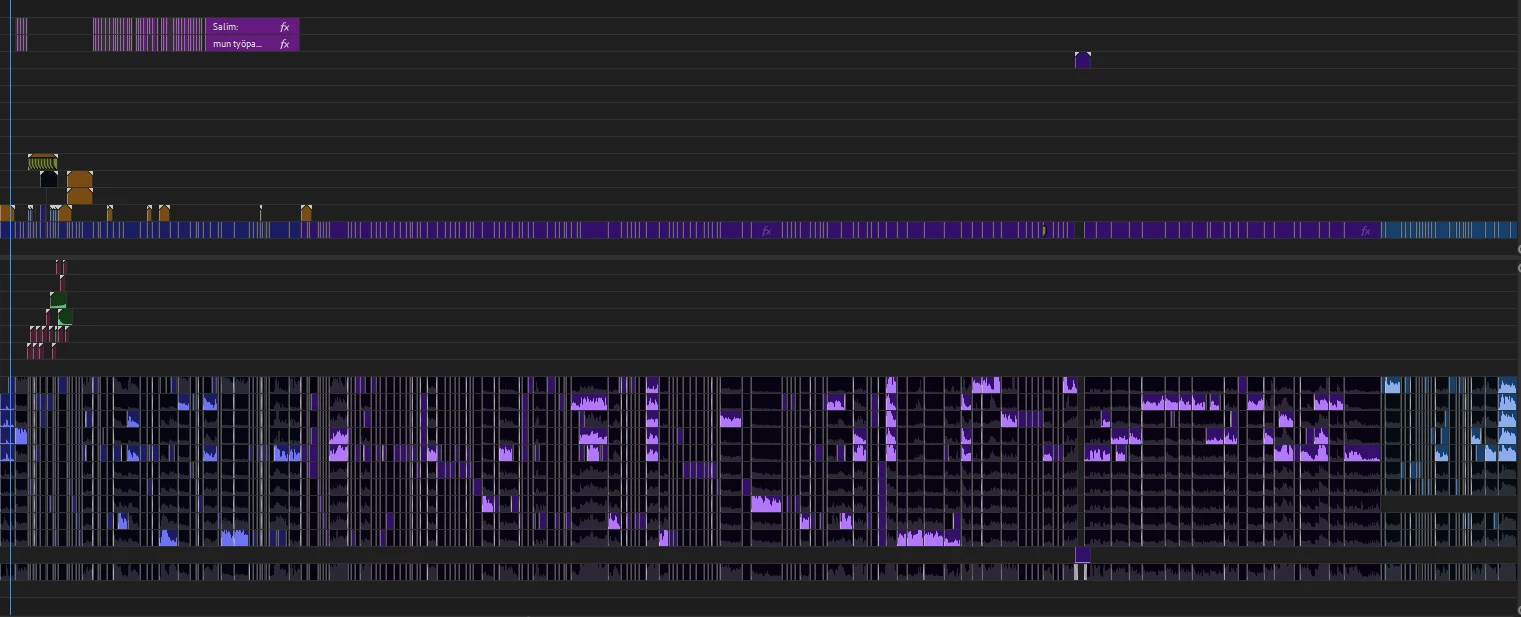
In short, all the audio data is left in the project, but the audio does not play itself when previewing the project.
The audio trackmeter on the right doesn't show that audio is coming out, but the little audio trackmeters on the left of the project on the timeline show that audio is coming out / playing.
Copying the project to a new sequence fixes the problem and makes the audio work ONLY FOR A SHORT TIME, until you restart the premiere, at which point the same problem repeats itself. So with each premiere start, you have to copy each timeline raw to a new sequence.
I tried to move the audio to the audition, where the audio doesn't work either.
None of the lines are muted, I tested the problem with different versions 2022, 2023, 2024 and beta. I reset preferences, uninstalled media cache, tried changing the audio project file name and re-located it. And many other things, but nothing worked and fixed the problem.
The problem occurred the next day after closing the project the night before, when the project had been running all day with no problems. So I don't even know what could be the cause.
I found a video where the problem has happened to hundreds of people (based on the comments), if not thousands since the 2018 Premiere. The video also had 270 thousand views, so the problem is real for sure.
 AdChoices