



Premiere workflow with AE templates wierd...
I have a pre-made graphics template made by our motion-graphists in AE. It’s an approved template that contains several comps with different animated elements like lower thirds, geos, complementary info screens and so on.
Normally when inported in Premiere, these AE templates ask you what comp you wanna work with:
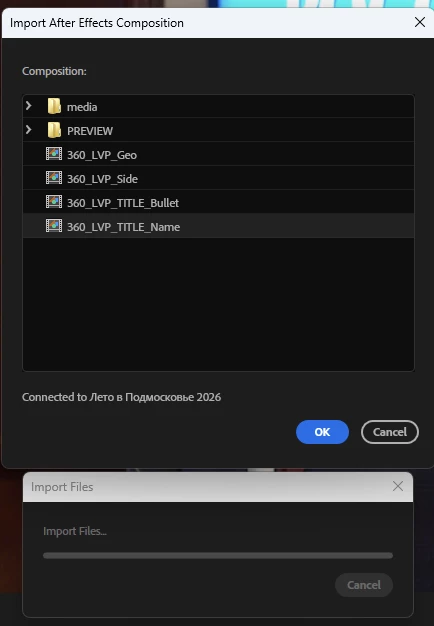
So you have to pick only one of these, it’s ok. But then something interesting happens.
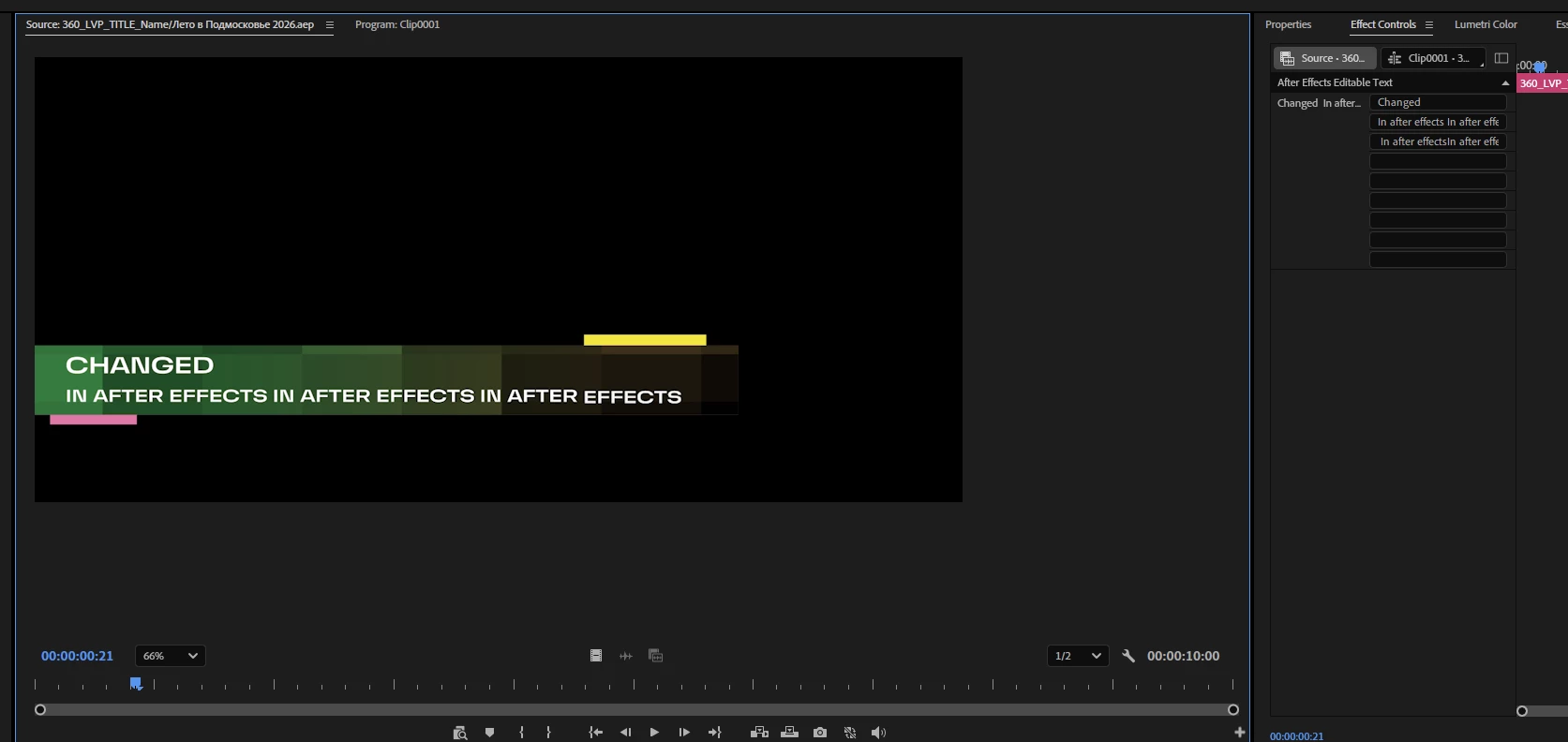
- You can change text info in the comp right inside Premiere in this source tab:
-
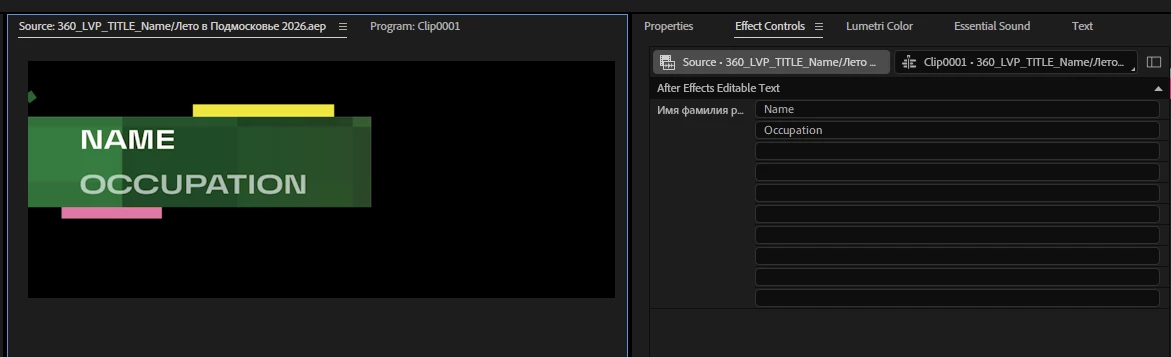
The info can be of any length in the Source but the template at some point will start to crop it as if hitting the edge of the comp but it doesn’t actually. Here’s the same amount of letters in AE and they are not cropped and only after you change it in AE, it will update and become uncropped in Pr.
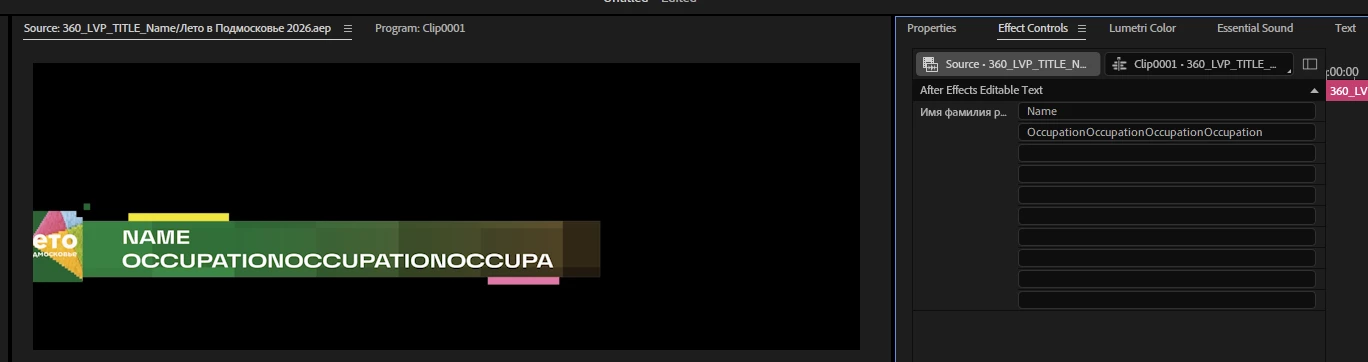
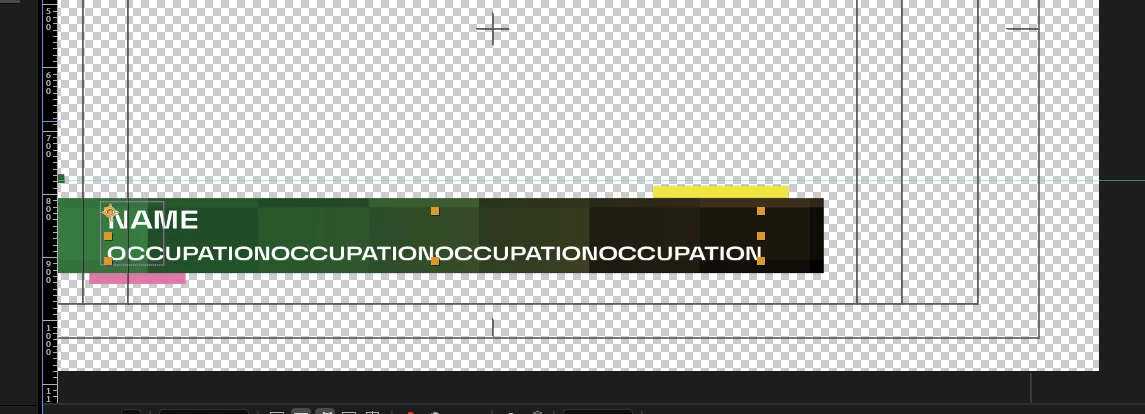
- If you duplicate the AE comp inside Premiere you will be able to change the duplicate not effecting the original and theoretically have as many copies of the same single template leaving it unchanged inside AE:
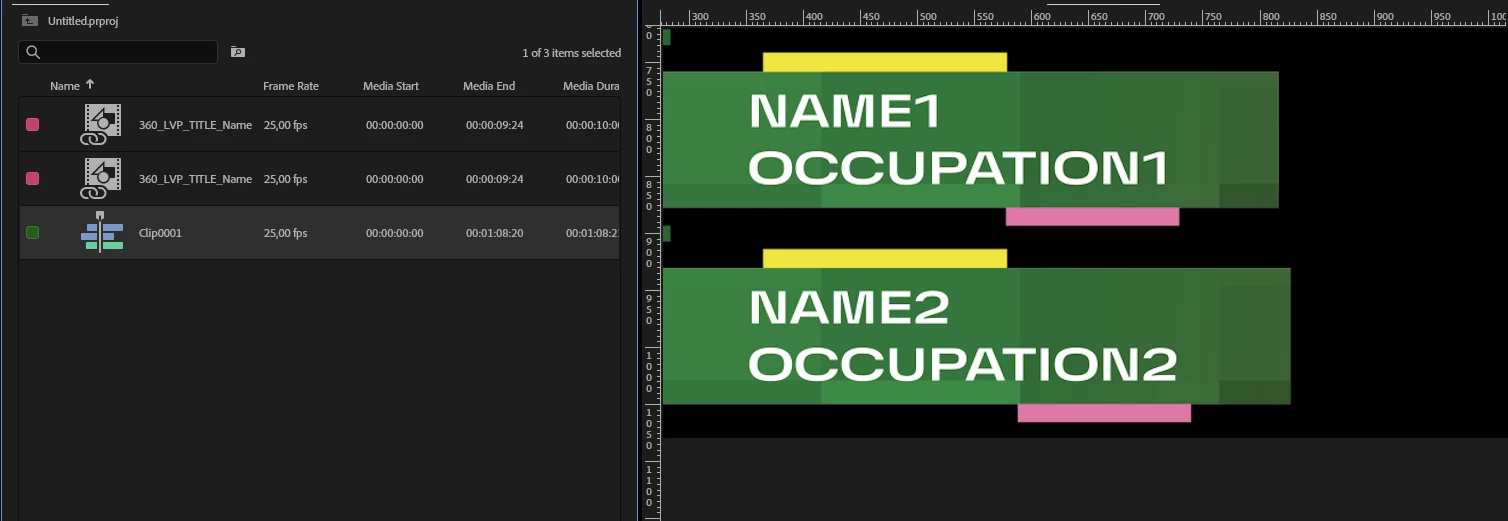
- But if you come across a situation that there are too many letters to fit into the Source text box of the AE comp and need to go to AE and type them there, it WILL NOT update the instances of AE comp inside Premiere even if you make a new duplicate:
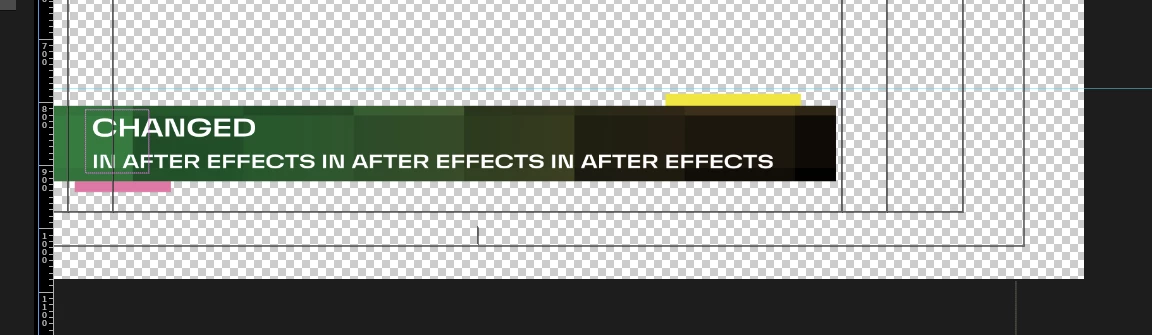
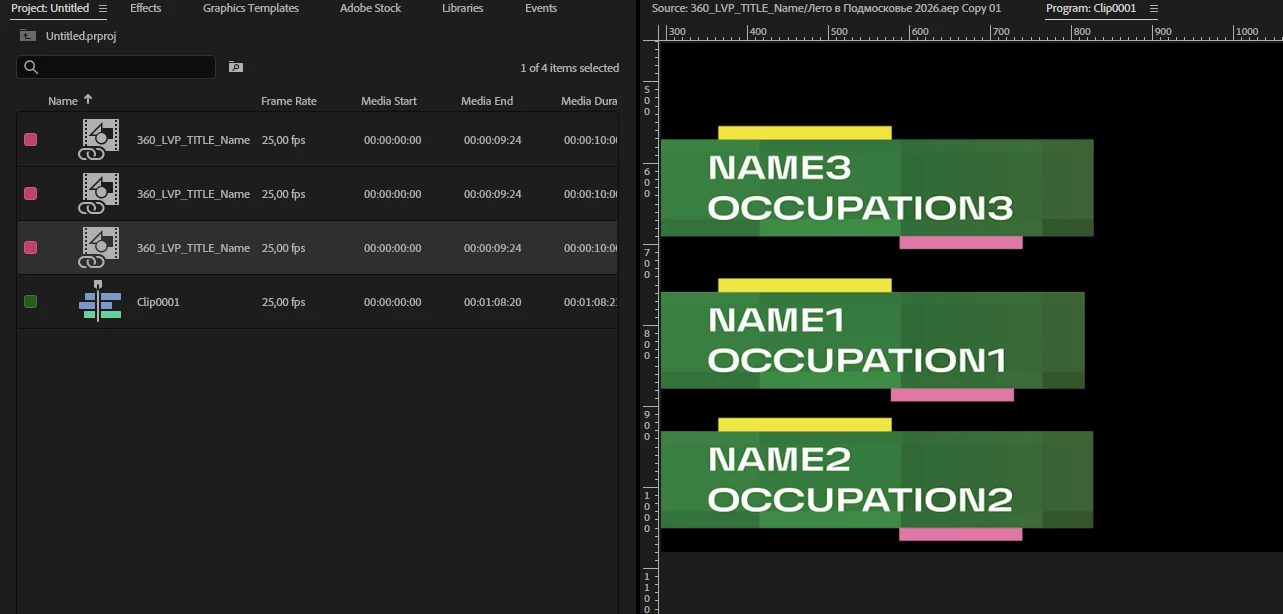
- But if you reimport the same saved changed in AE and saved template into Pr again and import the comp that you were working with previously anew, it will contain all the changes:
So my question is: how come? Why does Premiere override AE when working with its templates? Is it by design or is it a bug? If I have a bunch of people in my video and only one template, should I make a physical copy of AE template on my hard drive to make them unique or can I use one template and just duplicate it in Premiere - in this way how should I approach ling names or occopation inof that won’t fit in Premiere but fits in AE?
 AdChoices