


problem making custom vignette with ellipse masking tool
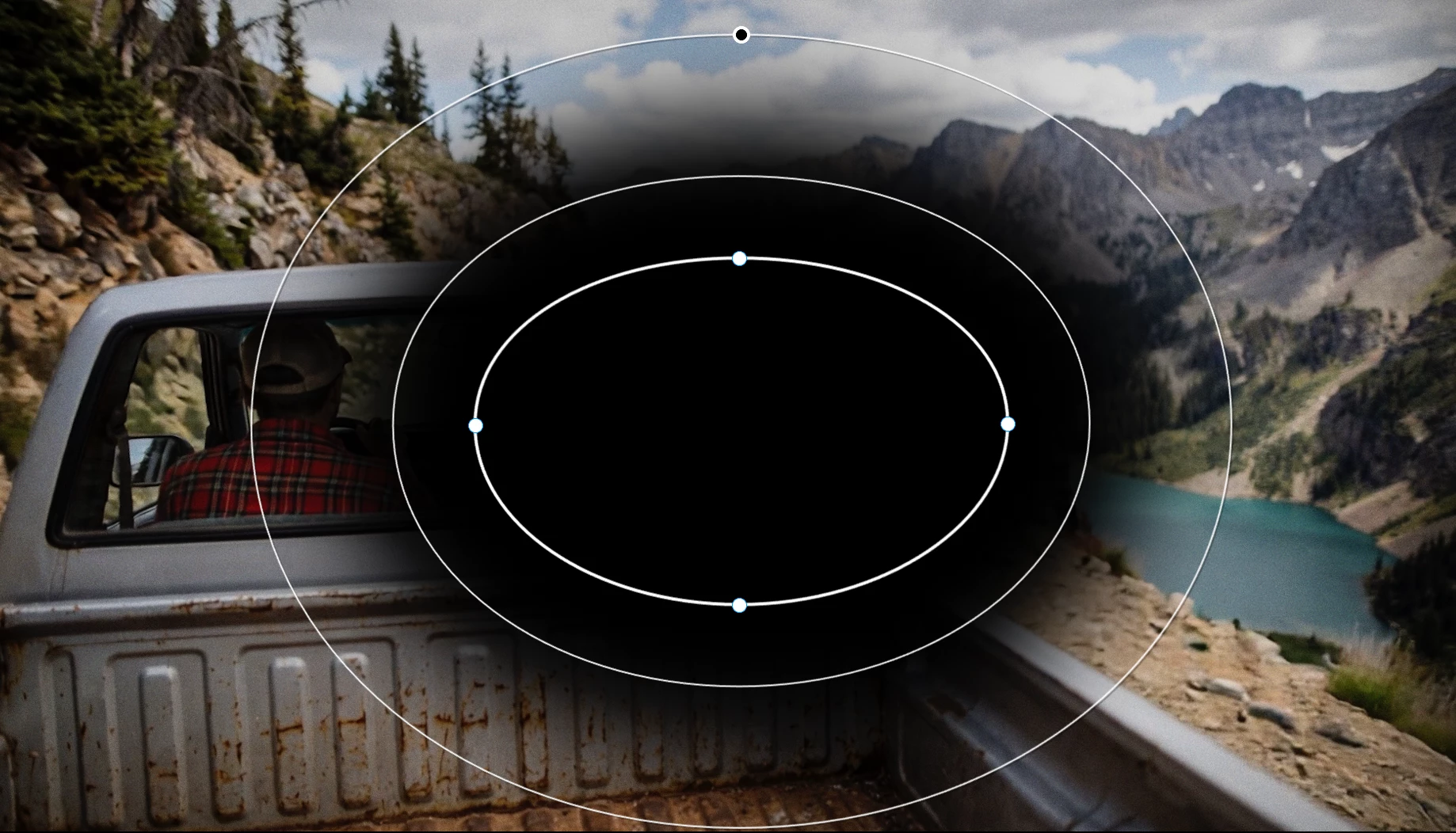
Using PP 2026 I can make a custom ellipse mask, move it to to the opacity section of effects and adjust opacity to darken the center of the ellipse with the area around the ellipse black, or invert it and get a black center with the opacity slider affecting the exterior. this is not what I want.
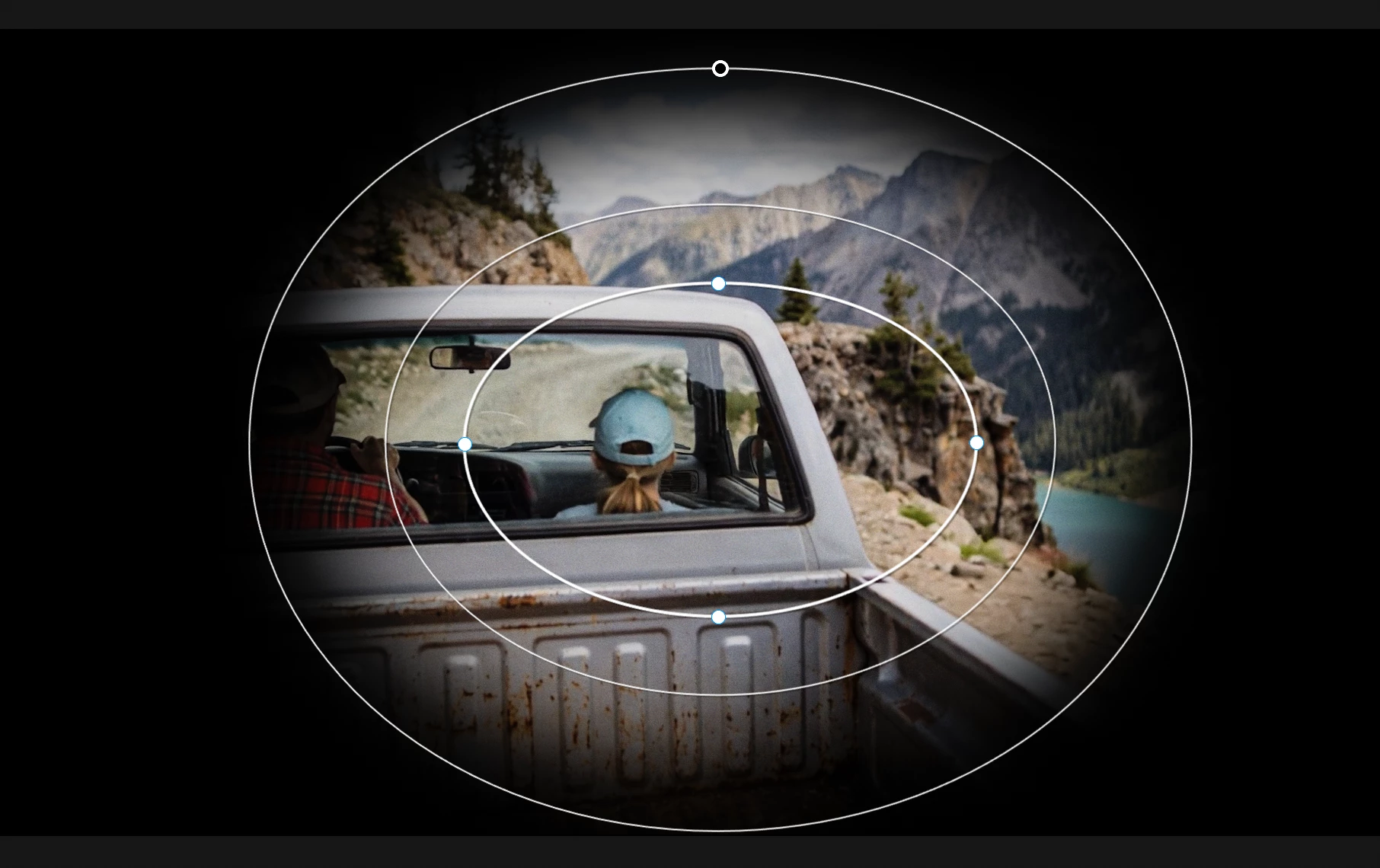
I want a clear center, showing the unchanged exposure of the underlying shot, with adjustable black OUTSIDE the ellipse, so I can adjust opacity to create a simple vignette effect.
I want to do it via ellipse tool instead of with the built-in lumetri effect for more control.
What settings make this possible? Can it be done right on a clip or does it require an adjustment layer?
Nothing I try with blend modes, etc seems to make a difference.
Thanks very much for your help!
Steve

 AdChoices