This topic has been closed for replies.

9 replies

Participant
September 21, 2017

i have the same problem how you fixed?

Known Participant
June 7, 2017

There are now multiple threads related to Essential Graphics install problems. In my case, Essential Graphics install worked fine on my 3 yr old Win 10 laptop; but fails on my 3 month old high end workstation. Any After Effects labeled/generated .mogrt title files fail.

So it's clearly something wrong with the Adobe installer related to paths, permissions, cc accounts, scratch disc assignments, etc. variations that the installer fails to work with to allow something in the Dynamic Link between Premiere and AE ?

jstrawn
Legend
June 7, 2017

I'm not sure if these various cases are ALL related, but if you are seeing any mogrts try to load and then fail with an error (espeically if that error is telling you to install Ae when you already have the current version installed), please see this thread:

Unable to use Essential Graphics templates created in AE

...especially the one on page 2 (# 45) by James Landy.

Most specifically:

"Solution: If PR fails to open... (an ae mogrt) ...you'll need to modify your system settings for your user account to allow read and write access to (certain) directories."

Known Participant
June 7, 2017

The vast majority of people who have tried all the fixes in the thread you reference have resulted in failure.

Many hours of work with no results except for a couple of people.

There is something broken with the Adobe installer.

Participant
May 29, 2017

same problem here, stuck at 15%

Participating Frequently
May 26, 2017

have this problem too

Essential graphics problem

jstrawn
Legend
May 10, 2017

info@haldigital97.com  wrote

Hi,

I have a problem with recognizing the subtitles, what might be a problem?
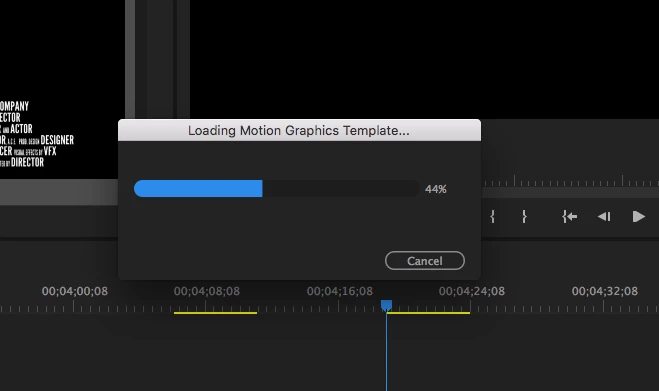
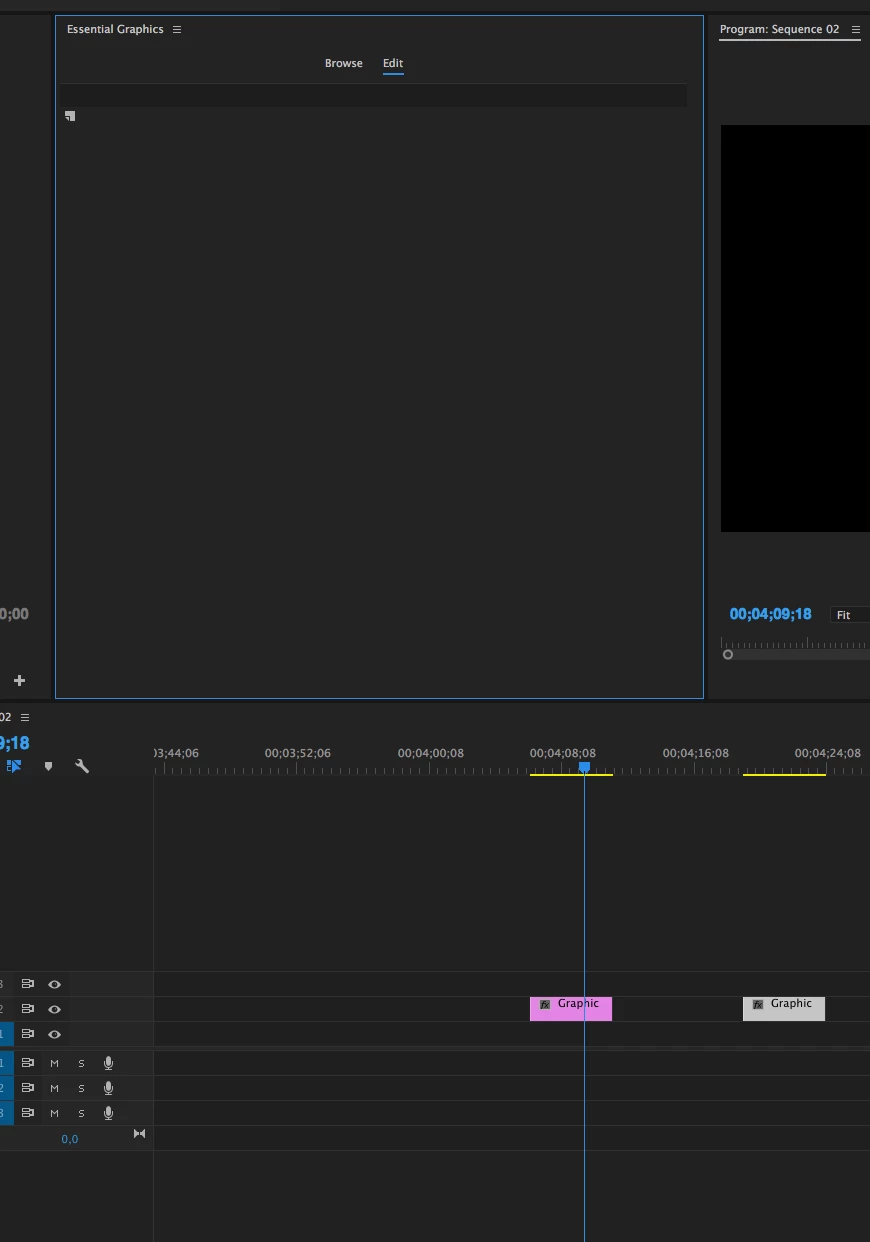
So the first screenshot is showing your Loading mgrt problem frozen at 44%, right?

What is the second screenshot showing?

The Graphic I see selected in the timeline... is that the one you were trying to use when it got stuck at 44%? Or is it some separate problem where selected Graphics are not showing params in the Essential Graphics Panel (EGP)? If you make a new Graphic (just add text to the PM with the type tool when no other Graphic is selected) does that show up correctly for you in the EGP?

Also, was the mogrt you were trying to load exported from AE or from PR? (specifically, what was it called, and what category was it in, or if it was a custom export, can you send me the exported .mogrt file?)

Participating Frequently
May 10, 2017

I actually had Premiere crash multiple times while trying to use the Essential Graphics Panel, so I downgraded back to 2017.0.2. Working on Windows 7/PC. The previous version still works perfectly fine. Hopefully there are a number of bug fixes on 2017.1 soon.

jstrawn
Legend
May 10, 2017

codys53287509  wrote

I downgraded back to 2017.0.2. Working on Windows 7/PC. The previous version still works perfectly fine.

...Understandable

Can anyone else who has seen this porblem answer the questions I asked above? Specifically:

  • If you make a new Graphic (just add text to the PM with the type tool when no other Graphic is selected) does that show up correctly for you in the EGP?
  • Was the mogrt you were trying to load exported from AE or from PR? (specifically, what was it called, and what category was it in, or if it was a custom export, can you send me the exported .mogrt file?)

I have seen reports from some Beta and Localization user which might be related, but it's not something we have been able to reproduce using the current 2017.1 GM release in English. So any steps or other help leading to a repro will help. Most notably, if any of you are seeing with with a .mogrt you exported and not with the installed ones that came with the app, that would be especially telling.

Inspiring
May 10, 2017

I still have this problem...

Inspiring
May 3, 2017

For macbook pro and iMac the same problem!

Inspiring
May 3, 2017

Yes! several times

Known Participant
May 2, 2017

Same problem on my end. I updated this morning and can't get the EGP to work properly. When I try to load a template into the timeline, the progress bar freezes at 44% and it gets stuck there. I ran disk first aid and restarted. Still not working.

mattchristensen
Legend
May 2, 2017

Hi, sorry to see these issues! I'm curious, does this happen if you open a brand new project in 2017.1 and create a sequence and try to drop one of the templates in?

Known Participant
May 2, 2017

Yes. I updated Premiere and am working in a new project started today.