
Participant
November 20, 2020
Question

Problem: Picture lost his original color.

  • November 20, 2020
  • 3 replies
  • 676 views

Hey Guys

I have a problem, I downloaded a png and jpg format photo from the internet, and when I put the Photos on the sequence, the photos turn red / orange and they no longer have the original color.(without color grading)
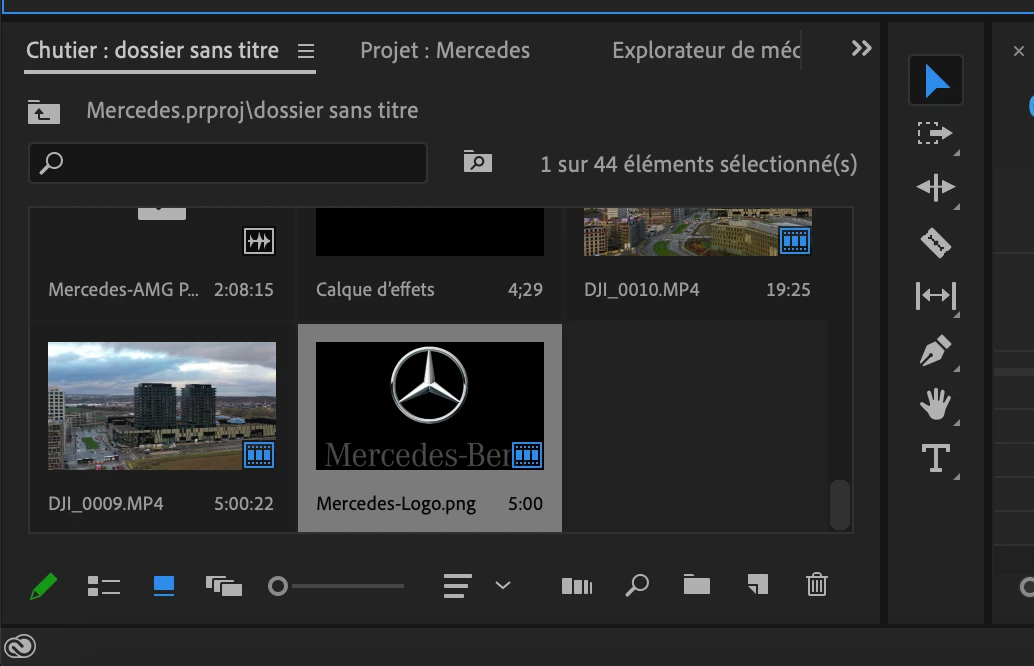
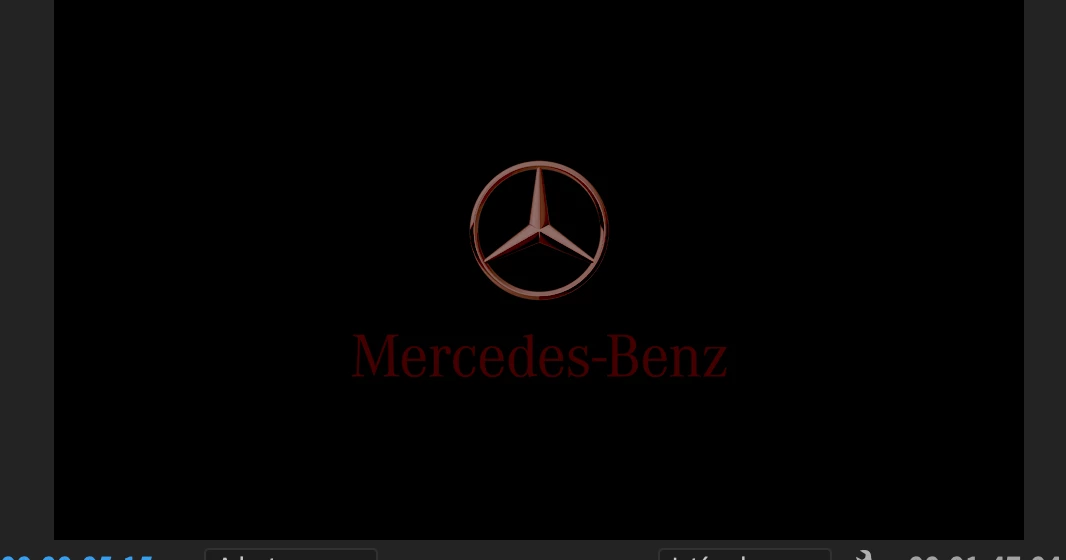
 

Can someone solve my problem?  


Thanks for helping.

This topic has been closed for replies.

3 replies

Participant
November 20, 2020

Oke because my sequence is in work natively in Rec. 2100 PQ in Premiere Pro and the color is always the same(red/orange).


Ann Bens
Community Expert
Community Expert
November 20, 2020

Put them in a separate sequence with 709, nest and then add the nest to the main sequence.

See if that will work.

Community Expert
November 20, 2020

All fine here on Win 10 latest Nvidea Studio driver 457.30

Inspiring
November 20, 2020

It might be that the photo is CMYK and not RGB, try converting it in photoshop to RGB and give it a shot. If not, post the png here so I try on my system, maybe we can figure it out.

Participant
November 20, 2020

it doesn't work here. I send u the pictures

Ann Bens
Community Expert
Community Expert
November 20, 2020

Works fine here;

Resave them in Ps.