stefanocps
Inspiring
July 3, 2020
Question

problem, sudden video noise on my clips

  • July 3, 2020
  • 1 reply
  • 294 views

hello

today i have reopened my project after 3 weeks and something strange happen

most of the clips have noise like this
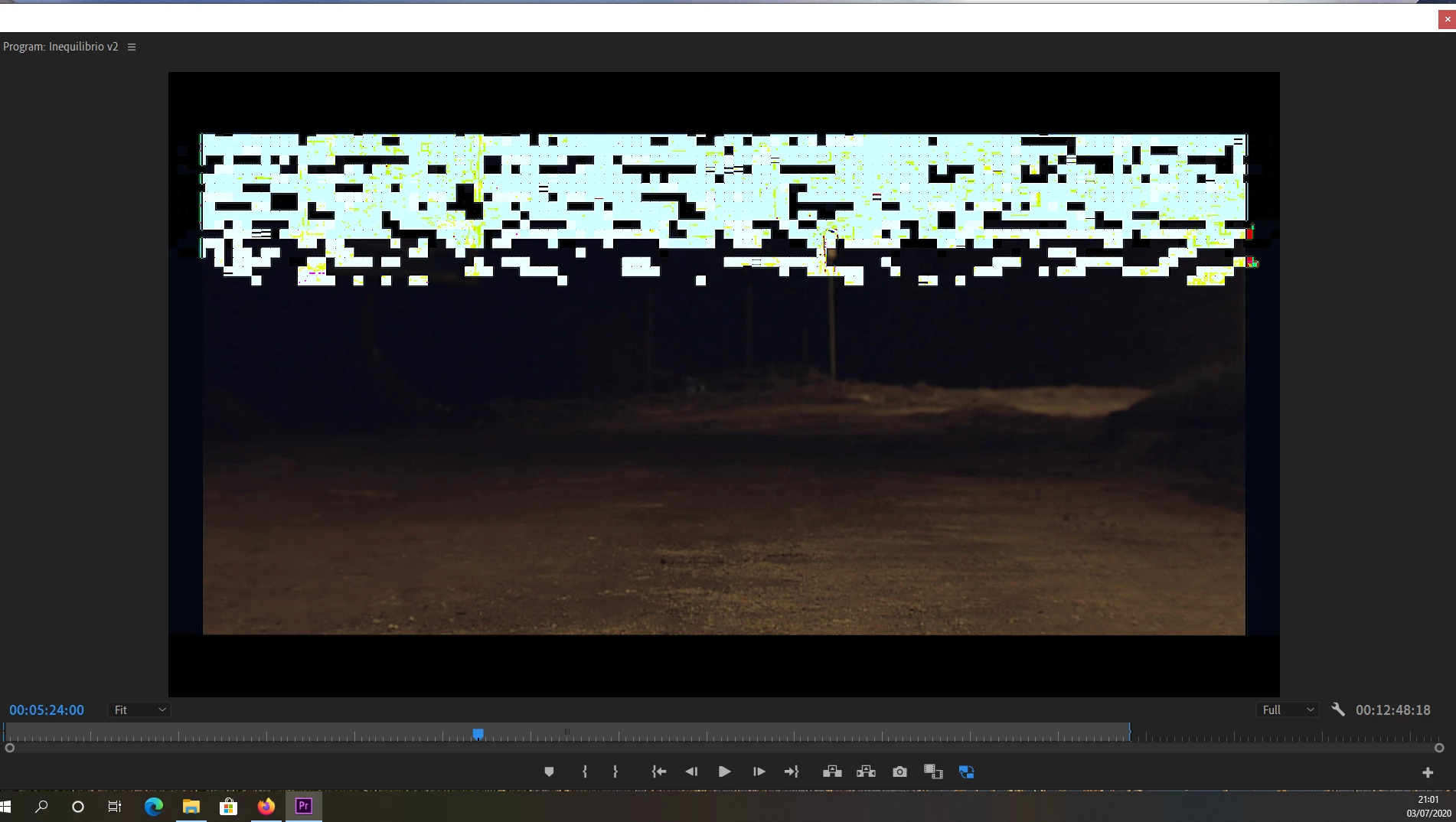
 

i have already tried to delete all render files, empty cache and copy all on a new folder using project manager

Nothing change

Now it seems to me that it happen where there is lumetri color applied. If i disable it  clip is ok


What can i do?


thanks


[Moderator note: title changed for clarity, as there is both video noise and audio noise in video post work.]

This topic has been closed for replies.

1 reply

R Neil Haugen
Legend
July 3, 2020

As has been covered in probably more than 50 threads in the last few days ... the latest Nvidia drivers are wonky. Screwing up across all video processing apps.


Roll back to at least a 445.x driver, some need to go clear back to the 442.19 driver. Then make sure you use the options in the Nvidia driver installation dialog for clean install, using the Studio driver version.


Neil

Everyone's mileage always varies ...
stefanocps
Inspiring
July 3, 2020

great thank you

i was thinking of it, as the video driver was the only thing that changed in these last days..

but could not beleive that it really could be so damaging 🙂

Ann Bens
Community Expert
Community Expert
July 3, 2020

Only the 442 is a studio driver: all up are game drivers.

The clean install checkbox is under the custom settings for all drivers.


Disregard the version numbers in the screenshot.