Answered
Problem with duplicate captions after upgrading to 15.2 (Build 35)
Running Mojave on a 2013 Mac Pro Trash Can
Created a program back in Dec 2020 and I need to make a change, but when I opened the project in the latest version of Premiere (and created a new project) there are now 2 sets of closed captions. (using 608)
One of them is in ALL CAPS. [see pic 1]
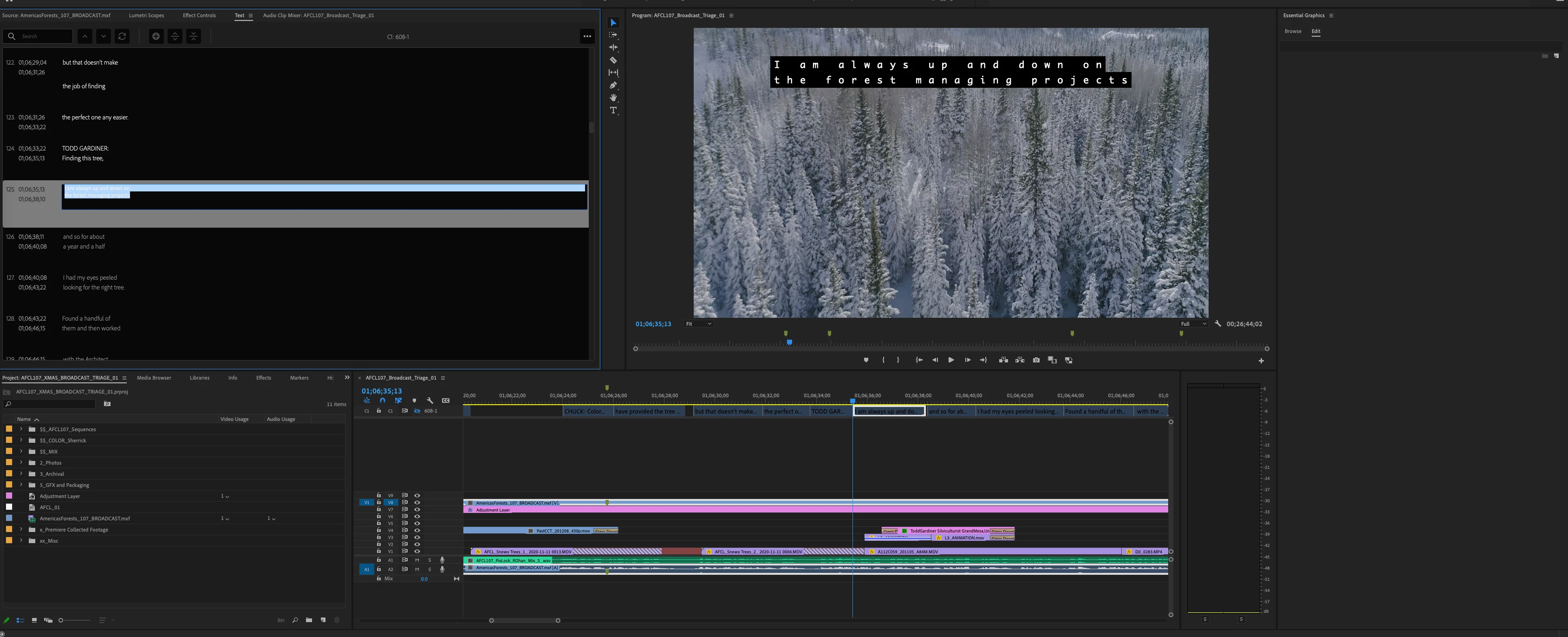
Only one track of captions is visible, and if I turn off the eyeball of that track, the "extra" set goes away.
[see pic 2]
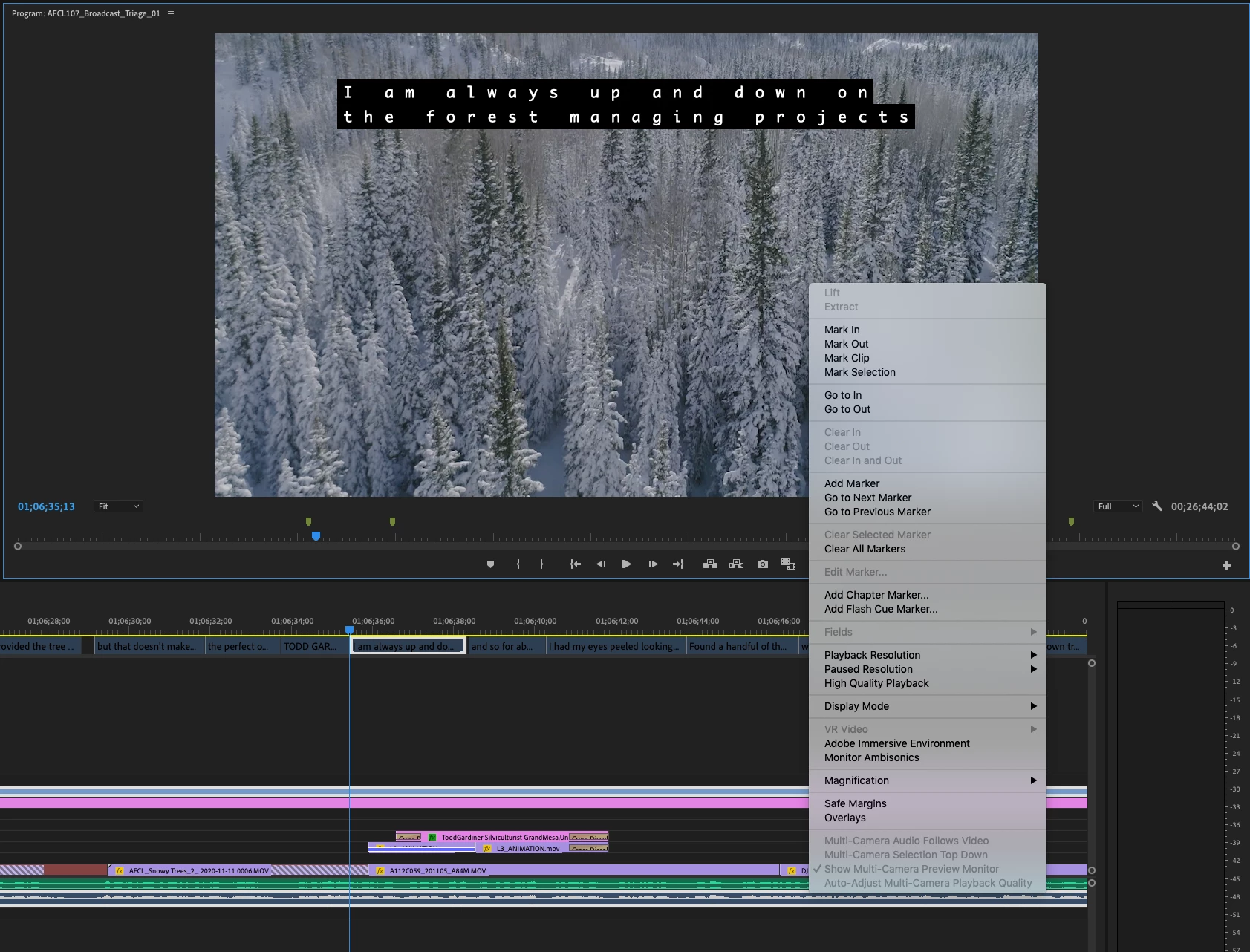
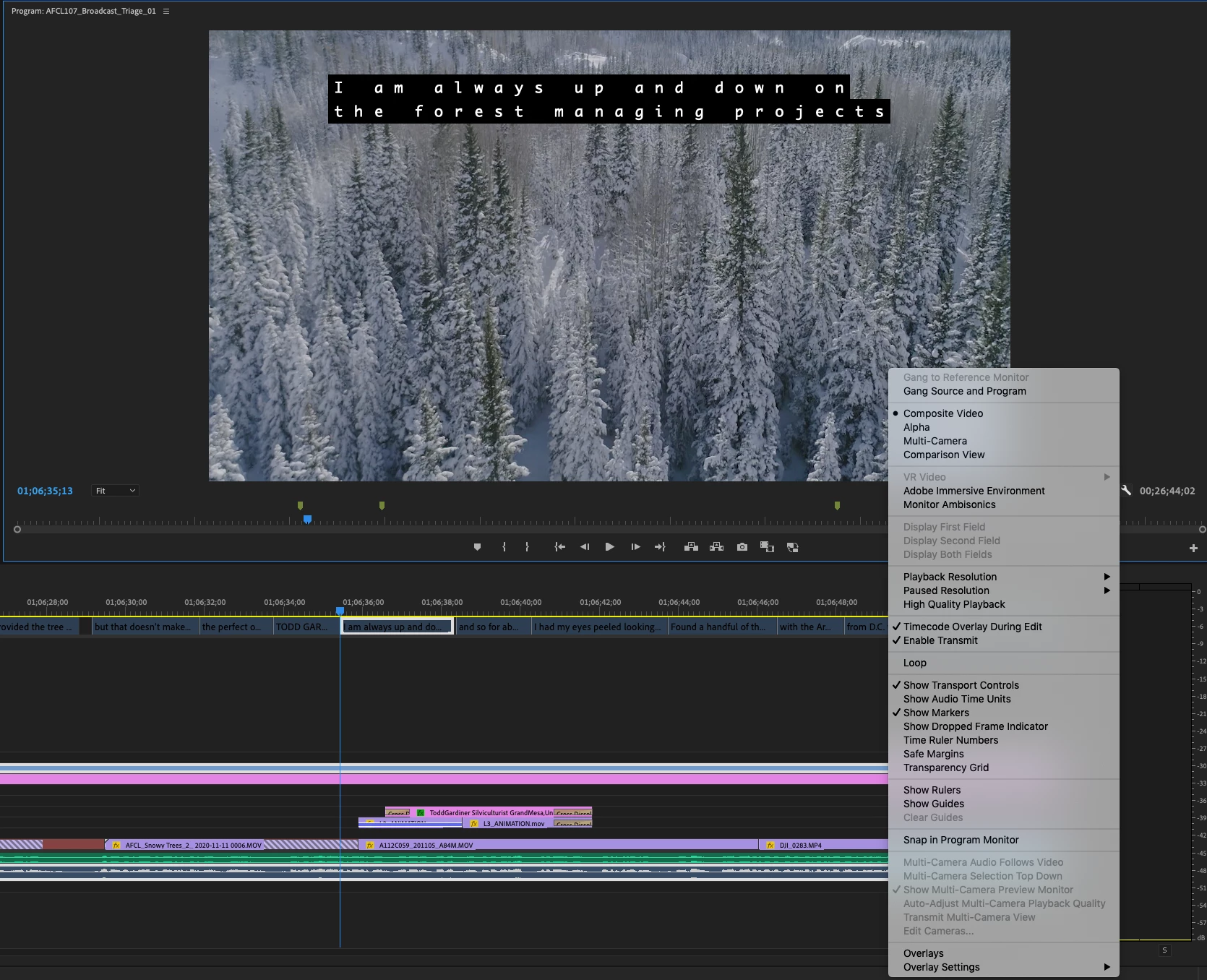
I also don't seem to be able to turn Captions on or off in the Program Monitor. Right-clicking doesn't provide the option and neither does the Wrench.
(I tried using a Default Workspace.)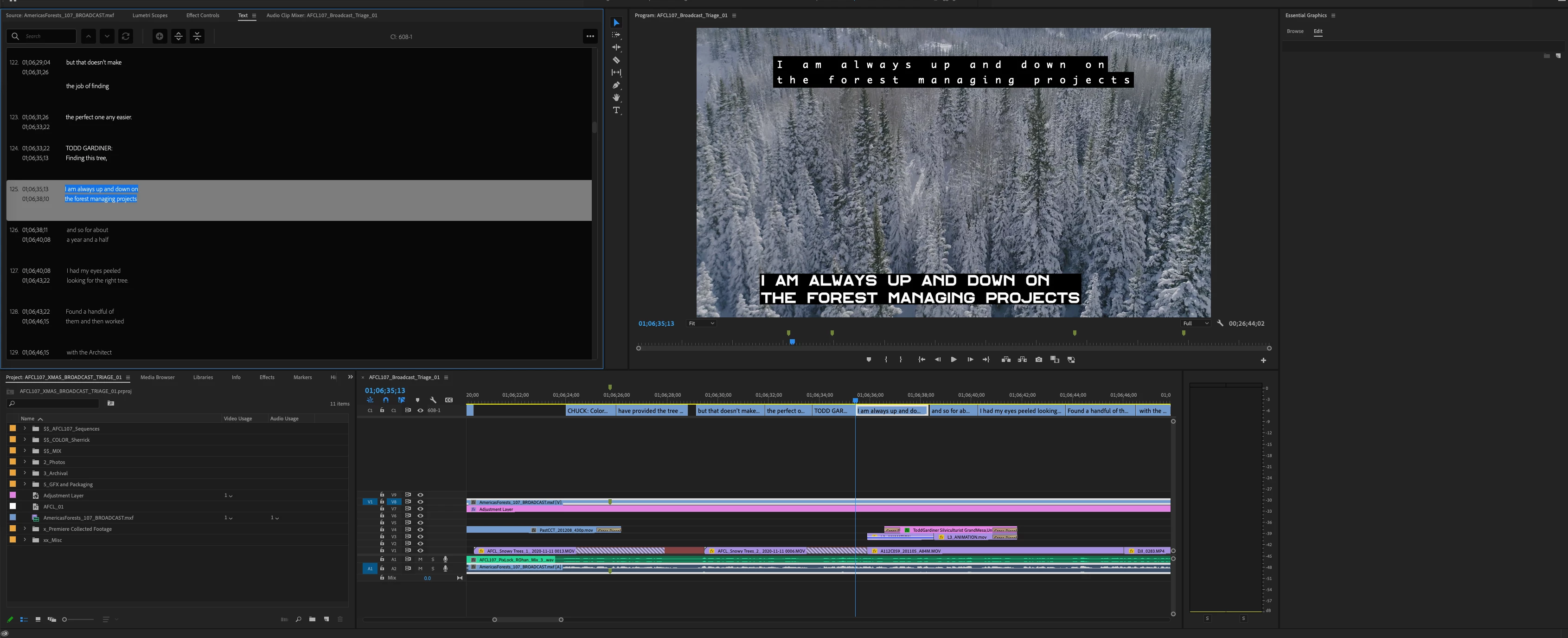
 AdChoices