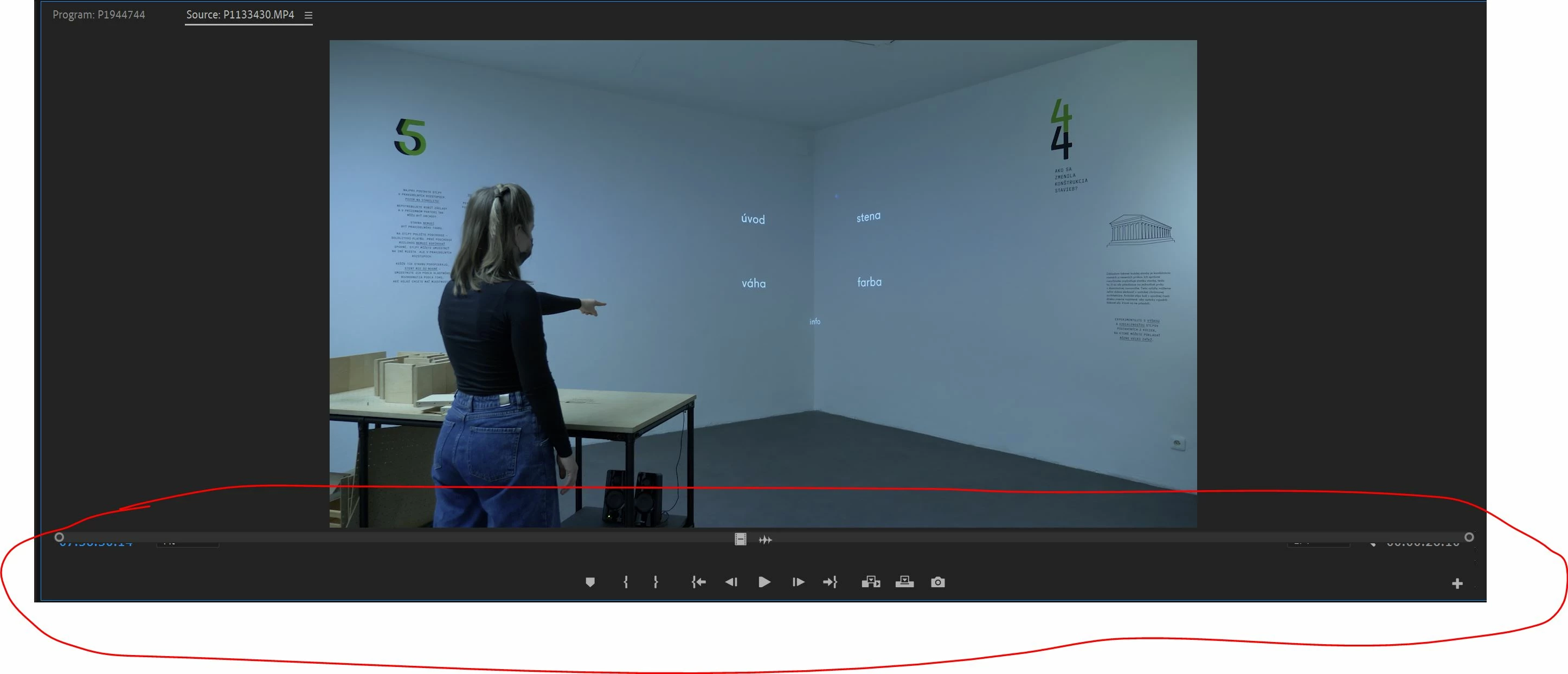
She's suggesting you close the panel. It's just a panel in your workspace, timeline or not doesn't matter. So, to close any of the panels you have open, you click on the hamburger icon (three little lines) in the top left corner of the panel, and then select "close panel". Then reopen it by doing exactly as you did to see the problem by double clicking your clip in the project panel and it will reopen the source panel with the UI reset.
 AdChoices