
Participant
November 21, 2023
Question

Problème de couleurs à l'export sur Première Pro 2024

  • November 21, 2023
  • 8 replies
  • 515 views

Bonjour.

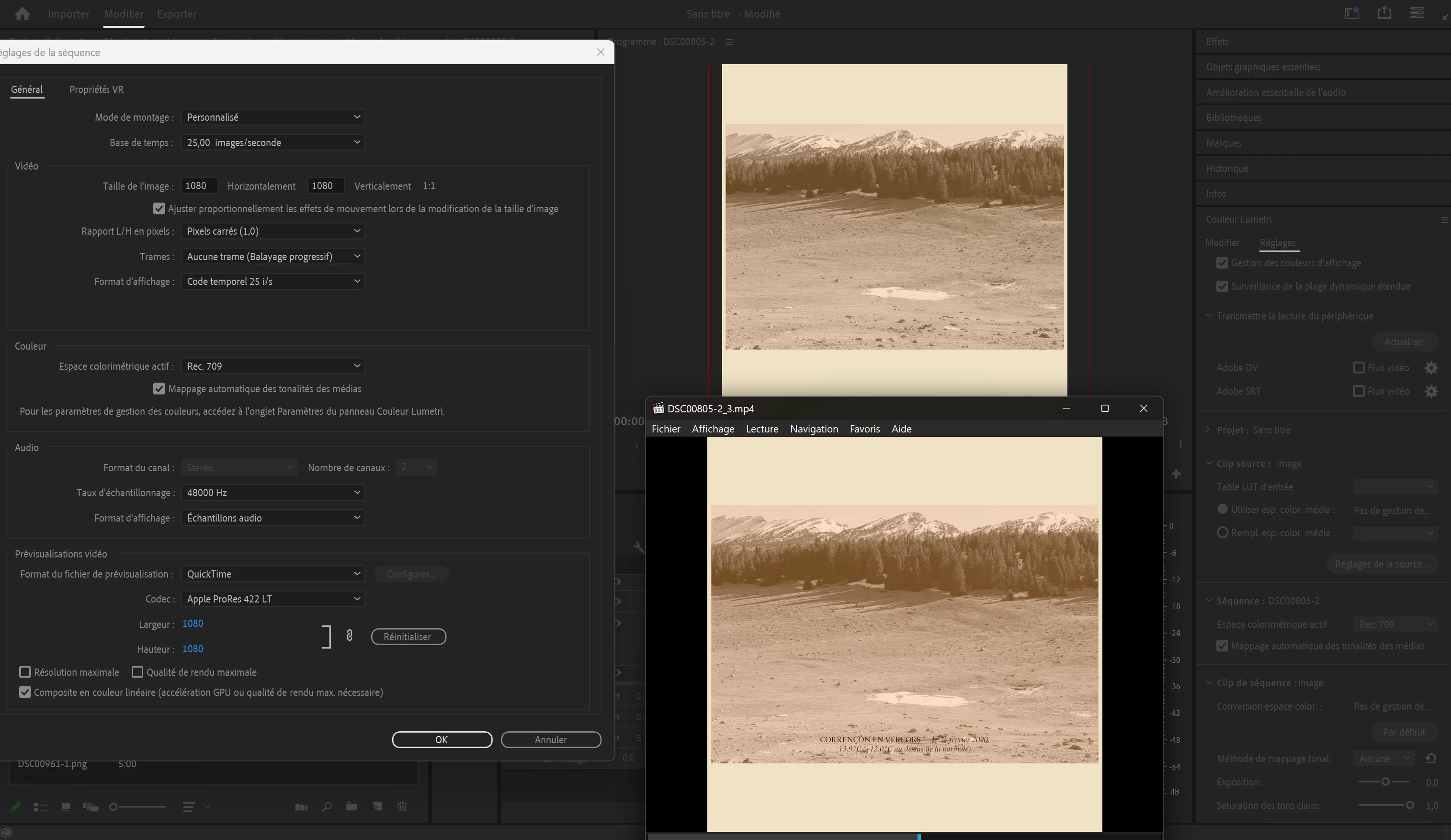
J'ai essayé beacoup de choses mais je n'arrive pas à exporter correctement ma vidéo.

Le jaune devient rouge quand j'exporte la video.


Pourtant mon écran est calibré et je susi en rec 709.

J'ai meme converti mes photos de base en rec 709 mais ca ne change rien.


Ci joint des photos de mes paramètres
 

This topic has been closed for replies.

8 replies

Adobe Employee
November 22, 2023

Your sequence is set to Rec. 709.
Could you share what yellows are converted to red in your exported video? Sorry but I can't exactly figure out from your image around the issue you are facing. There's a red border in one of the images but it seems to be present in Program Monitor. Could you also share the export settings you are chosing while doing the export?

Participant
November 22, 2023

Here my actual settings.


Thanks for the answer


Participant
November 22, 2023

Participant
November 22, 2023

Adobe Employee
November 22, 2023

Hi damienr93760985
Could you kindly select the sequence in timeline and then get the screenshot? It would show the sequence color space chosen.

R Neil Haugen
Legend
November 22, 2023

That doesn't show a sequence color space.


You need to set the Sequence to Rec.709. I also suggest making sure that both auto detect log in the Project section and auto tonemapping in tge Sequence are set.

Everyone's mileage always varies ...
Participant
November 22, 2023

thanks for the rapid answer.

Here my screen

R Neil Haugen
Legend
November 22, 2023

If you are in Pr 2024, please go to the Color Workspace, Lumetri panel, Settings tab.


Do a screen grab there, as it will show all your CM settings.

Everyone's mileage always varies ...