
Participant
August 26, 2024
Question

Problems in projects

  • August 26, 2024
  • 5 replies
  • 788 views

Hello All, 


I kind of have a question to you if you already encountered this problem before. I don't really know if it's a technical or hardware issue, so please bear with me.


For some time I need to work in After Effects and Premiere Pro, both of them are the latest versions, constantly updating. 
The problem is, after I finishes my animation in AE and export it to .png sequence (we are talking 50 fps, 1920x1080)  -> import it to Premiere, nest and give a background clip, the whole program just freeze in a sense. It gives real time "data" only if I move the window a little. 
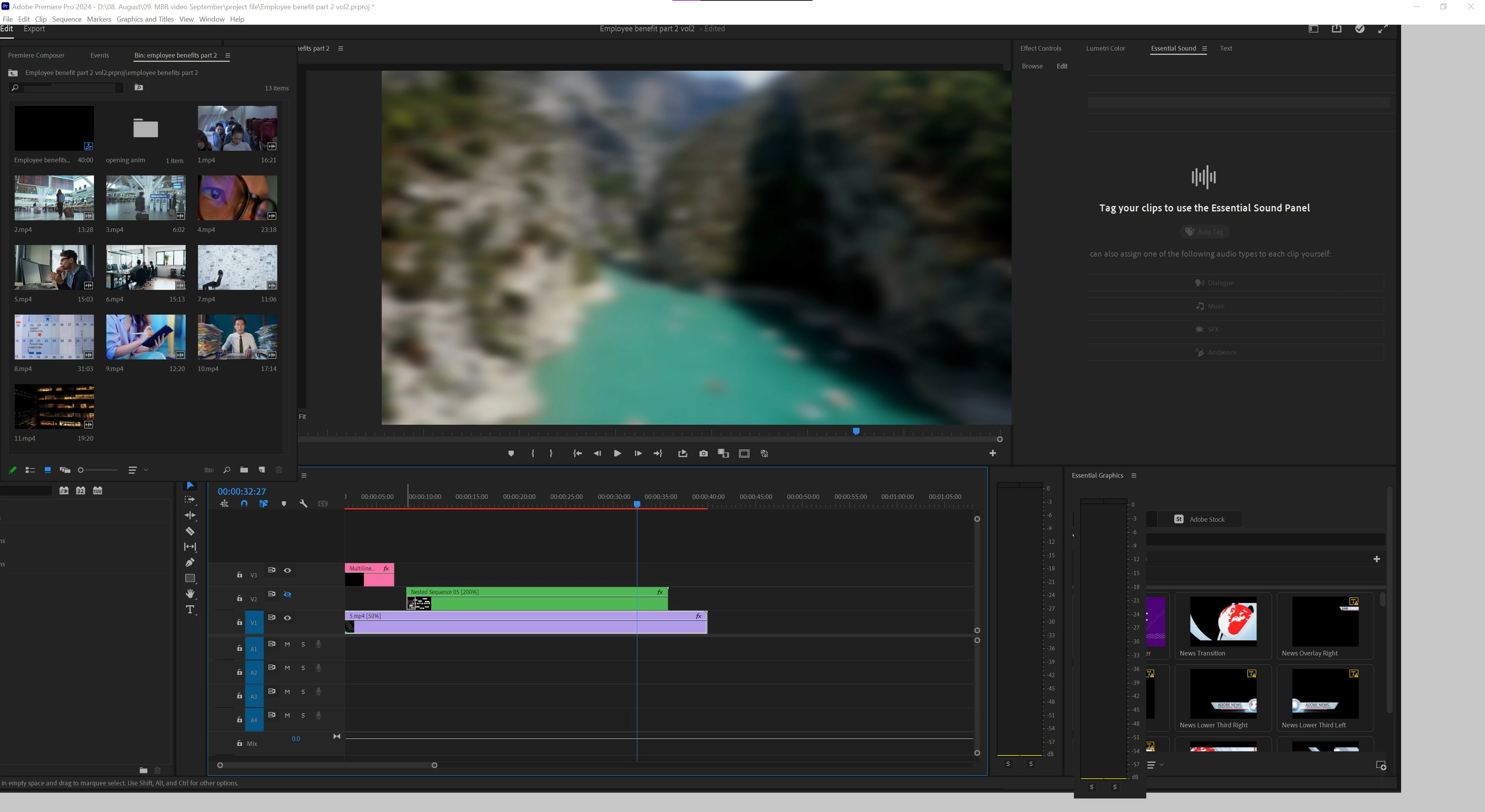
If I put it to the taskbar and back to full, my whole workspace just go grey until I don't move the window to smaller size.  
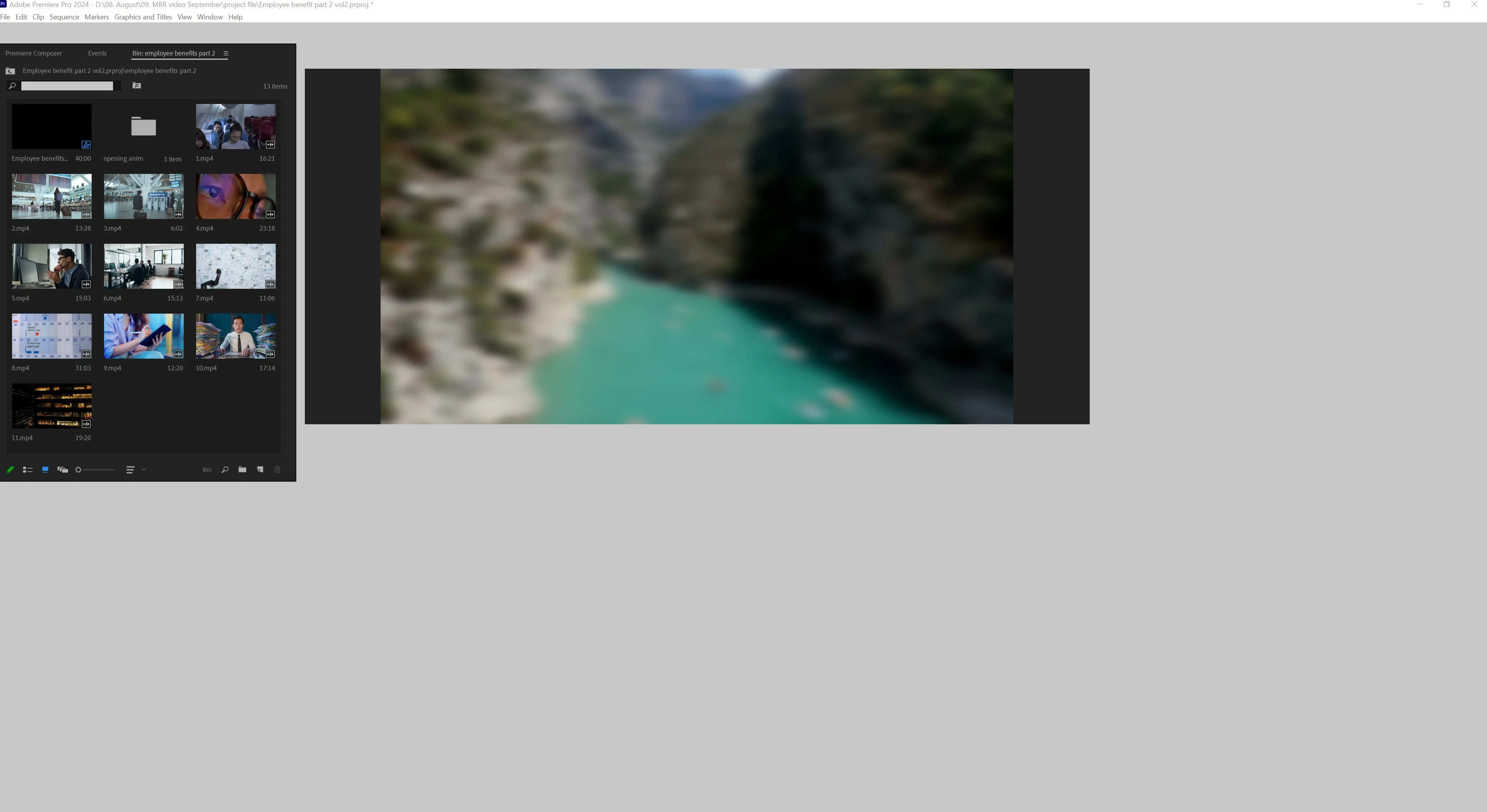
It's a company PC, not the newest but not bad either and it can keep up mostly everything I need to do. With the IT we updated the Nvidia drivers, windows and every possible extension we could find but nothing works so far.
I tried to remove all the cache files, and checking the driver and memory space if there is any anomaly with it. Nothing. Also tried to remove the program completely and re-install. 

Also it seems this problem only happens after I imported a bigger .png sequence (the first problem occured with an ~2600 picture sequence. This one is with 1330 picture sequence)  and from that point it effects every project I try to work on. 

Previously the problem solved itself, when I opened the problematic project from a previous, smaller one. Now this method isn't working. 


Any Idea? Please help. 

PC info:
Intel(R) Core(TM) i9-9940X CPU @ 3.30GHz 3.31 GHz , 64 GB RAM

NVIDIA GeForce RTX 2080 Super , 8 GB

Windows 10 Enterprise, ver. 22H2 64-bit

Program info:
Premiere Pro 2024 version 24.6

After Effects  version 24.6

This topic has been closed for replies.

5 replies

IanB_360
Community Manager
Community Manager
August 29, 2024

Thats great to hear , JaneDone

The halo rings around your circles may be something you can also fix or workaround.


Without knowing your workflow I would suggest taking a look at the circles you've made with the app you made those in. For instance if they were created in Photoshop with magic wand or even Adobe Illustrator using vectors just look at the image on a colored back ground to see if you notice any edges around the circles on your original art work.


You may be able to feather those out or clean them up with an erase tool. Also when you put a solid color behind the circles in After Effects are those halos showing up before the export and while you check the playback in After effects? One last thing would be to send a screen shot of your export settings from the Render que in After Effects, you could try to  see if there is a change between exporting with Straight (unmatted) or Premultiplied (Matted).


Ian

JaneDoneAuthor
Participant
August 30, 2024

Thank you, thank you *-*

I changed the render setting from Premultiplied to Straight and my problems are solved. No ring.

For the animation, there was no other program involved, just good old After Effect. I am still in learning phase, animation wasn't really my thing. 

IanB_360
Community Manager
Community Manager
August 30, 2024

That is super awesome news! JaneDone Glad I was able to help out! And good luck with your project, it looks like its coming along great from the single screengrab you sent. I will be around if anything else comes up please let me know.


Ian B

JaneDoneAuthor
Participant
August 29, 2024

Thank you for the help.
So far good, my program doesn't wan't to freeze. About the animation, there are some discolorations around the circles and bubbles I've done, but if this is the cost of me finally able to work, I okay with it. 


IanB_360
Community Manager
Community Manager
August 27, 2024

Hi JaneDone

Sorry to hear you are experiencing this issue. Can you do a test and export out of After Effects an Apple Pro Res 4444 + Alpha channel like Ann Bens

suggested and let us know how that works out on your machine? I noticed your latest reply you mentioned the export of an Mp4, this type of file wouldn't be that useful since it sound like you need an alpha channel for the animation. The PoRes 4444+Alpha file is always a good option for animation or sequenced image files. Try that and let us know what you experience.

Ian

JaneDoneAuthor
Participant
August 26, 2024

Funny thing is, I exported it to .mp4 after it got the BG clip. Deleted the sequence and imported the new file to the project. Same problem occured. 


Ann Bens
Community Expert
Community Expert
August 26, 2024

Your machine might be chocking on all those images.

Might want to try and render the timeline (red to green renderbar).


Do you really need a PNG sequence? You can also choose Prores 4444+alpha to preserve transparency and no nesting.