
Problems with conforming and indexing audio
Hi all!
I'm having some very frustrating issues where Premiere is failing to both conform and index most audio in my project (see screenshot below).
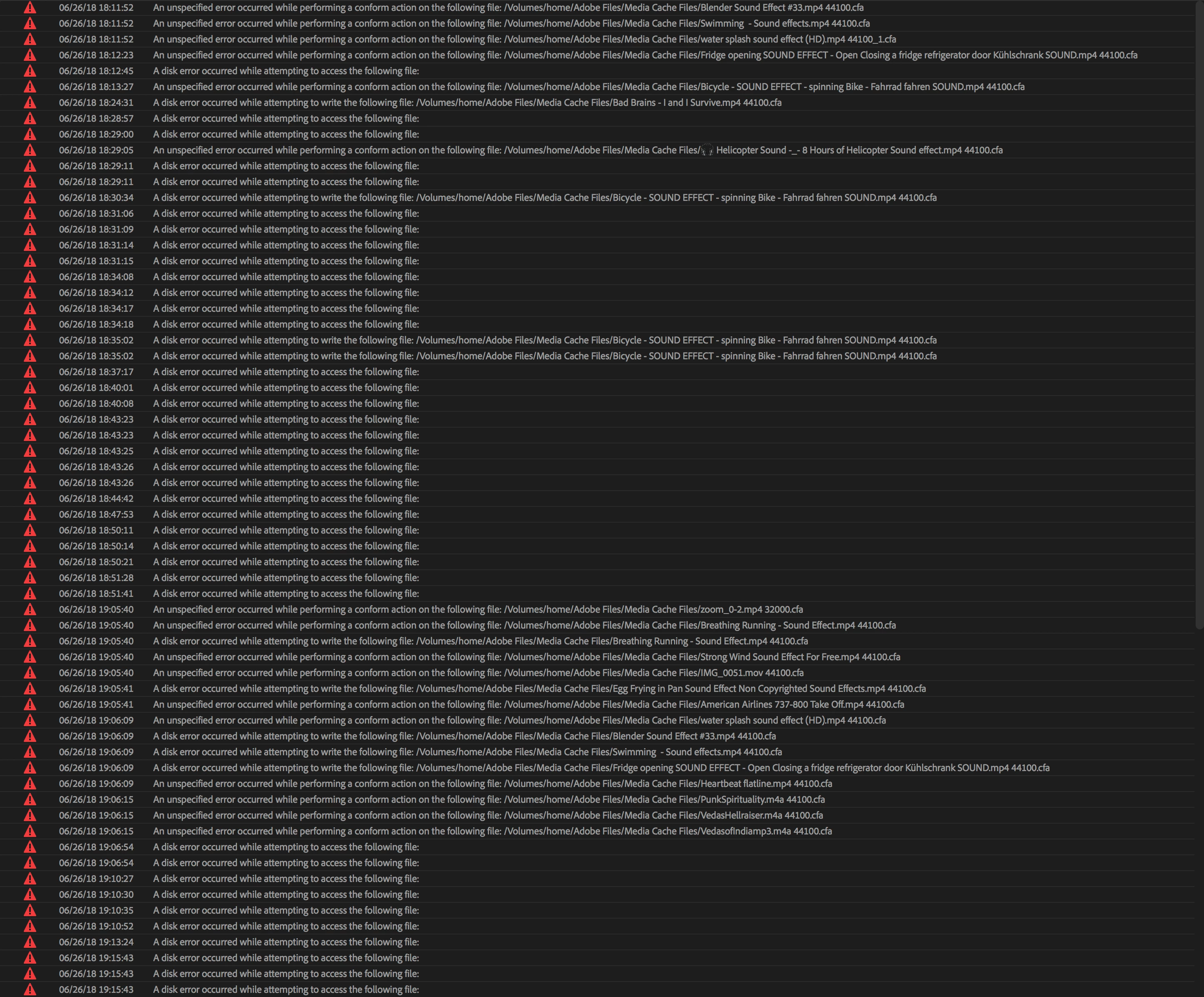
I have previously generated peak files (.pek) and conformed audio files (.cfa) when working in a different version of this project. Not sure exactly at what point this started (or what I did differently before then), but I suspect it has to do with me copying sequences from one project to another a number of times and somehow confusing Premiere... Just a guess!
Now every time I start the project Premiere tries to re-conform and re-generate peak files, whilst not being able to access old or even newly created ones... This causes my project to run very slow and makes several audio files not play back at all.
Additional info that may be useful is that I have set my Media Cache Files location to a fast NAS system which I share with a couple of people and to which I am connected via both Thunderbolt and Ethernet. (Problem occurs no matter which pathway I use.)
Has anyone experienced a similar issue or has any suggestions on how to fix this? Spent a long time on the phone with Adobe the other day but they couldn't fix it and then had to hang up as I was taking up too much of their time!
Thanks in advance.
Oh and my computer is a 2017 iMac Pro with 32 GB of RAM, so performance should not be an issue! Version of Premiere is 12.1.1.
 AdChoices