Question
problems with replaced footage (yellow)
Hi there, I have a strange error in my project on Premier. I replaced the footage because I changed the location of files to a different folder. Since then some of the footage shows yellow on my timeline. I checked that using 'reveal in finder' tool and using replace footage afterwards, and confirmed that it is pointing to the right file/footage. I also rendered of course, tried to change the 'mercury playback' settingto software only, but nothing solves the issue. the footage shows yellow on my timeline, although the render shows green... What can I do to solve this? Many thanks in advance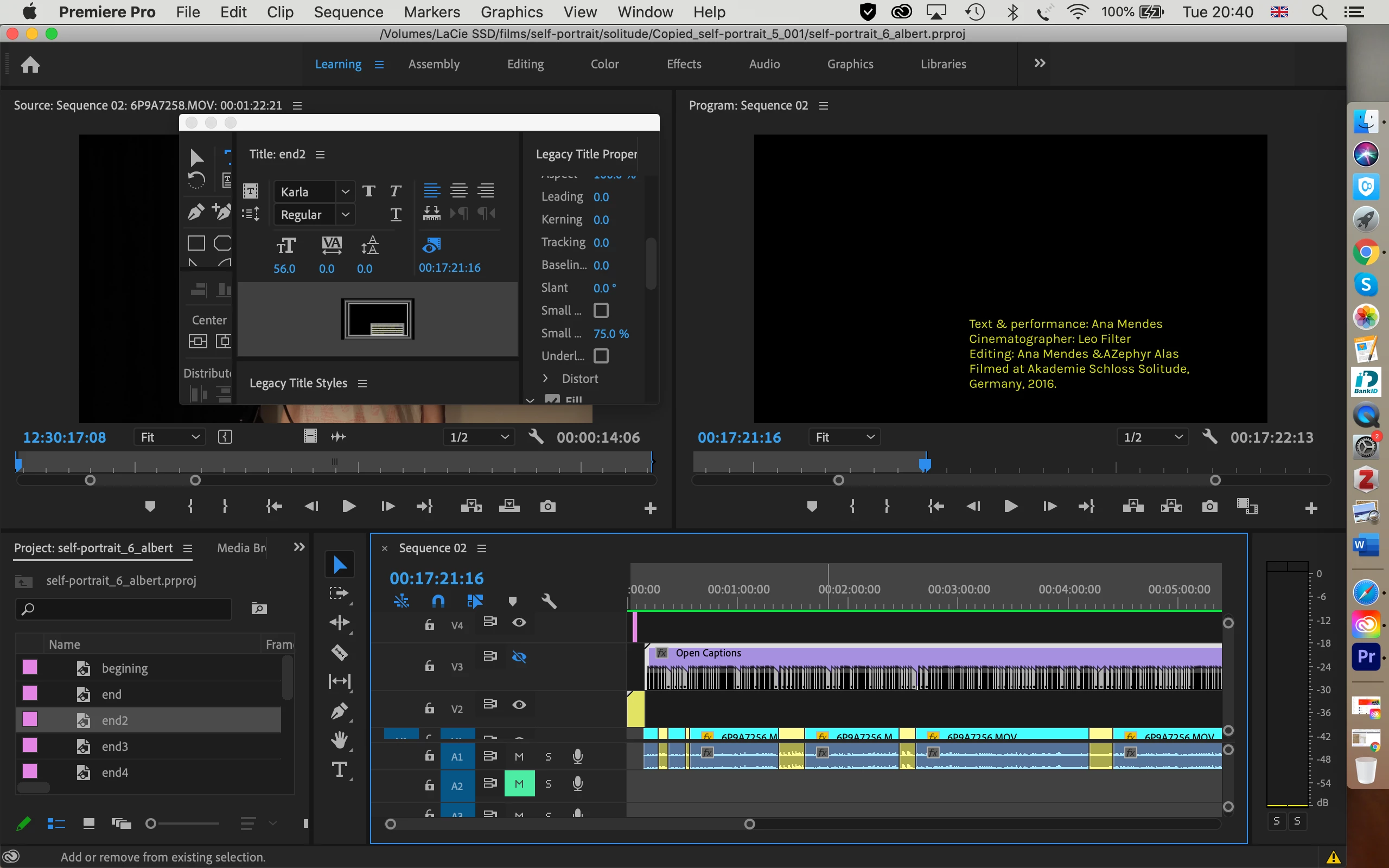
 AdChoices