Participant
May 16, 2023
Answered

Program monitor blowing up .mp4 after dragging it into timeline

  • May 16, 2023
  • 1 reply
  • 675 views

Hello, Sorry but I'm not entirely sure how to word the question sut after doing the best search I could, here I am...

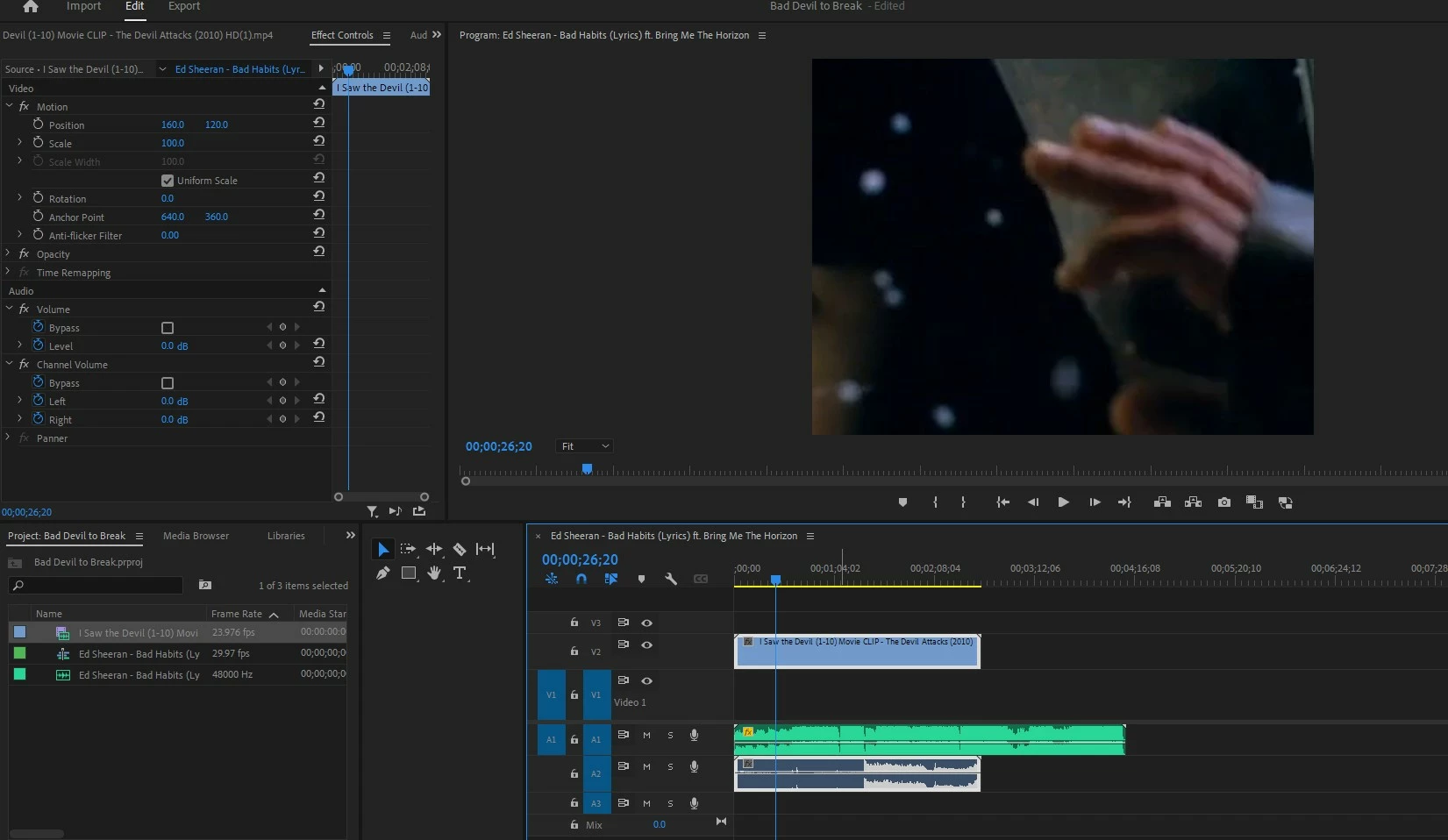
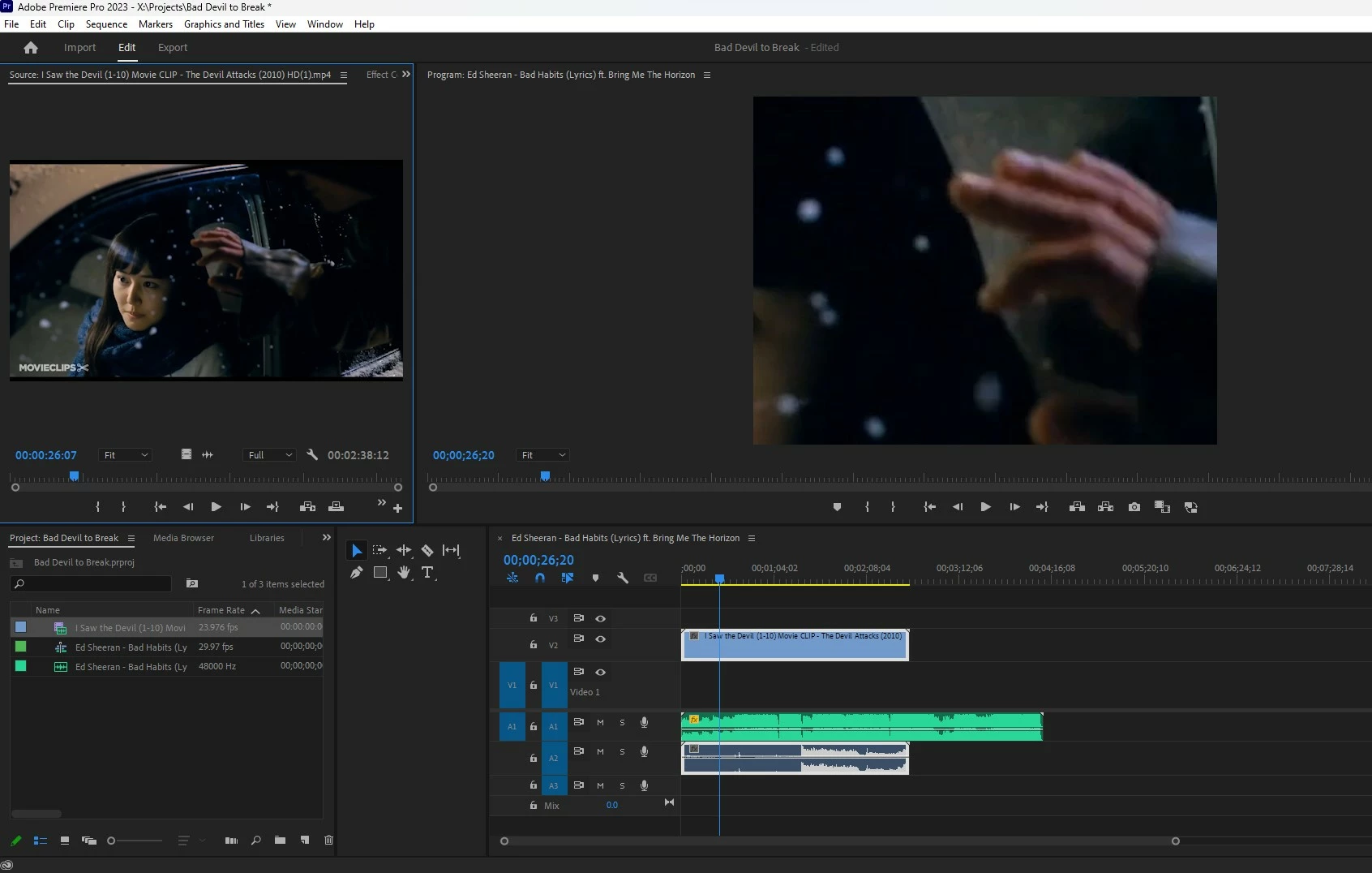
My import file is an mp4 taken from youtube (I'm a student trying to learn editing). I am doing all I've normally done and dragging the video into the media bin and when scrubbing through the mp4, it is normal sized in all things. When I drag it into the timeline, it then looks like I've zoomed in 10x. I've looked at video effect controls and everything looked normal. For experimenting I exported it hoping it would go back into size of the original source video since I appplied no changes and it stays in this zoomed in format. Ihope this illustrates the problem. I'm using PP 23.4
This topic has been closed for replies.
Correct answer Richard M Knight

It looks like your sequence settings don't match the clip. Right click the clip in the project panel and select 'new sequence from clip' this will give your sequence the correct size.

1 reply

Richard M KnightCommunity ExpertCorrect answer
Community Expert
May 16, 2023

It looks like your sequence settings don't match the clip. Right click the clip in the project panel and select 'new sequence from clip' this will give your sequence the correct size.

YadangEAuthor
Participant
May 16, 2023

Well, that worked so definately, thank you. Could you care to explain why/how that happened? I read alot of posts that sound like mine, "I'm a beginner and one moment it was fine...". Is there a quick way or link that would help us understand what went wrong? I could do as you say all day long everytime it happens but knwoing why before and what that did after would go a long ways to helping.


Again, thanks for solving this mysetery for me.