Participant
July 26, 2024
Answered

Program Monitor Overlays

  • July 26, 2024
  • 1 reply
  • 521 views

Please, for gods sake, how i get rid of this?
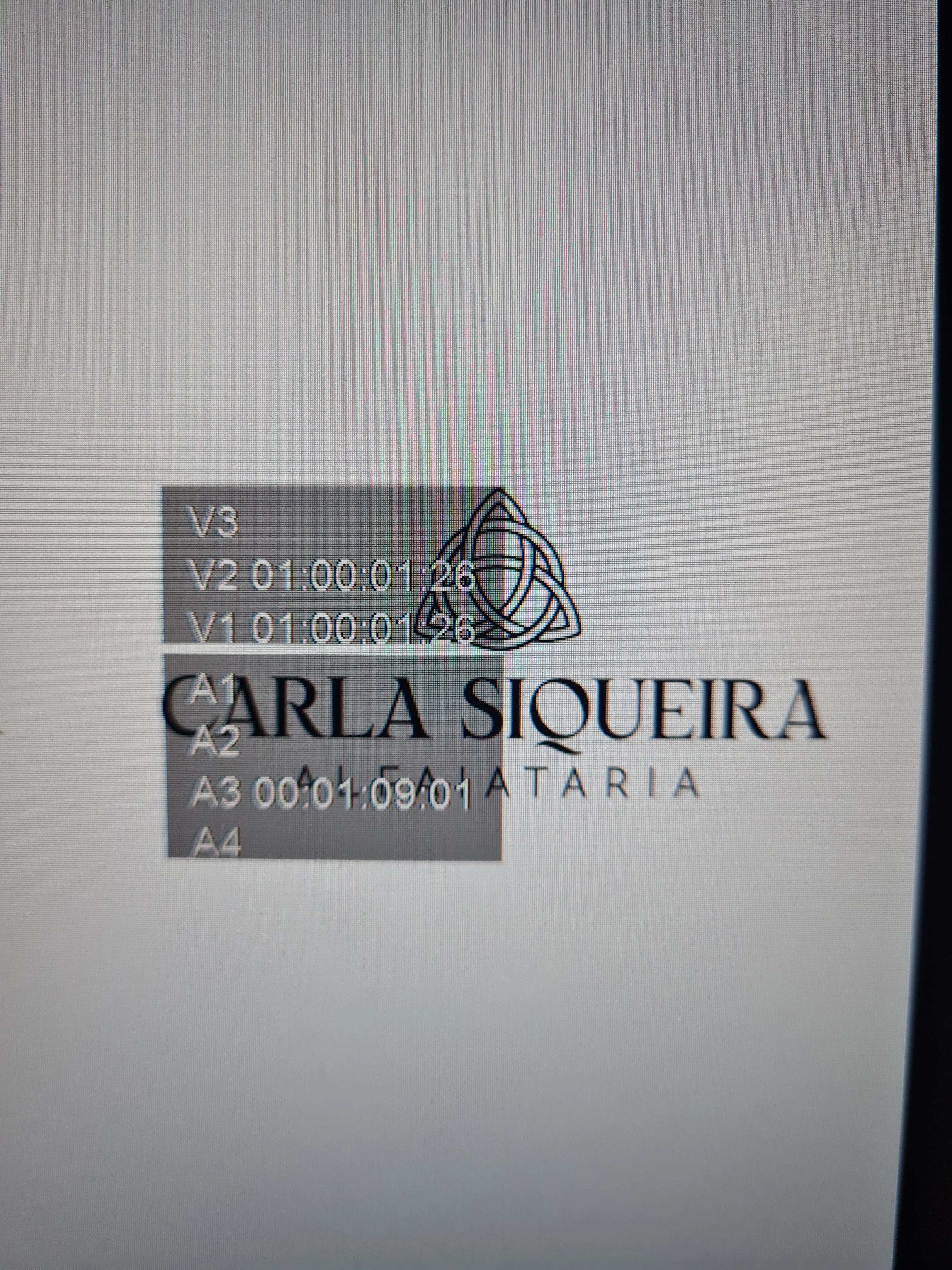
 

This topic has been closed for replies.
Correct answer jamieclarke

Hi @Vinicius FL - In your program monitor you will see a wrench, when you click it scroll all the way to the bottom until you see "Overlays".  Same for the source monitor.


You can also go to your keyboard shortcuts and search for "overlays" then assign it a keyboard shortcut 

1 reply

jamieclarke
Community Manager
jamieclarkeCommunity ManagerCorrect answer
Community Manager
July 26, 2024

Hi @Vinicius FL - In your program monitor you will see a wrench, when you click it scroll all the way to the bottom until you see "Overlays".  Same for the source monitor.


You can also go to your keyboard shortcuts and search for "overlays" then assign it a keyboard shortcut 

Participant
July 26, 2024

First, thanks man, but still, ive tried that, this option doenst appear for me, the only one is "timecode overlay during edit" and ive already disabled that option, but it doesnt change anything


jamieclarke
Community Manager
Community Manager
July 26, 2024

That is a crazy bug.  What version are you on?  If you hold shift while you launch Premiere you may need to "reset app preferences". or you can try clicking the full screen button in the upper right of the app.


You can also go to your keyboard shortcuts and search for "overlays" then assign it a keyboard shortcut
