
Question
Project panel won't allow me to scroll through my clips -- cannot see all the files I imported
Simple but aggravating prolem: I imported all the clips for a project, and now want to drag and drop from the project panel to the timeline (as usual). But the panel does not allow me to scroll. I can see only a few clips, which makes it kind of hard to edit!
Have I missed some obvious setting?
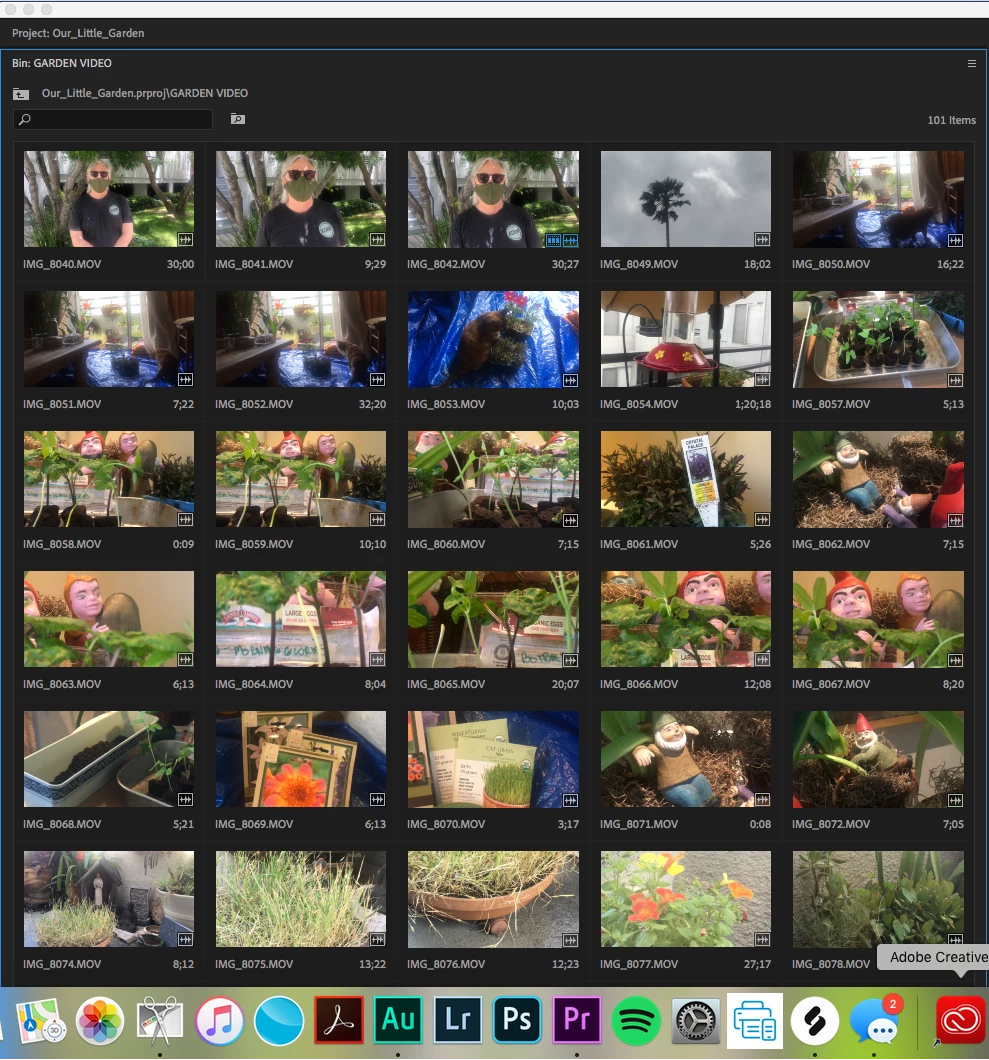
Thanks!
[Moderator note: please include your images directly into your post by drag/drop onto the reply or use the picture icon to upload. Do NOT "link" to images, as that requires users to download strange files onto their machines. I fixed this for you in this post.]
 AdChoices