
Participant
June 24, 2018
Answered

Project says "media is offline" but won't relink it when I try. Please help!

  • June 24, 2018
  • 1 reply
  • 808 views

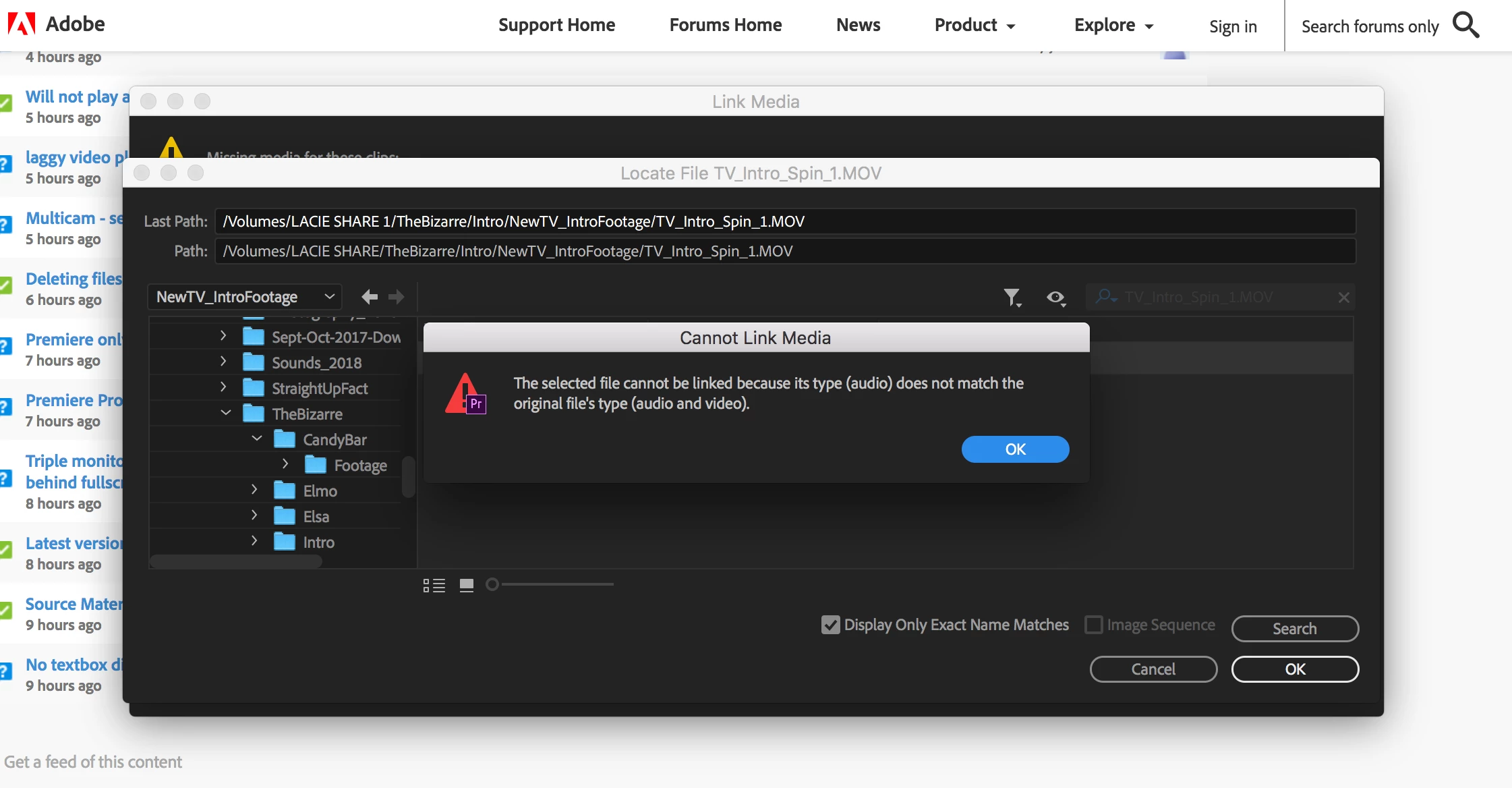
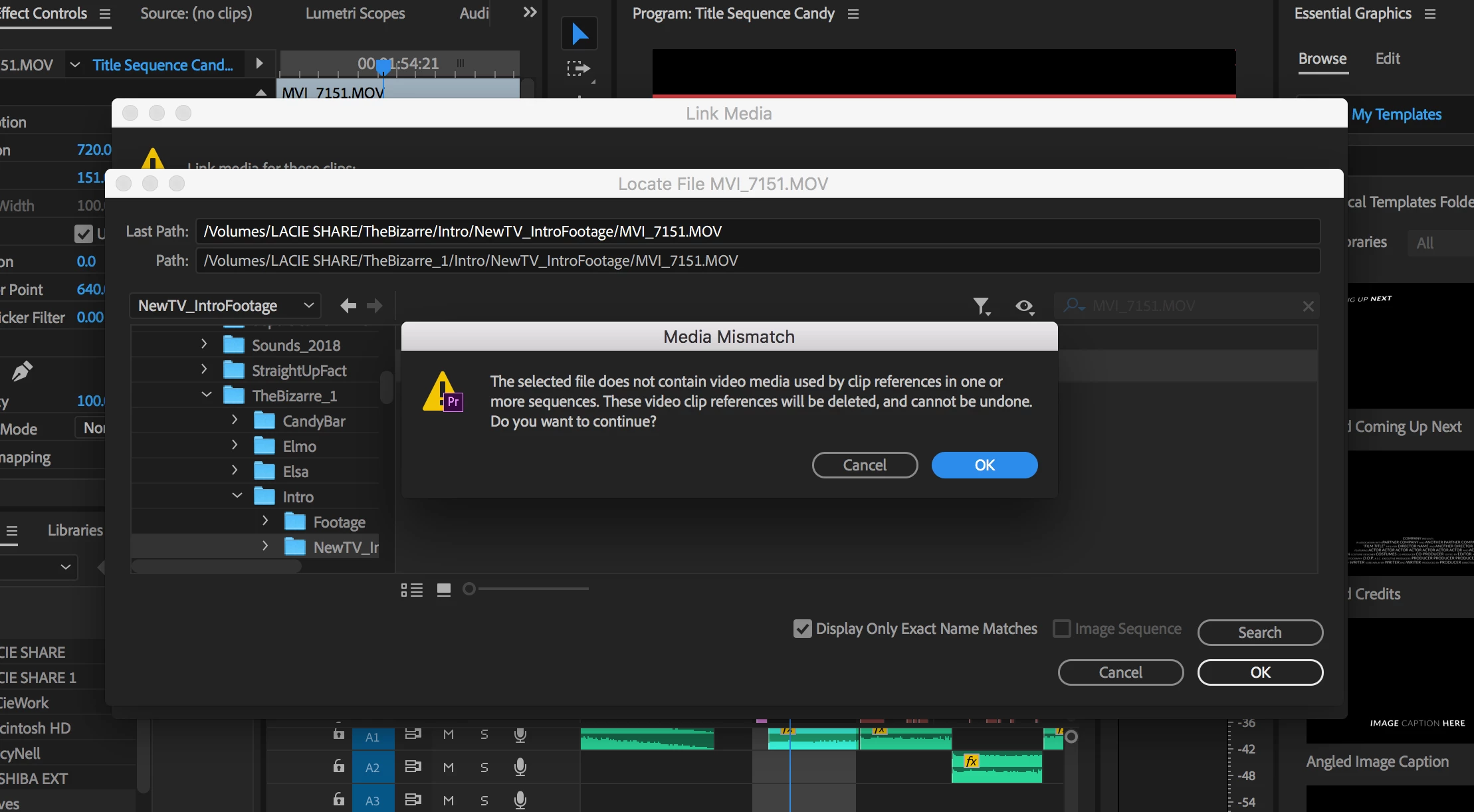
So I recently updated premiere to fix a bug that was happening anytime you changed your workspace it would crash. After the update it fixed, but now almost ALL of my footage is offline, so I try to relink it but everytime I do it says it doesn't match the audio or video of the previous clip. Even though it is the EXACT SAME CLIP! And some when I try says it doesn't match and will delete it from all timelines. PLEASE HELP! I don't know what to do. My job is video and almost all of my work is gone from wedding and other gigs and I can't start from scratch! Months of work will be gone! Please please, if someone can help at all you will be a real life saver!!
This topic has been closed for replies.
Correct answer Kevin J. Monahan Jr.

Hi matthewr_12,

My advice is to roll back to the version you were on, complete the project, then install the most current version for future projects. It's possible you are hitting 1 of 2 possible issues. One of which is that legacy QuickTime files are not supported. Another issue is that some .mp4 files are not being recognized. Try updating macOS to see if that might help your situation.

Thanks,
Kevin

1 reply

Kevin J. Monahan Jr.
Community Manager
Kevin J. Monahan Jr.Community ManagerCorrect answer
Community Manager
July 11, 2018

Hi matthewr_12,

My advice is to roll back to the version you were on, complete the project, then install the most current version for future projects. It's possible you are hitting 1 of 2 possible issues. One of which is that legacy QuickTime files are not supported. Another issue is that some .mp4 files are not being recognized. Try updating macOS to see if that might help your situation.

Thanks,
Kevin

Kevin Monahan - Sr. Community and Engagement Strategist – Adobe Pro Video and Audio