Participant
September 1, 2023
Question

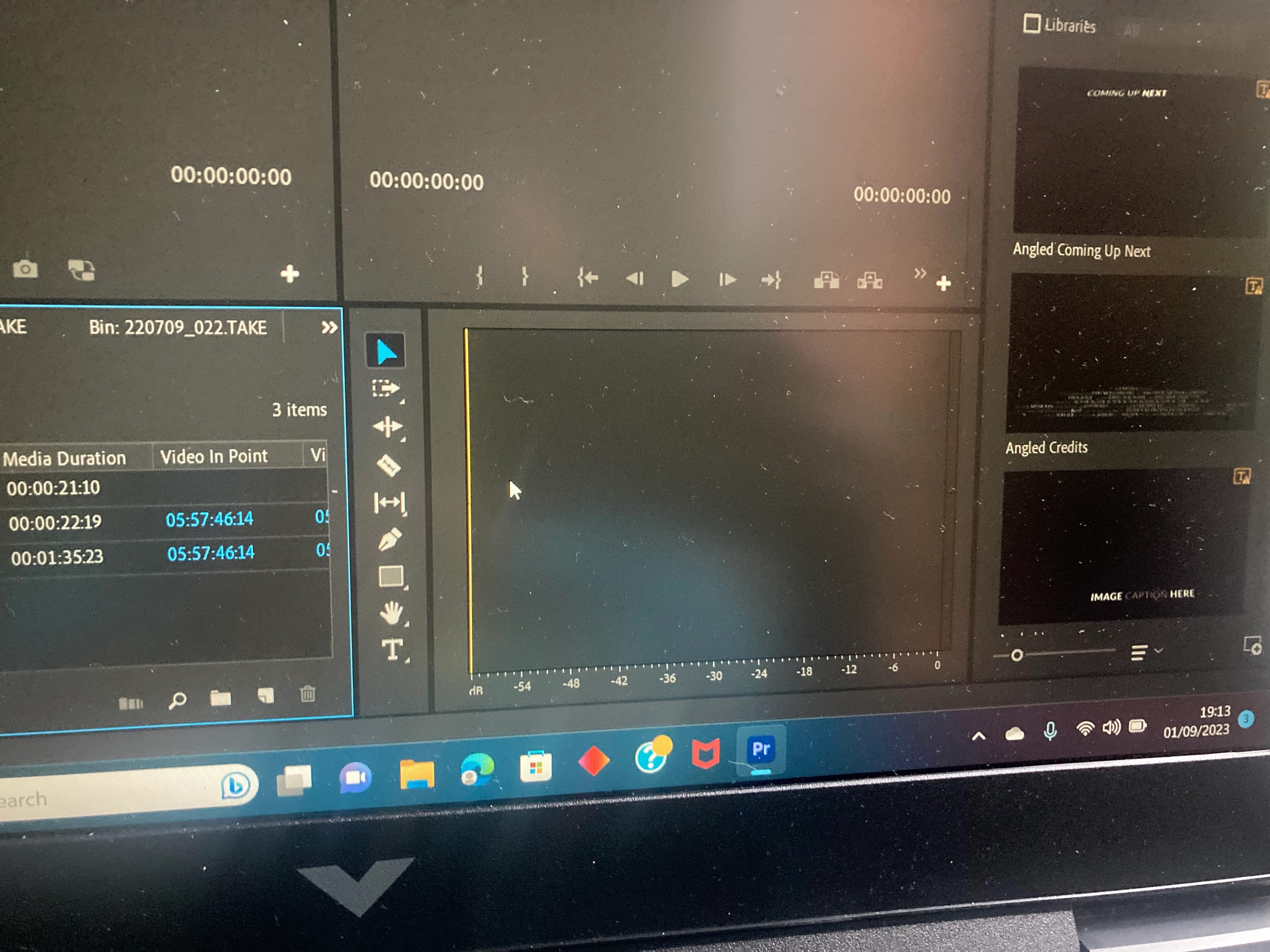
Project timeline has disappeared and I’ve got this tried Googling everything
  • September 1, 2023
  • 2 replies
  • 269 views

Help! How do I get my timeline back? I'm a relatively new user and have tried everything. 

This topic has been closed for replies.

2 replies

Paul Slemmer
Participating Frequently
September 1, 2023

Click the layout button in the top right of your layout that looks like this:


Select the layout you want, and if the timeline still doesn't appear, select "Reset to saved layout" at the bottom of that same layout menu. 


This is the best fix for all sorts of layout issues. Especially on small screens, newer users can mess with their layout a lot, so resetting the to the saved/default layouts frequently is a good idea.


You can manually reopen the Timeline from Window > Timeline or pressing Shift+3, but that doesn't do much good if it's docked somewhere strange or you have other layout weirdness going on.

Kevin J. Monahan Jr.
Community Manager
Community Manager
September 1, 2023

Hi @Julia23024744ymrh,

Thanks for your message and screenshot. That helps a lot. You probably closed the sequence (the timeline). You can reopen it by double-clicking the sequence icon in the Project panel. Can you try it? Let us know if that works.


Thanks,
Kevin

Kevin Monahan - Sr. Community and Engagement Strategist – Adobe Pro Video and Audio