estarkey
Known Participant
July 31, 2020
Question

ProRes RAW Video Cannot Be Decoded

  • July 31, 2020
  • 3 replies
  • 1108 views

I have the following System Settings:

  • AMD Ryzen 1700X
  • 32 GB System Ram
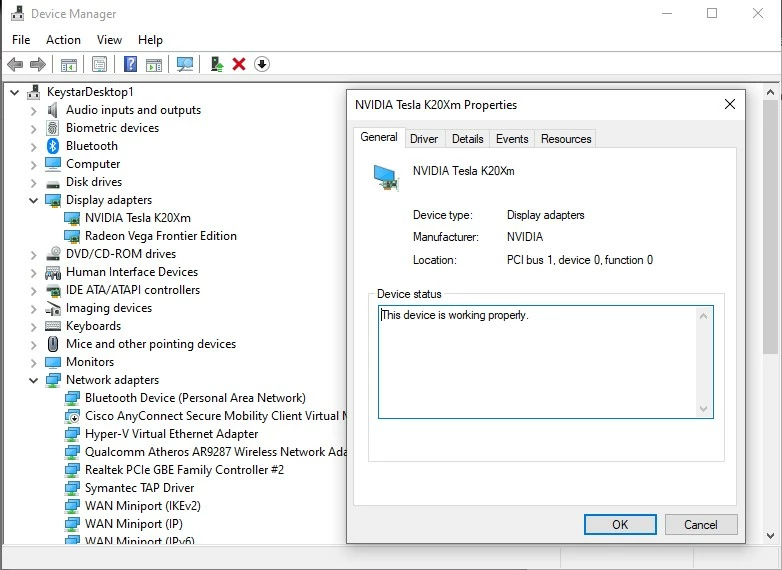
  • AMD Radeon Frontier Edition 16 GB VRAM
  • NVidia Tesla K20X 5GB VRAM w/451.82 NVidia graphics driver
  • Apple ProRes RAW for Windows 1.2
  • Premiere Pro 14.3.1
  • Project Configured to use CUDA Acceleration
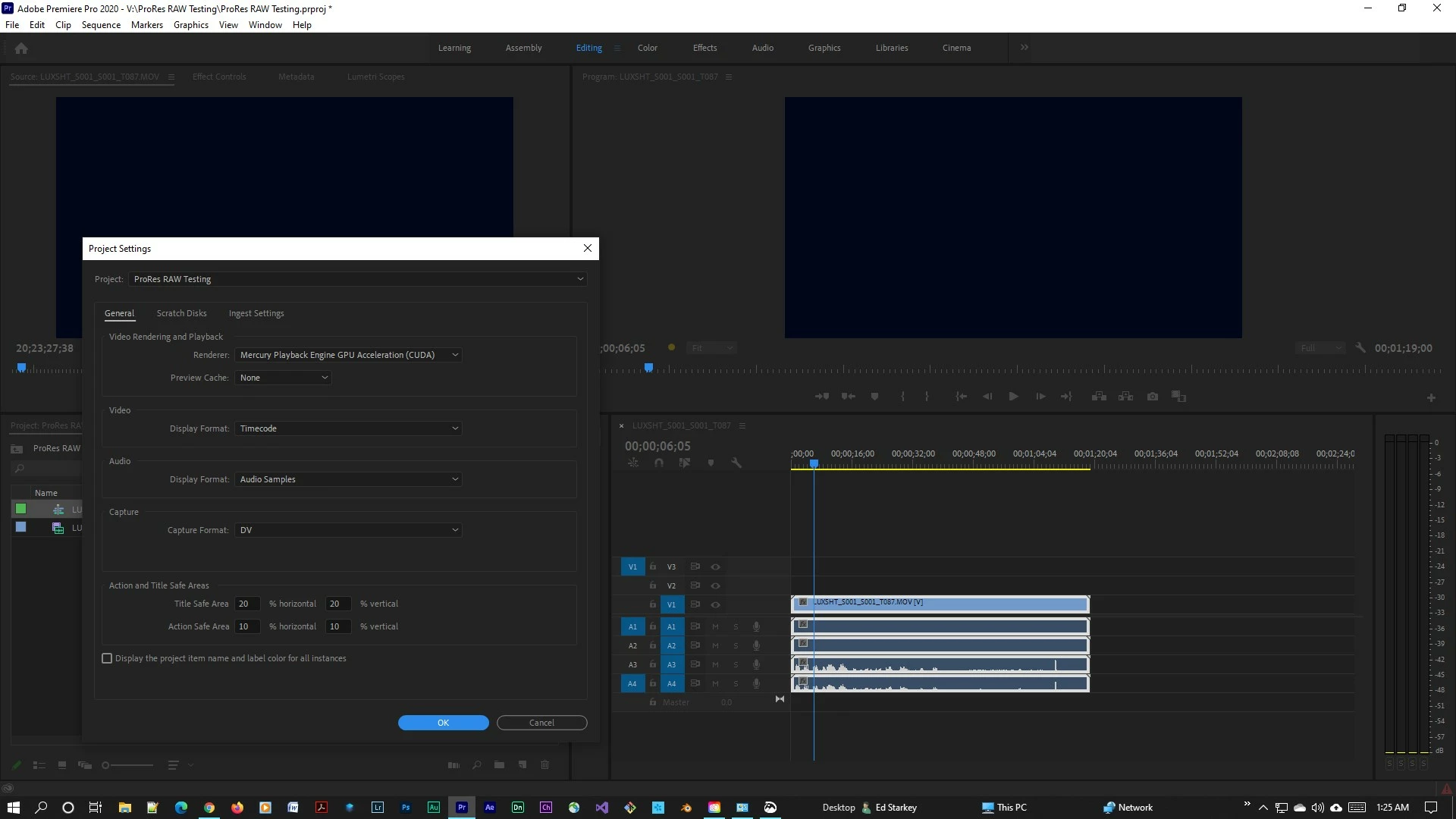
 

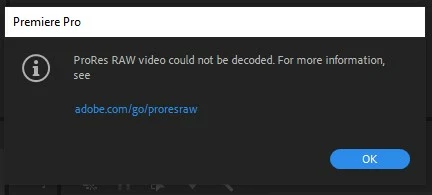
When I try to import ProRes RAW Video from the Panasonic S1H/Atomos Ninja V combo, I get an error complaining about the ProRes RAW Video cannot be decoded.
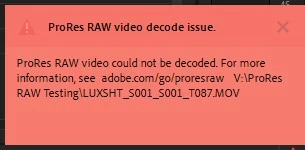
I can play the clip, which gives me proper audio , but video is just a black screen, and I get another error.
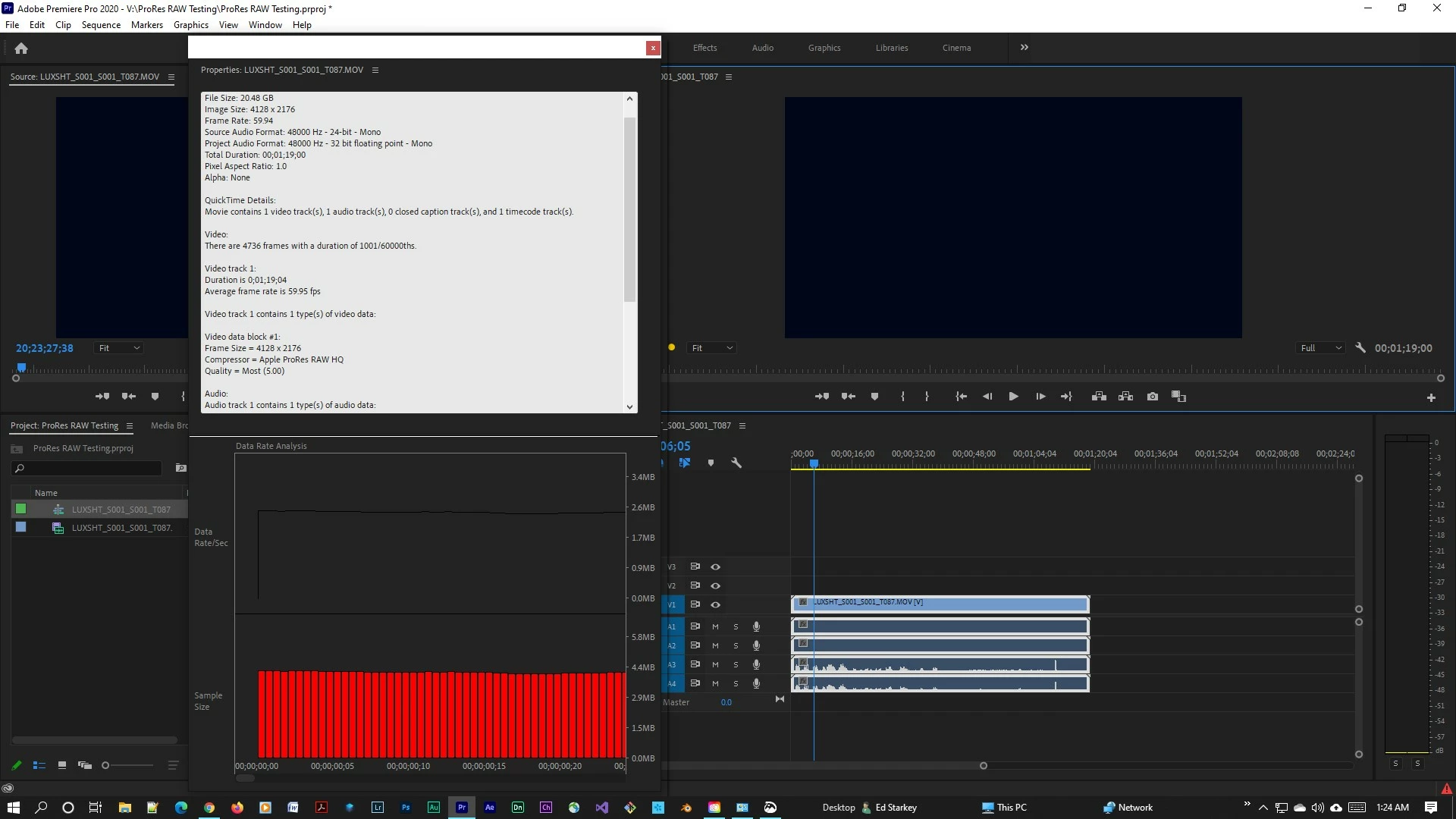
 

I have no idea why this is not working? Can anyone give any insight?

This topic has been closed for replies.

3 replies

Adobe Employee
August 14, 2020

hi Estarkey, hi aka777,


If you are still facing the issue, please could you share the console logs after you importing the file. To enable console panel press ctrl+F12.


Thanks.

estarkey
estarkeyAuthor
Known Participant
August 14, 2020

Thanks for the reply.


I pulled my NVidia GPU card when you started supporting OpenCL for ProRes RAW in a beta. 

So I can no longer test if this is currently working.

aka777
Participant
August 4, 2020

I had this same problem and found that only Pro Res Raw for Windows 1.0 works with Premiere. V1.1 & 1.2 don't seem to be compatible. 

Kevin-Monahan
Community Manager
Community Manager
July 31, 2020

EStarkey,

May be a bug related to your GPU or running more than one kind of GPU. I would aim there. Developers are aware of this issue. It appears to be very recent. Sorry. Hope we can get a fix out shortly.


Thanks,
Kevin

Kevin Monahan - Sr. Community & Engagement Strategist – Pro Video and Audio
estarkey
estarkeyAuthor
Known Participant
July 31, 2020

Thanks Kevin,

I would pull out the AMD Card, but the NVidia GPU is pure compute, with no video out.

Kevin-Monahan
Community Manager
Community Manager
August 1, 2020

E,

Please run a test to see if it even works, that is, if you have time and if it is feasible. I will add any findings to our internal bug I see filed here. I have already added a link to this forum post.


Thanks and good luck,
Kevin

Kevin Monahan - Sr. Community & Engagement Strategist – Pro Video and Audio