


Participant
Dec 28, 2024 7:26 PM UTC
Question

Proxy failed
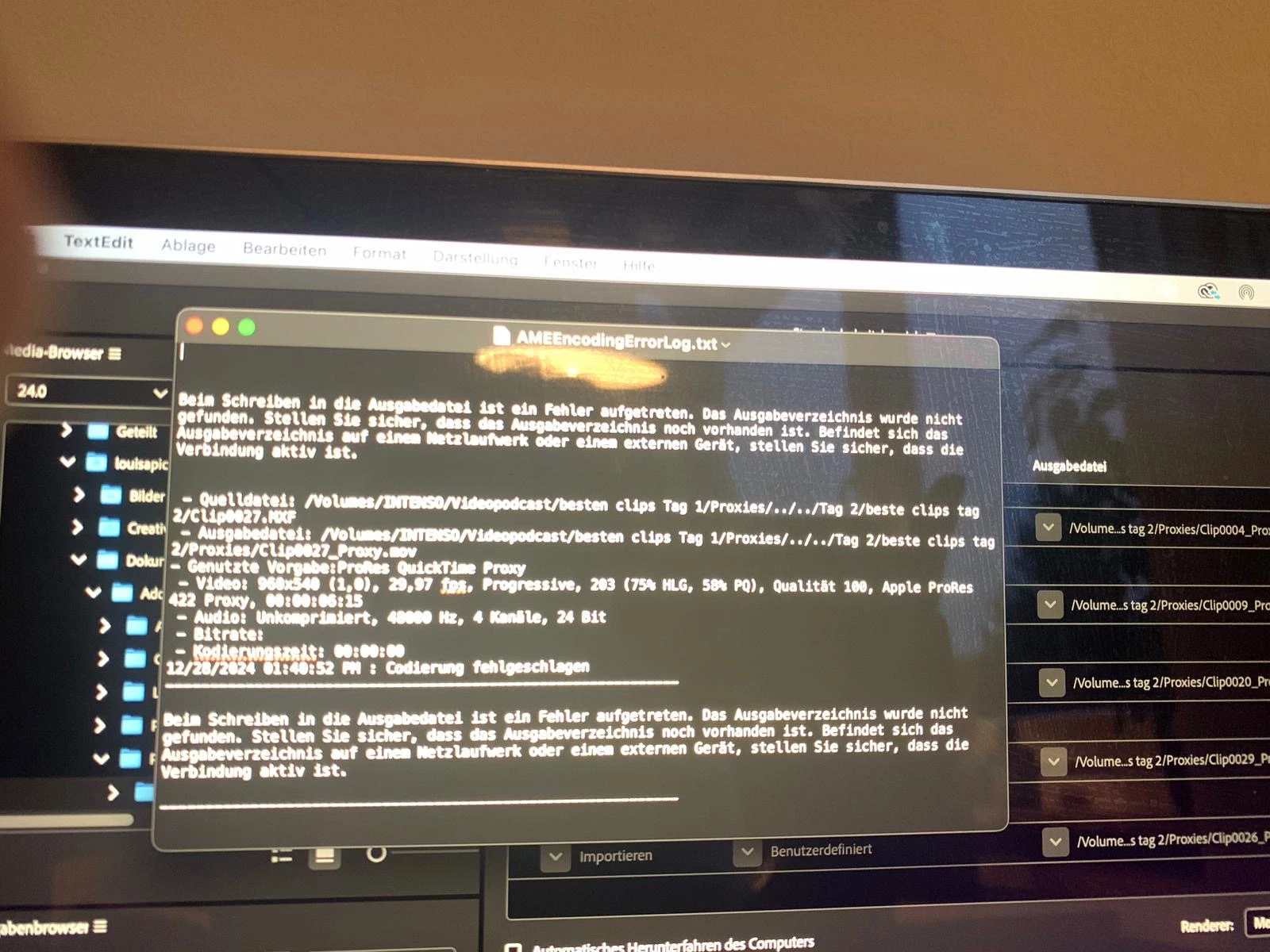
 

Hello everyone, I have a problem with creating proxys. Once the media encoder opens, the videos do not get encoded automatically, they switch to status: failed. The error display tells me that the output directery could not be found. 
does anyone have a Idea what would be helpful to make sure that the proxies dont fail anymore.
(see picture 1.) 
 
Another problem that I have is: the premiere file that was cut on a 2019 version cannot open in a 2024 version. It works for seconds but then premiere automatically shuts down. How can I fix this? 

This topic is closed to new replies. Start a new post to keep the conversation going.

2 replies

Peru Bob
Community Expert
Community Expert
Dec 29, 2024 10:38 PM UTC
quote

Another problem that I have is: the premiere file that was cut on a 2019 version cannot open in a 2024 version. It works for seconds but then premiere automatically shuts down. How can I fix this? 


By @Nele_Fr�hlich4751


Create a new 2024 project and import the 2019 project into it.

Translate
Community Expert
Dec 29, 2024 7:24 PM UTC

Check the output directory permissions (read/write)

What proxy ingest or format are you using?

are you working on external drives? Try to move your project to local drives.

did you try to reset the preferences?

Translate