
Question
Proxy media files offline when using project manager
I created proxies for a few clips. Later, I deleted the proxy files and re-linked the offline media to the original files. When I open the project file, I don't get a window saying anything is offline; however, when I try to use the project manager to collect all the files for this project, I get an error saying the previously described files can't be copied because they are offline.
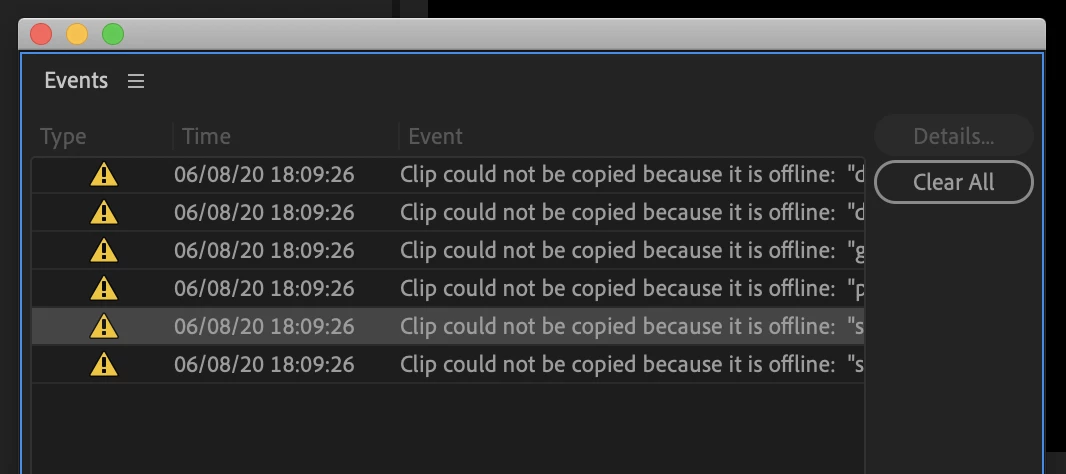
I don't understand why this is happening as I had relinked the proxy files to their original media files. How can I use the project manager without getting this error?
Thanks for the help.
 AdChoices