Participant
April 7, 2021
Question

Quality decreases when exporting, GoPro Hero 9 black

  • April 7, 2021
  • 1 reply
  • 653 views

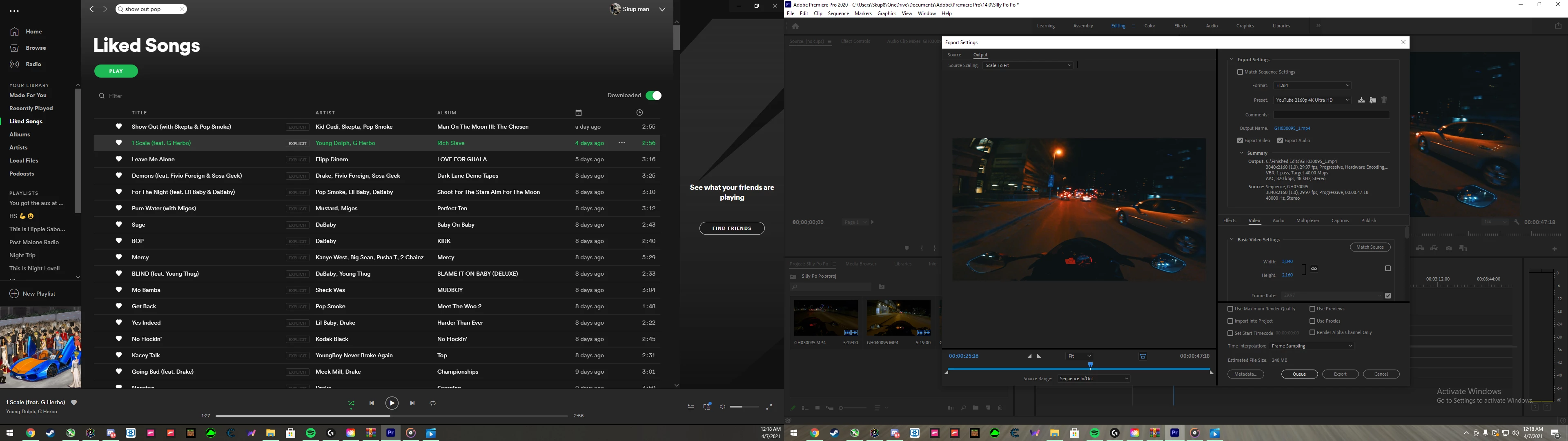
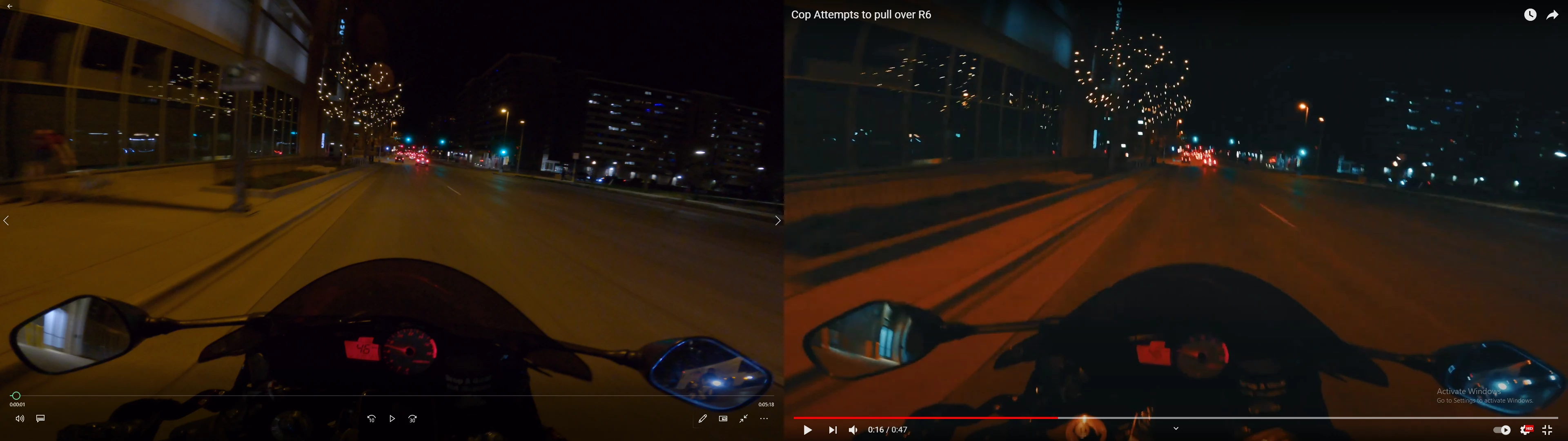
Hi, I am using premiere pro to edit my motorcycle clips. I record in 4K 30fps (3840-2160). I edited a quick video and exported it and immediatly noticed a huge drop in quallity, which I then verified by uploading to youtube where it only allows you to go up to 1080p on the video. First picture shows my settings (ignore spotify on the left) and the second picture shows a side by side of the raw footage from my gopro, and the edited video I exported through Premiere and uploaded to youtube.
    This topic has been closed for replies.

    1 reply

    Known Participant
    April 7, 2021

    What's the bitrate of the original footage?


    Can you provide a side by side of the original footage and the exported video (not uploaded to YouTube)?

    Participant
    April 7, 2021

    im not sure how to check the bitrate to be honest with you. But here is the side by side, unfortunately the windows 10 "Movies & TV" cannot play to videos at once so the raw footage (right) is opened with Windows Media Player, and the exported (Left) is opened with Movies & TV. 

    Known Participant
    April 7, 2021

    I assume the difference in color and brightness is intentional? I'm missing infos here!


    The resolution seems better than it did in YouTube. Sometimes YouTube "says" it's playing the highest resolution  automatically but in fact you're watching at a lower resolution. You should be able to chose the highest resolution manually.


    Please learn (/google) the basics! It's no big deal to open a video, make a screenshot of that player (AltGr + PrtScn), open another video at the same framemark in the same player, make a second screenshot and then make one image out of both screenshots.