
QuickTime MOV screen recording playback in PP
I'm running a 2019 16" MBP with i9 and 32gb ram... I've made some 4K screen recordings using Quicktime in Catalina and imported them into Premiere Pro.
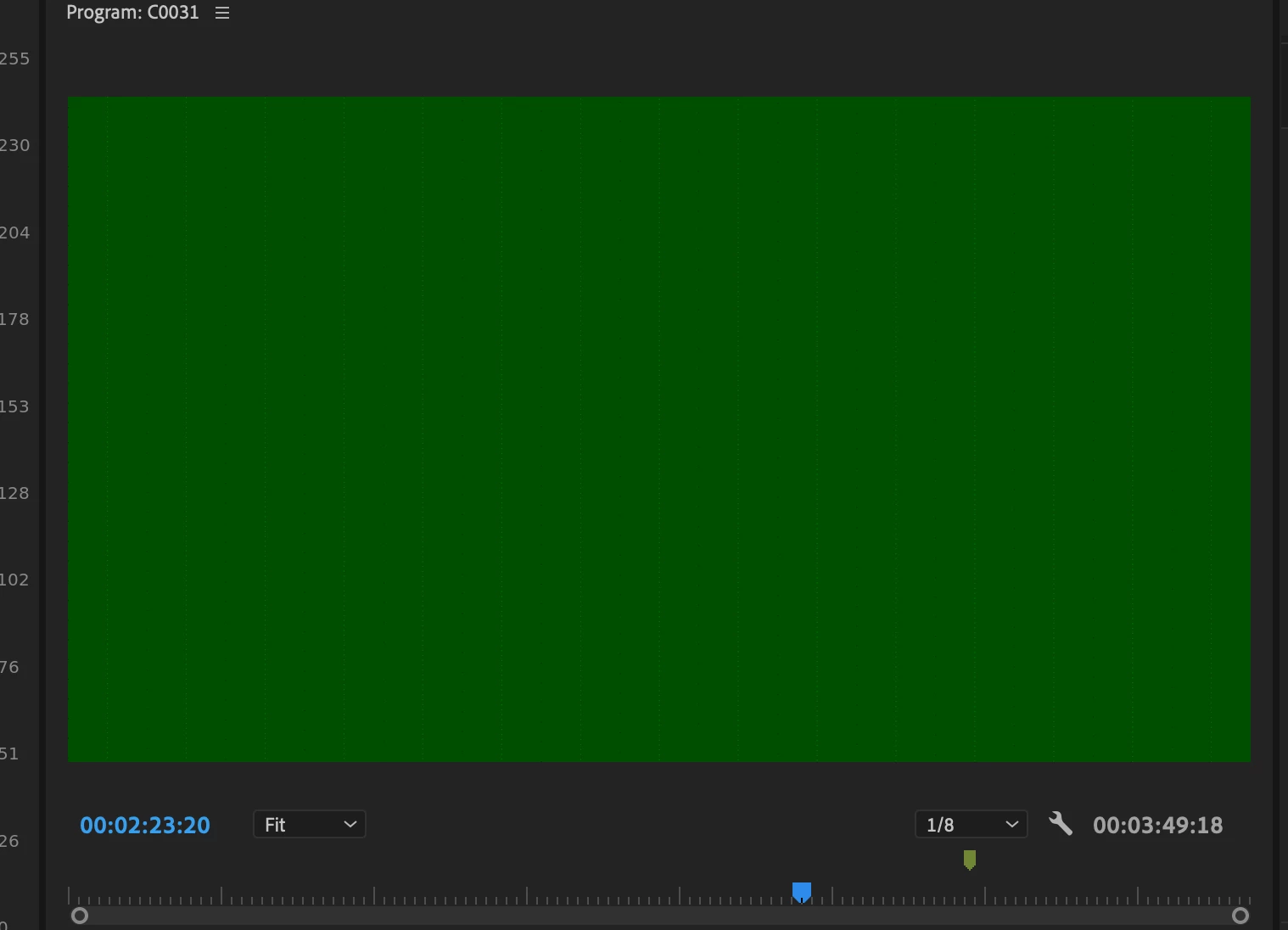
The recordings play perfectly in Finder and Quicktime, and they imported without any error messages into PP. However, when I move them to the timeline, it only shows the first frame, and then as I scrub through, it glitches to a dark green screen.
I've tried interpreting the frame rate to 60 instead of the 59.9222 it currently says, but that hasn't helped.
I tried converting the files to .h264 in Media Encoder but it was taking an insane amount of time (maybe that's something else I need to resolve as well). I'm talking 20 minutes to get 30% through a 1 minute MOV, and I have about 2 hour's worth of MOV files to edit down for a tutorial.
Any thoughts on how I can fix it? I saw some other threads about issues importing, but this seems like something different?
Thank you!
 AdChoices