Participant
January 28, 2018
Question

Random colored spots in premiere pro exports.

  • January 28, 2018
  • 1 reply
  • 201 views

I was on my timeline and I saw this.

And this is in premiere pro cs6.vvvvvvvvvvvvvvvvvvvvvvvvvvvvvvv

Premiere Pro CS6 Timeline Footage
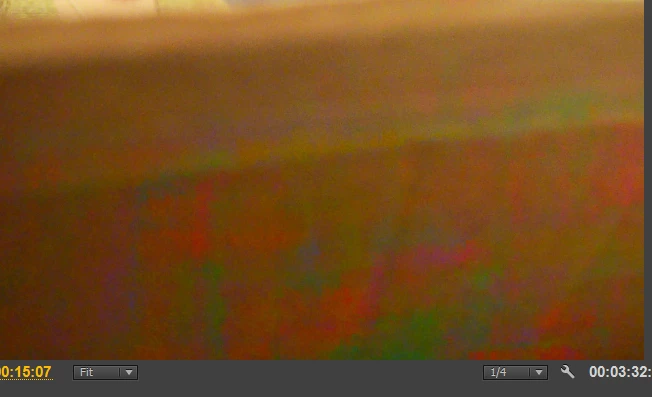
Also appears on final exports.

but the raw footage from the nikon d5100 is like this.vvvvvvvvvvvvvvvvvvvvvvvvvvvvvv

Niikon D5100 Footage
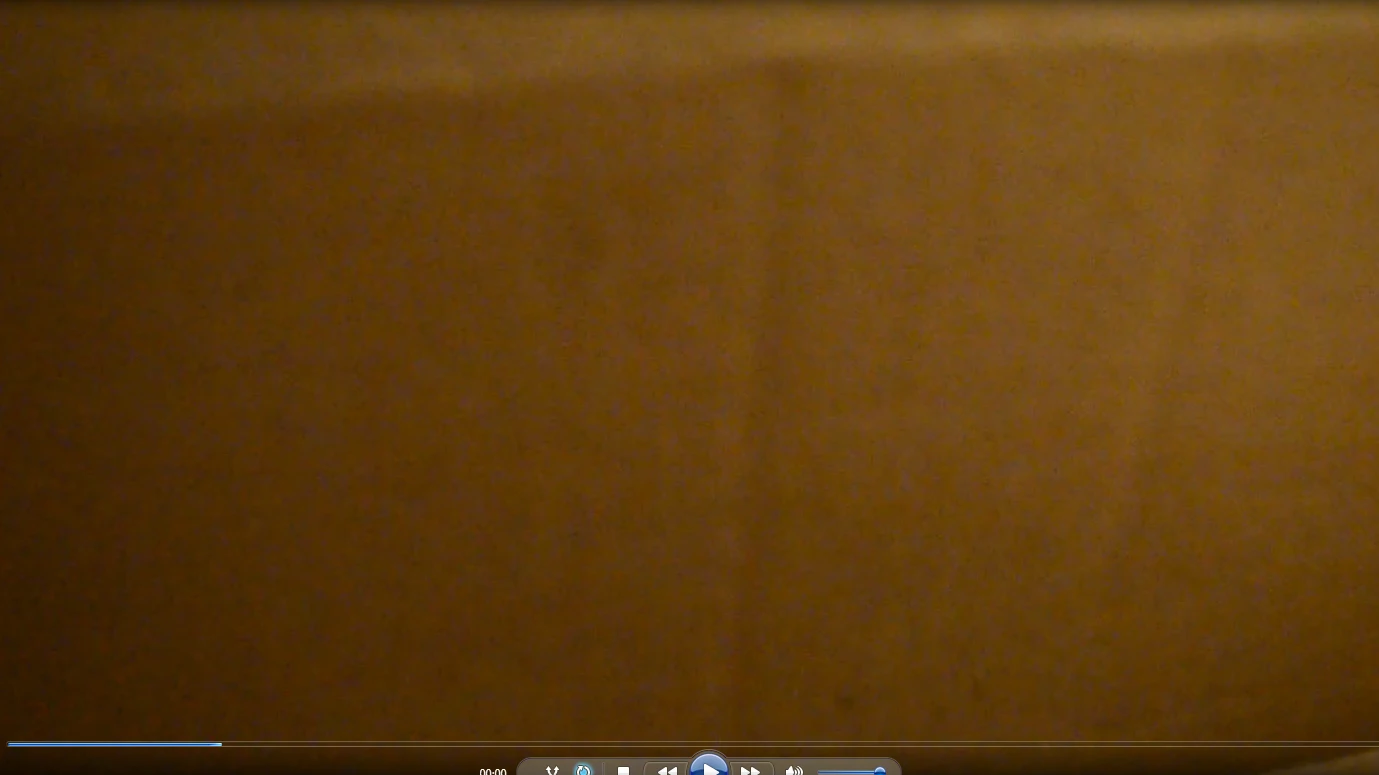
Can someone explain this to me?                           

[Here is the list of all Adobe forums... https://forums.adobe.com/welcome]

[Moved from Premiere Pro NEW to Premiere Pro OLD... Mod]

    This topic has been closed for replies.

    1 reply

    John T Smith
    Community Expert
    Community Expert
    January 28, 2018

    Mac or Windows, and exactly which version of the operating system?

    Do not count on Windows to be fully up to date when it comes to device drivers

    Go to the vendor site to be sure you have an updated driver for your graphic adapter

    •nVidia Driver Downloads http://www.nvidia.com/Download/index.aspx?lang=en-us

    •ATI Driver Autodetect http://support.amd.com/en-us/download/auto-detect-tool

    There are also intermittent reports that the newest driver is not always the best driver due to driver bugs or compatibility issues, so you MAY need to try an earlier driver version