
Participant
October 25, 2022
Question

Re: In and Out points for exporting doesn't work

  • October 25, 2022
  • 2 replies
  • 160 views

Hi, I've been editing videos for the last few days and now i'm having a similar issue.


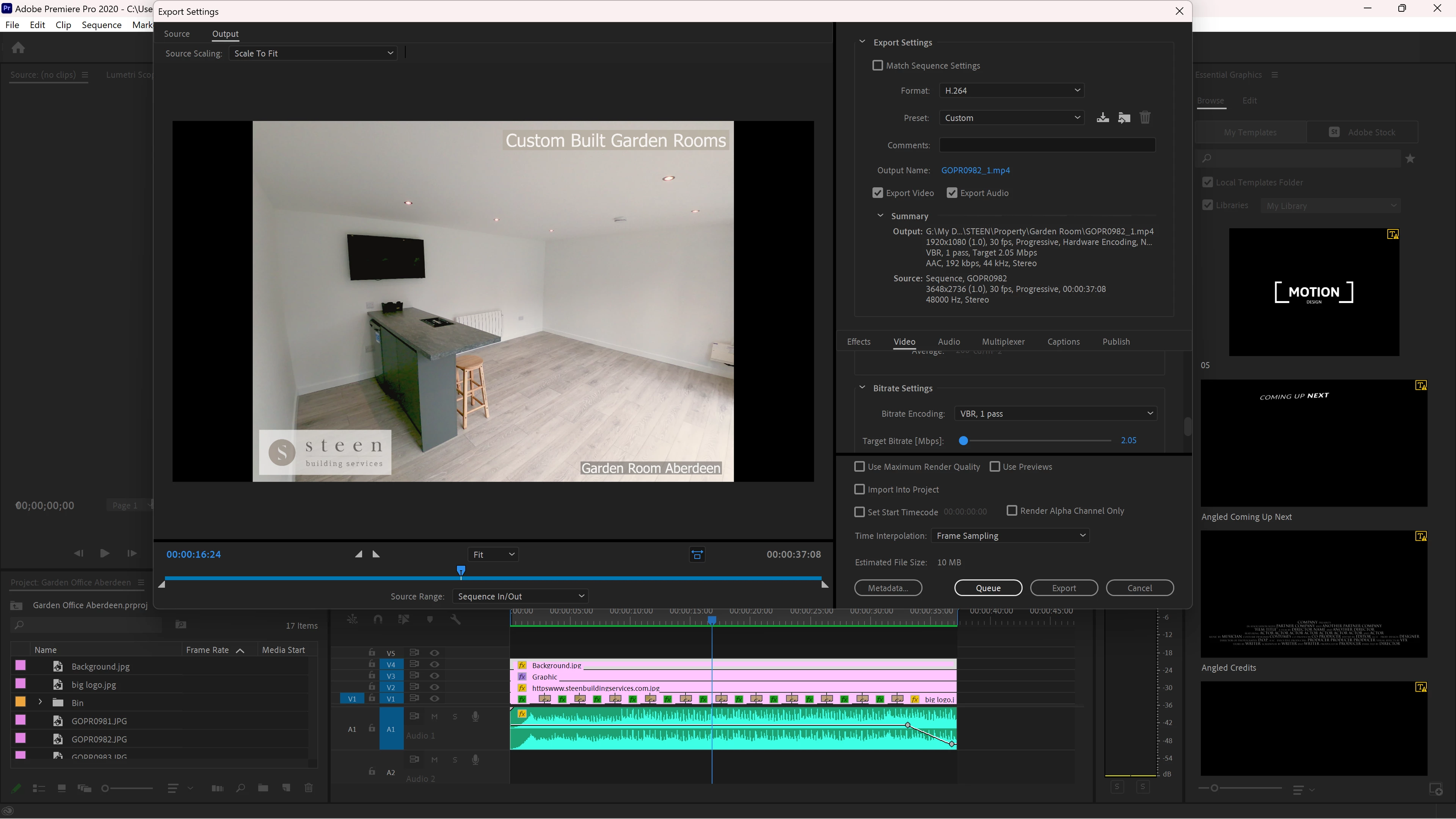
The preview in Premier pro works fine, when i export it, it only shows the last 2 seconds of my video and the 2mins 20 sec of black screen.  I've check that setting and it's set to source IN/OUT, i originally have my in out settings to that area but i have since changed them, however after every 30min export, still i have the same black screen.


Any ideas?


    This topic has been closed for replies.

    2 replies

    Peru Bob
    Community Expert
    Community Expert
    October 25, 2022

    Please use the free MediaInfo and post a screenshot of the properties of your media in tree view:
    https://mediaarea.net/en/MediaInfo

    Many users are having issues with VFR. If the file is variable frame rate, use Handbrake to convert to constant frame rate:
    https://handbrake.fr/downloads.php
    Here is a tutorial:
    https://www.youtube.com/watch?time_continue=34&v=xlvxgVREX-Y

    Shutter Encoder may also be used to convert to Constant Frame Rate:
    https://www.shutterencoder.com/en/

    Participant
    November 2, 2022

    Many thanks for your reply.


    It took me 3 hours of changing settings and then changing the export format, eventually it exported correctly.  I still don't know what actually resolved the issue.


    Participant
    October 25, 2022