
Rearranging order of photo slides in Premiere Pro 22
Hi all,
I am a beginner with Premiere Pro and am creating a slideshow composed of several photos (slides). I hope I am using the correct terminology.
Before I upload my photos, I arrange the photos in the order I want them to appear in the slideshow timeline, and then name them accordingly: Photo01, Photo02..., Photo34, etc.
However, sometimes I look at the results and decide I want switch the order of some photos, say Photo 07 and Photo 28, etc.
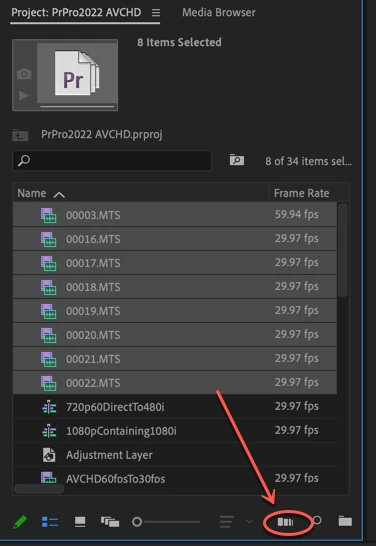
In my Media window I can click and drag the photos, but it has no effect on the photos in the Timeline.
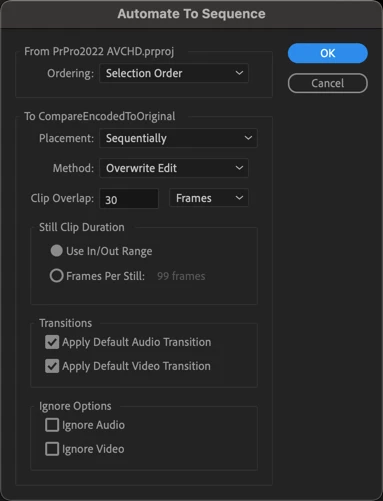
I know I can drag the rearranged photos onto the existing Timeline, but when I do, I lose any alterations I have made, such as transitions.
Is there a way to rearrange the order of the photo slides?
Thank you!
🙂
Nessa
 AdChoices