


jrwing
Inspiring
January 31, 2026
Question

"Recovered clips" bin constantly being created when I re-open projects?

  • January 31, 2026
  • 1 reply
  • 0 views

So for the past year or so I’ve been noticing (on the most up to date versions of Premiere) that when I re-open a project I’ll frequently see this bin created with duplicate media called “Recovered Clips”. When I searched for that issue here on the forum, I found a couple threads discussing it regarding when using the “Productions” feature. But here’s the thing – I’m a solo freelance editor working on single projects, not collaborating and not working on anything necessitating “productions” at all! So I have no clue why this is happening.


The other variable that is NOT occurring are crashes. It would make sense to me if this Recovered Clips bin were created after a crash or something. But nope – this happens on projects that were safely saved, closed, computer powered down, restarted and re-opened the next day. There’s no reason to “recover” anything.


The one thing I can say is that I did once work with a team of editors about a year ago, where we had to pass projects back and forth over dropbox. The lead editor on that had me change some preferences to set me up for collaboration which I believe is probably related to this “Productions” feature. But since that job finished, I have not needed to use any collaborative features and most of my gigs are small commercials not in need of what Productions offers. That said, I’m not really sure how to disable it after searching google and poking around in menu preferences.


I also noticed when I open a project where this just happened, I opened Window > Production and see nothing listed here:
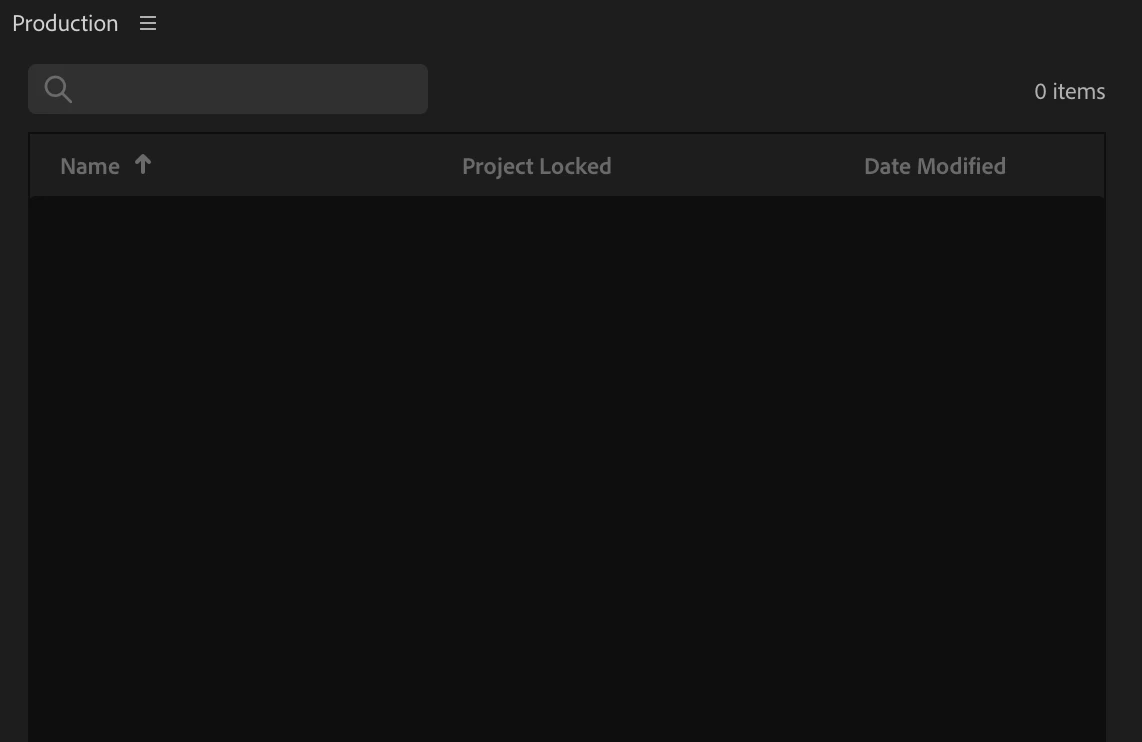
 

So yeah, if it truly is related to this “Productions” feature I don’t understand why it’s happening to me since clearly I’m not using that. Is it a bug or a menu preference I’m not seeing? Thank you!


Edit: if it’s helpful, I’m on a Mac Studio M2 Ultra (Silicon) running MacOS 15.4 and Premiere 25.6.3.

    1 reply

    R Neil Haugen
    Legend
    January 31, 2026

    First, I’m mostly a solo worker in my own small shop. And I nearly totally work in Productions ... because it makes like so much simpler.


    ALL my libraries of graphics, my b-roll, sound libraries, template projects, everything is available for any project without trouble or fuss. So much easier and faster.


    But I never have to ‘recover’ clips ... which indicates you have a different problem. I’d check where your cache files are located, first thing. Then dump them.

    Everyone's mileage always varies ...
    jrwing
    jrwingAuthor
    Inspiring
    January 31, 2026

    Thanks for responding! Productions could be interesting to investigate further, but as a commercial editor of nearly 2 decades I honestly never really have to cross-reference graphics or b-roll from other projects (unless it’s a repeat client, but even then usually all the footage is unique to the specific edit, and graphics are provided unique to that campaign). Almost none of my clients ever request or require stock or additional graphics assets not already provided by them for use in their campaign.


    About the only thing I can imagine needing to in a general sense across various projects would be my library of SFX assets but I have those all pretty well organized in finder and am content with just pulling them in on a case-by-case basis, preferring to keep things light and simple. Maybe I’m a bit old school about it, originally coming up Avid and FCP7 and then moving to Premiere around 2012, stuck in my ways as it were... ;) But when I have time, I’d be happy to take a deeper look into how I might leverage the feature in the future.


    I do regularly dump my cache files when I transition to new projects, however, so I’m not sure if that’s the issue. Perhaps it’s a bug then? I wonder if anyone else has experienced this who doesn’t use Productions.

    R Neil Haugen
    Legend
    January 31, 2026

    Yea, in your case, Productions wouldn’t be a huge benefit. In mine, I reuse broll occasionally, sound libraries quite often. And I simply set up the Production so each client type, and within that, client, gets their own project.


    Recovering clips on a routine basis is simply weird behavior. Something I would really like to get figured out though


    Question ... where are your projects stored? What’s the file tree used? If there’s a Production folder involved, that might be it. As Productions does create a ‘physical’ folder on the drive.

    Everyone's mileage always varies ...