
Relink Issues
I'm also having a relink problem.
I had to move the Masters to make space on the hard drive, and because the project has gone on for 3 years now and I'm sending it for Post Color & Sound. The files are linking to the Backup Folder, not the Masters. I have successfully relinked all the files before, when upgrading my hard drive to a bigger drive and I had to move all the files/ file path changed.
Can I turn off Auto-Locate? It is locating to the wrong folder.
I tried:
1 - Select All
- Offline All
- Locate: File by File --> It relinks the file I have selected to the correct folder, but automatically relinks all the others to the Backup Folder, not the folder I selected.
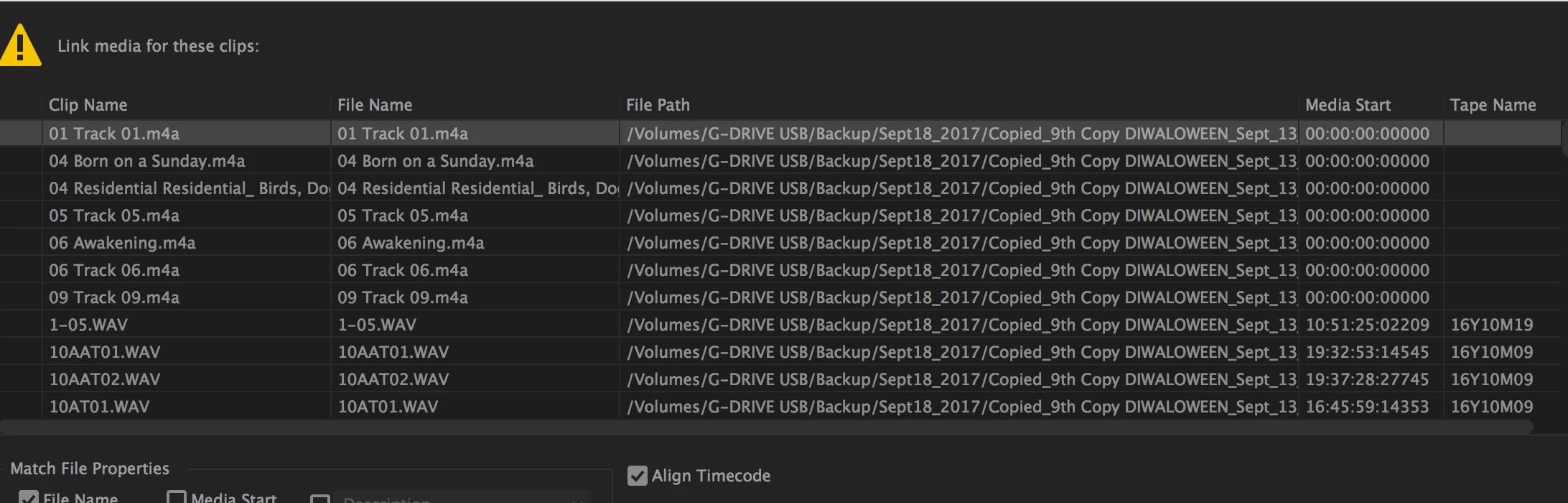
2 - Select an individual file in the sequence timeline
- Offline
----> 100's of files list in the Link Media Window. Most of these are linked to the wrong (Backup) folder.
- I individually selected each file for Offline.
- Then Premiere puts a gray question mark next to the file name, and I can't go back up to Locate the previous files. The cursor doesn't move up.
- I tried batch Offline by selecting more than one file in the Link Media window, and same thing.
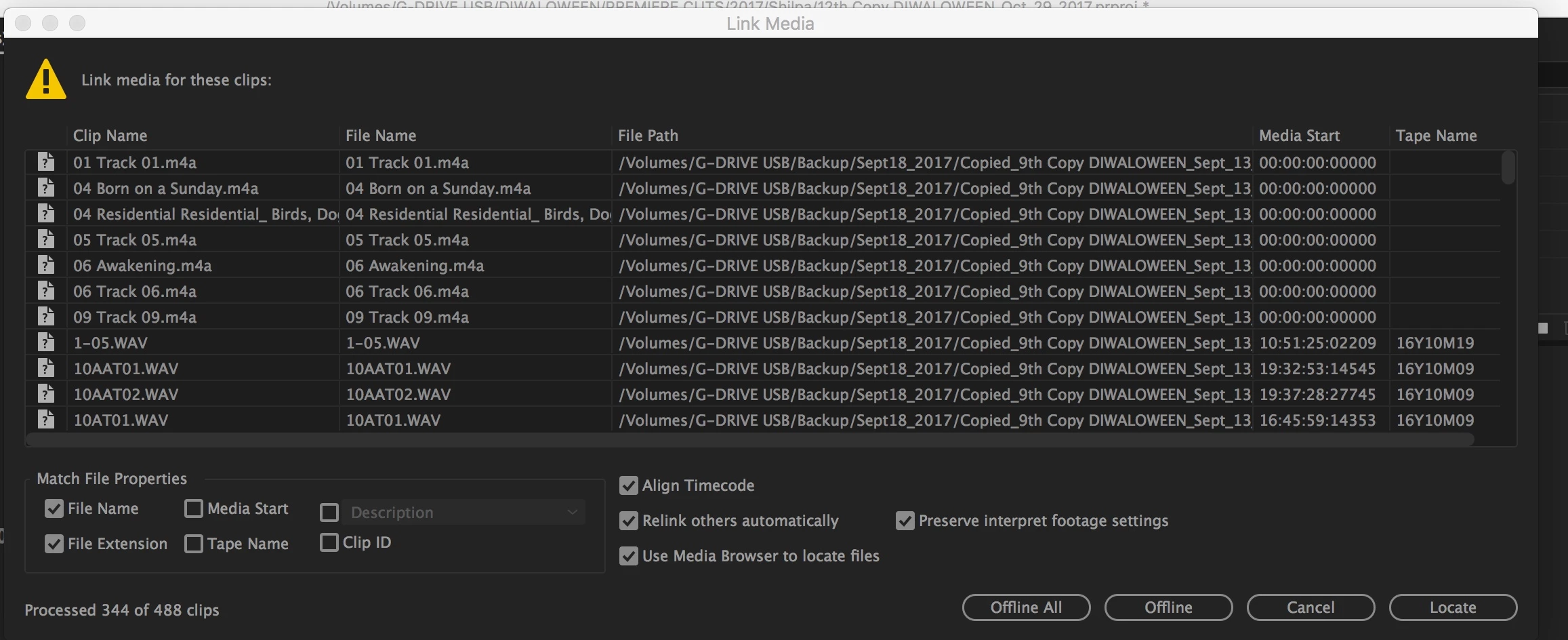
3 - I Offline'd 1 file.
- 435 show up in the Link Media Window.
- I relinked and located them to the "Master" folder.
- When I open the Sequence, they are still saying "File Path" --- "Backup" folder in the MetaData.
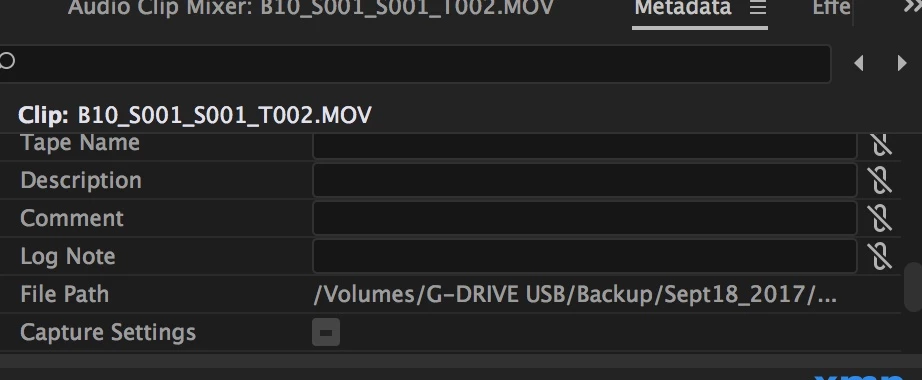
4 - Selected one Clip in Sequence.
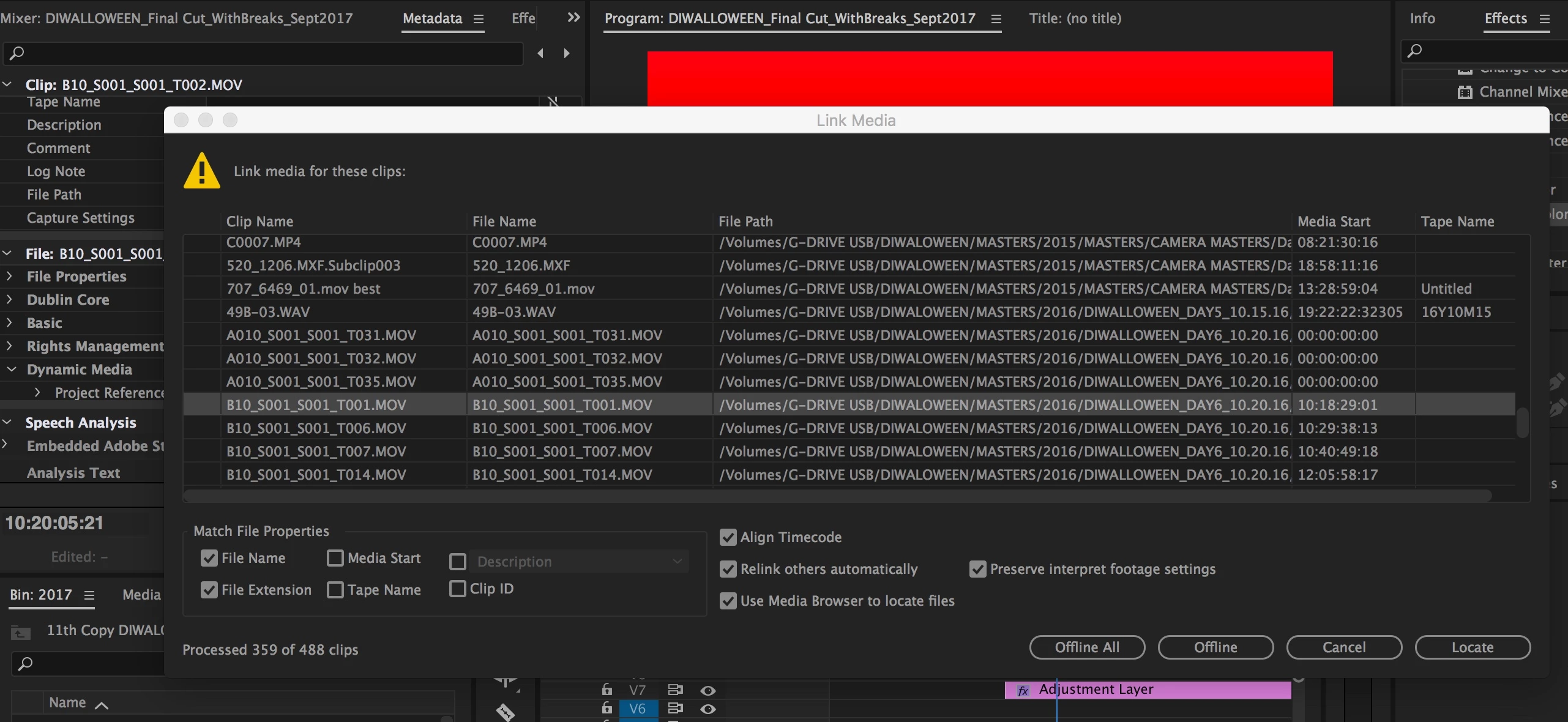
- Offline that clip
- 488 clips come up in Link Media
- The clip I selected is not coming up, but Other Takes of that Setup show with the right File Path.
- The clip I selected does not have the right file path after I Locate all the files.
 AdChoices