
Participant
April 1, 2021
Question

Removing black border around video

  • April 1, 2021
  • 2 replies
  • 1375 views

Hi, I have a video that was shot in portrait that I'm trying to make look better using the Gaussian blur effect. I've managed to do it on a picture on the video (as below)
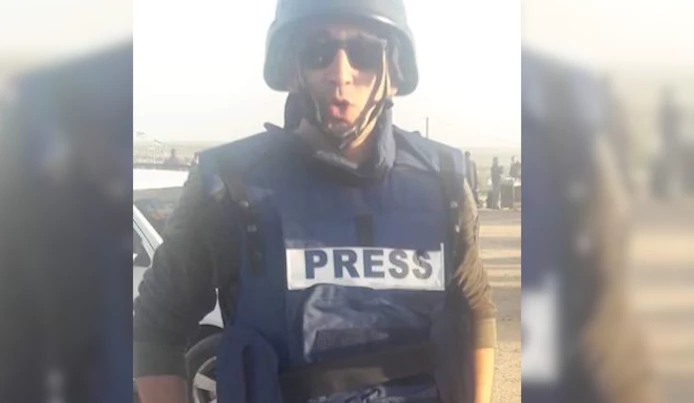
 

But I can't get it to work on the video even though I'm doing the same process (as below). Can anyone help?
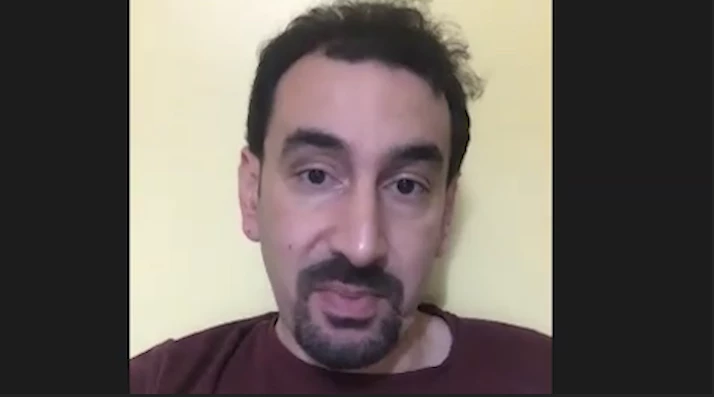
 

I'm using Abobe Premier Pro Version 15.


Thank you!

This topic has been closed for replies.

2 replies

Community Expert
April 1, 2021

Put your clip both on V1 and V2. On the V1 track increase the size of the film untill it fits both sides of the frame and add the blur. If you can't see the v1 picture behind the v2 the black bars might be part of the image so you may need to crop the v2 image.

Ann Bens
Community Expert
Community Expert
April 1, 2021

Check if the black borders are not part of the video.

If they are you need to mask the center piece.