The advice from chrisw44157881 is what I would try first. Handbrake is a free program that you can download. It's a video converting software https://handbrake.fr/
If your problem is variable speed frame rates then converting it to constant framerate will will fix it. 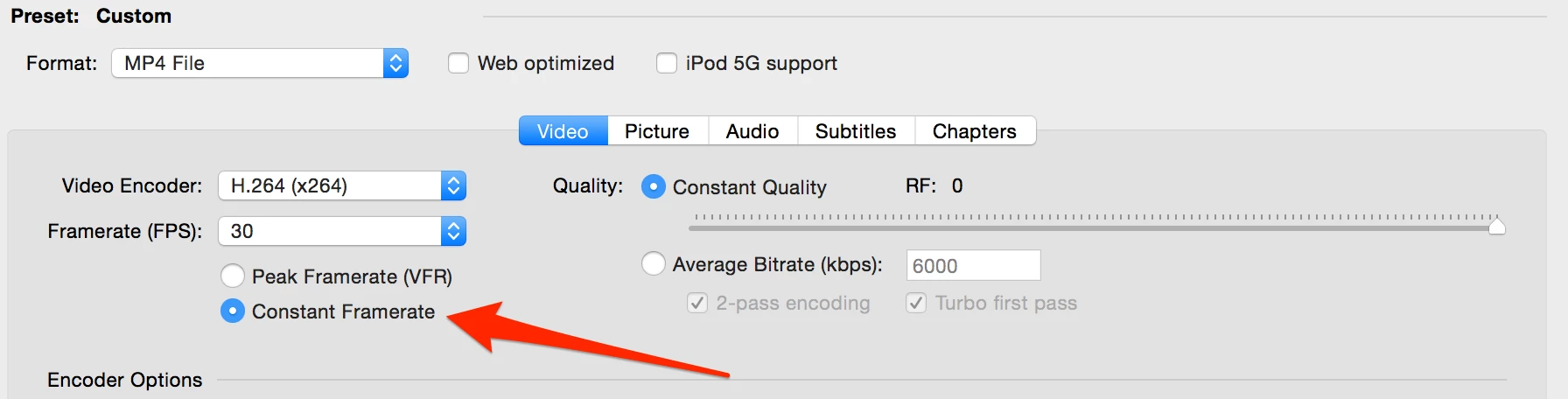
Premiere Pro has trouble with variable framerates. Opening up the video in a different player like VLC might help you confirm this. If it plays normal in VLC but not in Premiere Pro then you have variable framerate issue. Another way to be sure would be to use a program called MediaInfo MediaInfo this will give you a bunch of info on your video including if it's constant or variable framerate.
If your problem is not the variable framerate, but something to do with the game you were recording then I don't think there's an easy fix for you.



 AdChoices