
Participating Frequently
March 17, 2024
Question

render in to Out is bugging?

  • March 17, 2024
  • 1 reply
  • 919 views

my footage and my render in to out footage is not the same??

what my actuall shot should look like
what my shot after render in to out look like

as you can see in the actuall footage it didnt flicker or glitched,but when i render in to out my shot it became glitchy and wired looking, the video is shot form a ihpone 15, 60 frames and 4k, so i comes out as a .MOV file which i converted to mp4 4K then imported into PrPro. Btw here's my spec
GPU: NVIDA GeFroce GTX 1050 2gb of memory
RAM: 16GB
CPU: Intel core i7 7700HQ 2.80GHz

and the setting that i used in PrPro:
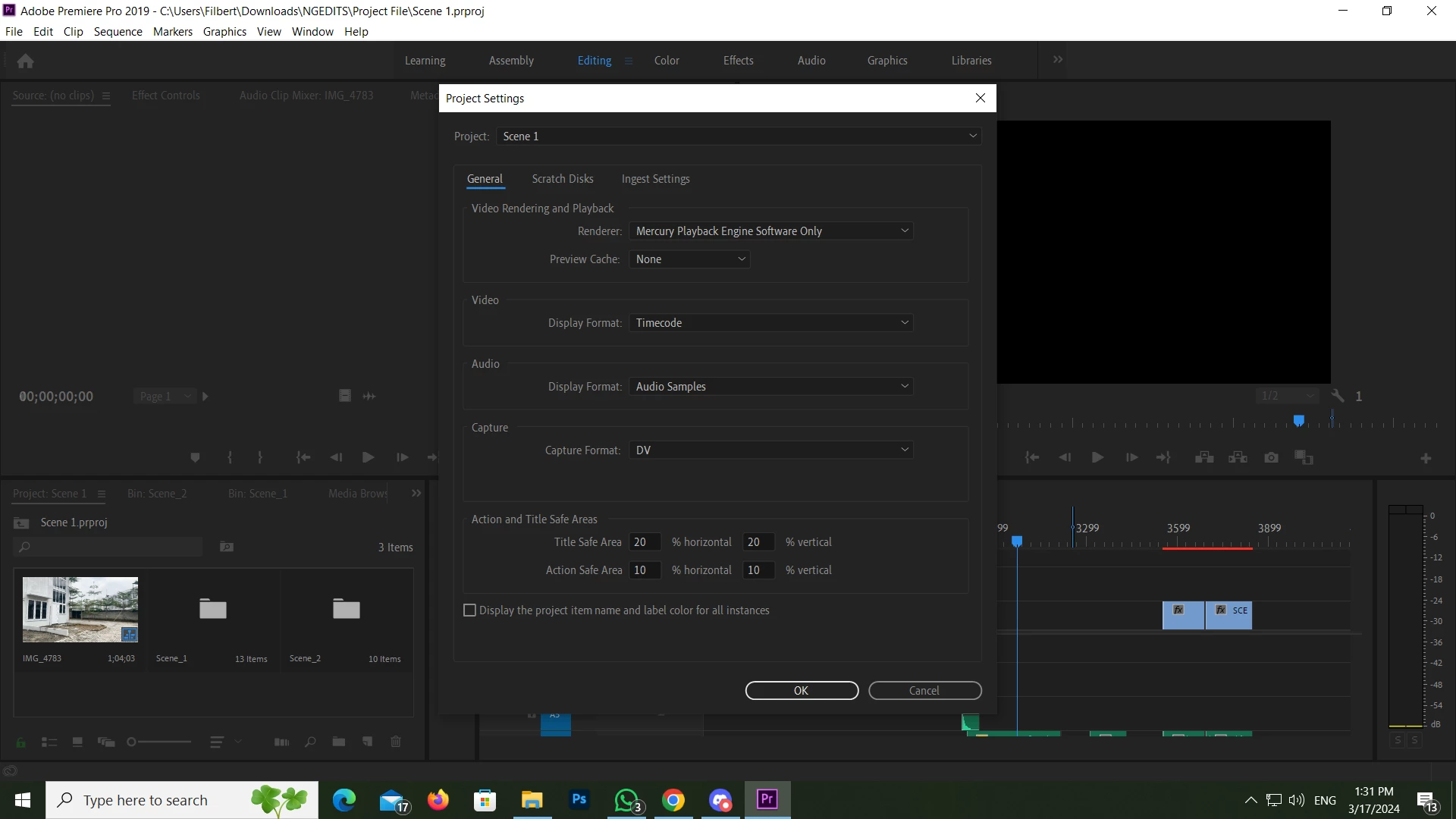
i have read forums after forums bout nobody seems to talk about this, if you have any idea or a soulution feel free to comment on this page 

This topic has been closed for replies.

1 reply

Ann Bens
Community Expert
Community Expert
March 17, 2024

Cannot watch after render.

You need to set the render/playback to MPE hardware.

Post screenshot sequence setting, export settings and clip in Mediainfo in treeview.

MediaInfo

Iphone most likely has variable framerate.

If the footage is variable framerate convert to constant framerate with Handbrake or Shutter Encoder before bringing into Premiere.

Converted from mov to mp4 for what reason?

Your Nvidia card is underpowered you need at least 6 gig for 4K and 32 gig ram.

If you are using a Nvidia card with the current (551.61) studio driver, roll one driver back.

Participating Frequently
March 17, 2024

"Cannot watch after render."
i can watch after the render but its glitching 


"You need to set the render/playback to MPE hardware."

may i ask where is the render/playback setting?

"Converted from mov to mp4 for what reason?"
Because i thought it was the file format, i was reading some Forums and i saw people changing their file format and it works so i tried, it work (for a while) then the problem persist again 

and why do i need mediainfo?


Participating Frequently
March 17, 2024

And a short note my frame rate of the footage its already 60 fps because i set it in the phone, so do i still need to convert them into stable frames using Handbrake ?