


Render in to out previews not showing on timeline
More and more on PrPro I am noticing that after I spend hours rendering in to out on my timeline to preview my films, none of these previews are linked after closing the app. I’ll close the app with the whole bar green, and re-open it with pretty much the whole bar yellow, and only a few seconds green here and there. It requires another rendering afterwards.
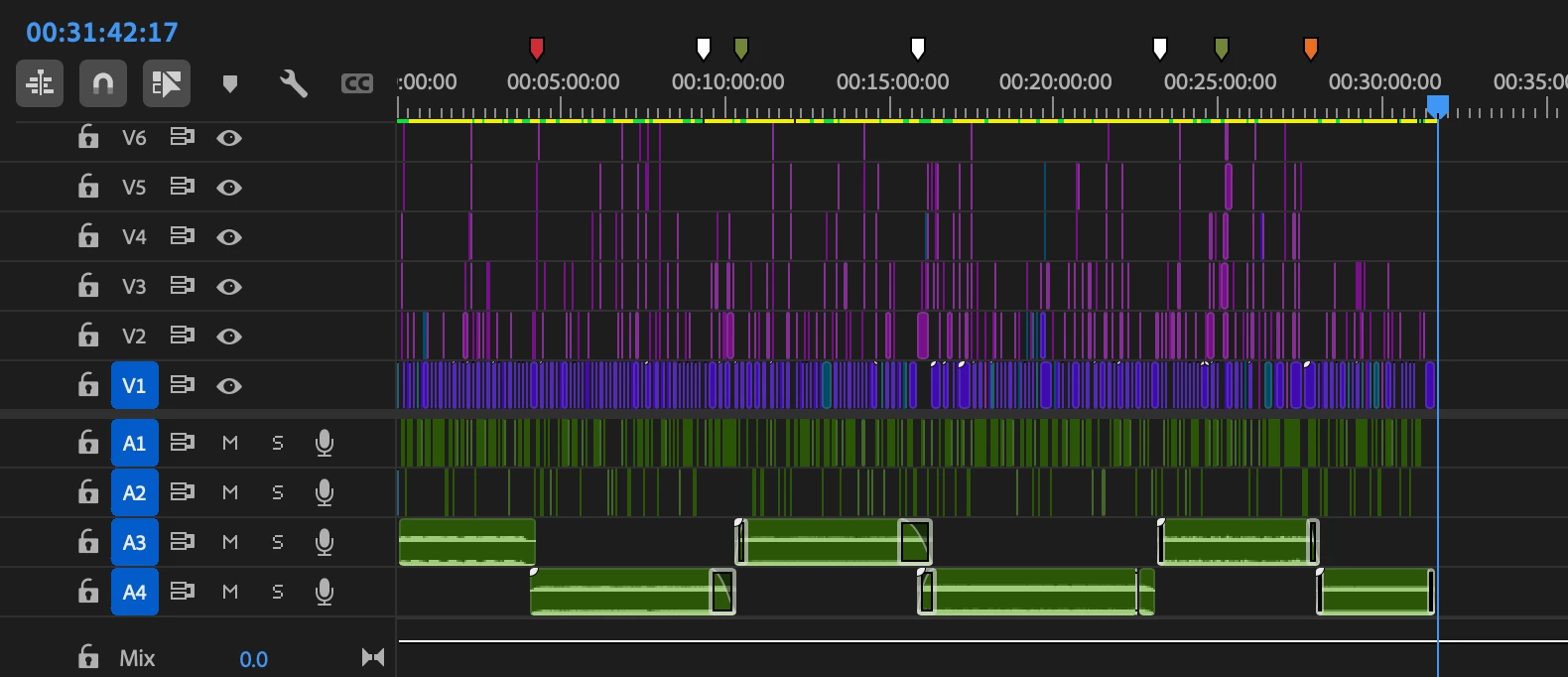
I checked and there are still gigabytes and gigabytes of rendered video previews in the PrPro folder in my documents. But evidently they are not linking. It usually takes maybe 3 or 4 distinct multi-hour render into outs in order for it to remember the whole bar is green.
Usually I just copy and paste all clips / items into a new sequence when this happens, assuming it to be a bug from a large, complex and defective sequence. But now this isn’t working either, as this one was a freshly-created sequence.
I looked online for solutions and found only sketchy workarounds involving “scratch disk settings” and “tricking it into looking for something else”. Surely is there not a feature where I can just point the project to the preview files it created itself?
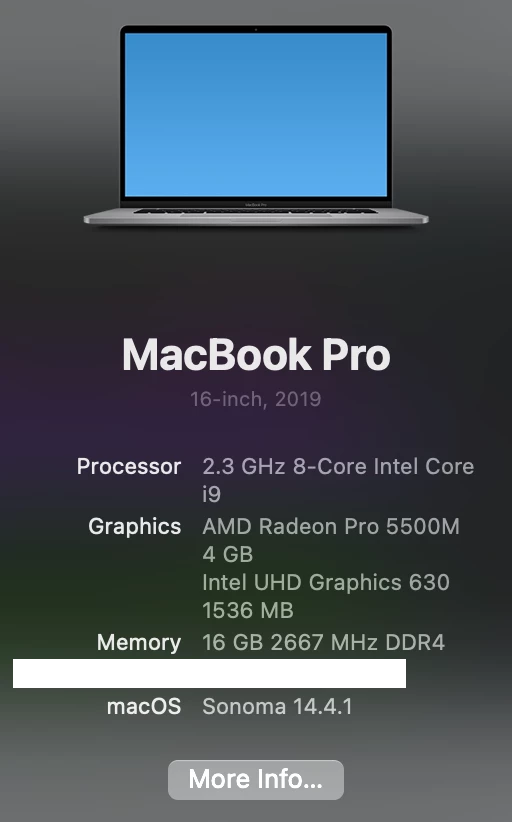
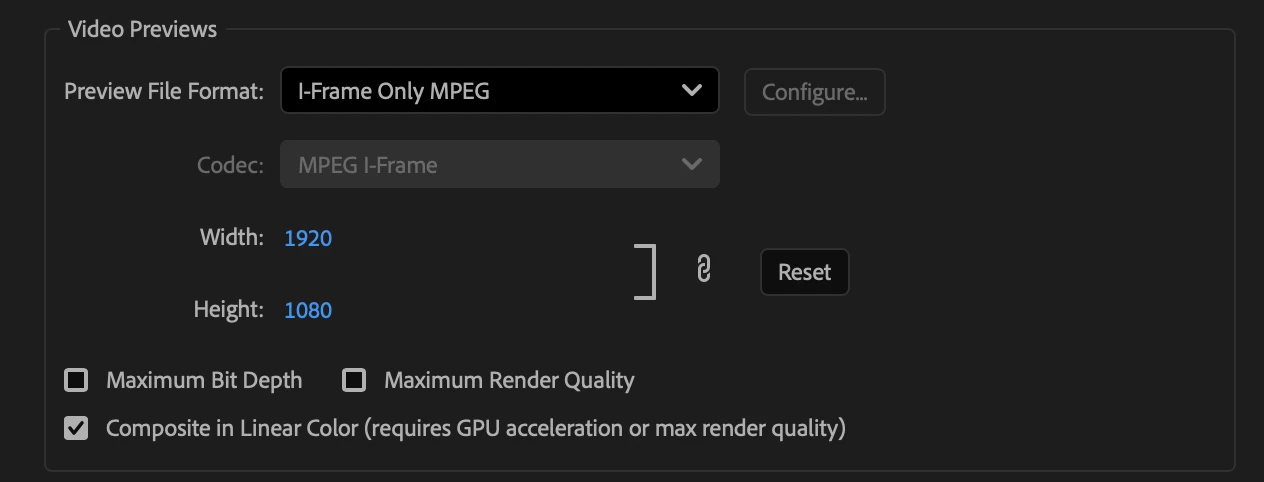
I’ve attached my sequence settings, MacBook specs and output settings (although those are pretty irrelevant in this case as I’m asking about in-app rendered previews)

 AdChoices