
Participating Frequently
August 1, 2022
Question

Render with Mercury playback GPU acceleration option missing on Apple Macbook pro M1 2021 16 GB ram

  • August 1, 2022
  • 1 reply
  • 1069 views

Been having serious issues with play back and noticed, I don't even have the option to use Mercury play baack engine gpu acceleration when I go to preferences and general. I just updated to Montery 12.5 hoping it would fix the driver issue but no luck. Runing Premiere Pro 22.5 


When I try to lay in a simple bullet point MOGRT I can not even see where I'm putting on a pasued timeline basically have to render and guess check again where Im putting it. 


Paly back is set to 1/4 on a 1080 sequence 

Media Cache is set to the same SSD as project. 

Reserved 3gb of 16gb for other applications
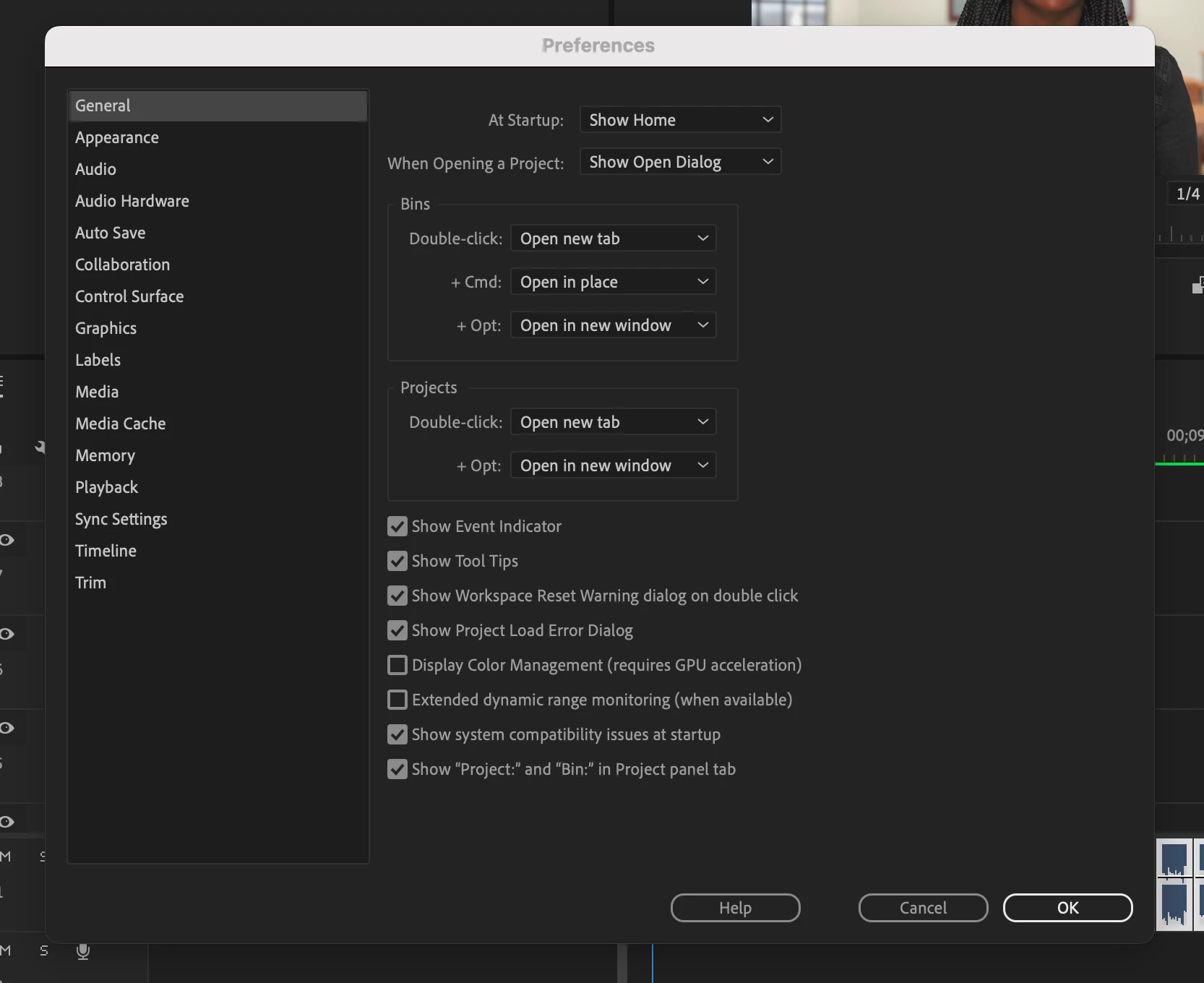
 

This topic has been closed for replies.

1 reply

Ann Bens
Community Expert
Community Expert
August 1, 2022

Try the project settings for MPE hardware/software.


In the preferences under media you will find decoding options.

Participating Frequently
August 6, 2022

It shows mercury play back engine but is greyed out. 

Legend
August 6, 2022

I'm very sorry to tell you this, but the Apple Silicon-native versions of Premiere Pro are permanently locked to the "Mercury Playback Engine GPU Acceleration (Metal)" mode, and cannot be changed at all to any other mode such as software-only. You will need to run Premiere Pro in the Intel mode through Rosetta 2 in order to enable the other options.