
Participant
December 25, 2019
Question

Rendering H.264 with 2 consecutive B frames

  • December 25, 2019
  • 2 replies
  • 1517 views

Hello,


I want to render an H.264 project for youtube.


YouTube recommends "2 consecutive B frames" in the exports.
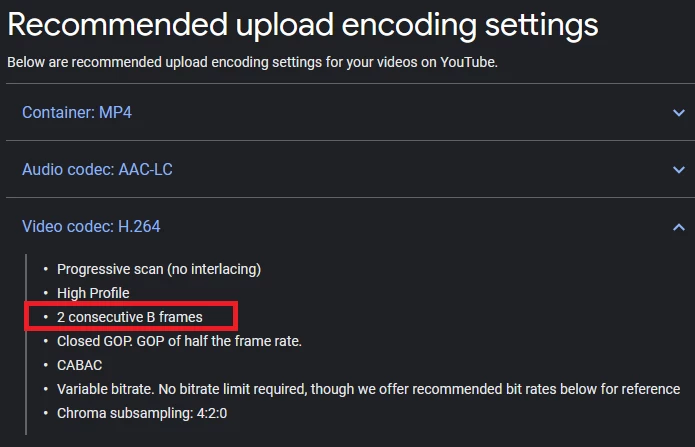


my project is 60fps so what setting i need to type in the "keyframe distance" to get this 2 consecutive B frames?

This topic has been closed for replies.

2 replies

R Neil Haugen
Legend
December 27, 2019

Very few of the uploads to YouTube have been made by people who actually read that list. And they still loaded ...


There are the YouTube presets available in Premiere, all work. As with anything else, you can tweak the settings and make your own presets from them.


Also ... several users "here" routinely note that they use DNxHD/R to upload rather than any H.264, and it works fine. Good quality on YouTube, and gets around some typical YouTube re-coding things that can happen. Takes a pretty good upload speed for your internet service of course.


Neil

Everyone's mileage always varies ...
Legend
December 27, 2019

Have you tried using the appropropriate youtube preset in the premiere export dialog (set the format to h264 in the export dialog and the youtube presets should be available in the presets)?   At least a good place to start and see what the quality looks like on youtube.