
Replace with After Effects composition issues after CC 2020 update
Hi
A lot of my projects feature content added directly from AE, in some cases my entire sequence is clips that have been replaced with AE compositions (all in one AE file).
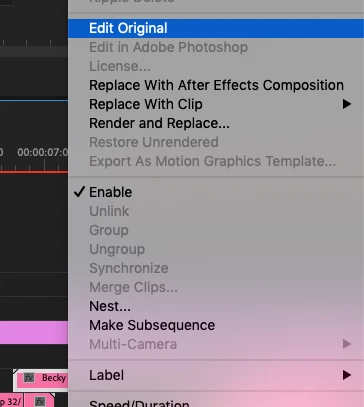
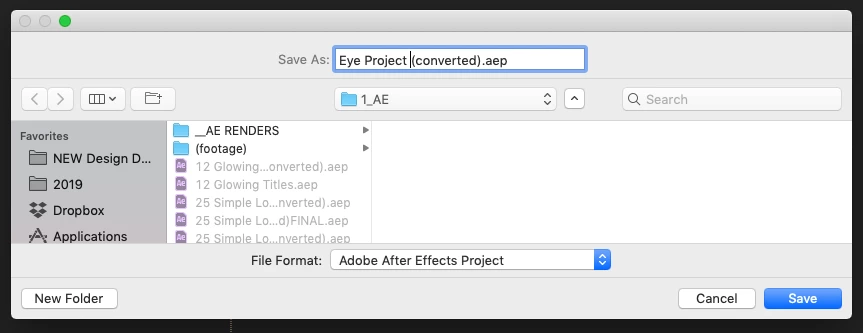
After updating to 2020 the links don't seem to work. When I right click on a AE clip in Pr and click edit original, it requires me to save/convert the AE project as AE 2020 is a new version, and save it. however any changes made are not actually updated into Pr. I go back to Pr, Right click again and edit orignal and the same thing happens, until eternity.
The only crappy work around I can find requires me to open the converted AE file then in Pr add a colour matte to match the legnth of the clip, replace that with Ae compositon then add the orignal compositon is in after effects. However this is a rediculous process considering I have several hundred AE links in Pr!
Any help will be appreciated. Screenshots below to show what I mean.
 AdChoices