Question
replacing multichannel audio in timeline
Hi guys,
hopefully i can explain this...
I have done a half hour edit - having synced the 8 channel audio to the footage, cut that up and used the cut up clips in my final edit sequence.... as you do.
Ive very stupidly just noticed that one of my audio channels was not turned on in the timeline and as a result on of my 8 channels of audio is missing....
short of chopping this out of my audio tracks again manually which will take days - is there a way or relinking one channel from the original 8 channel audio?
see picture below....
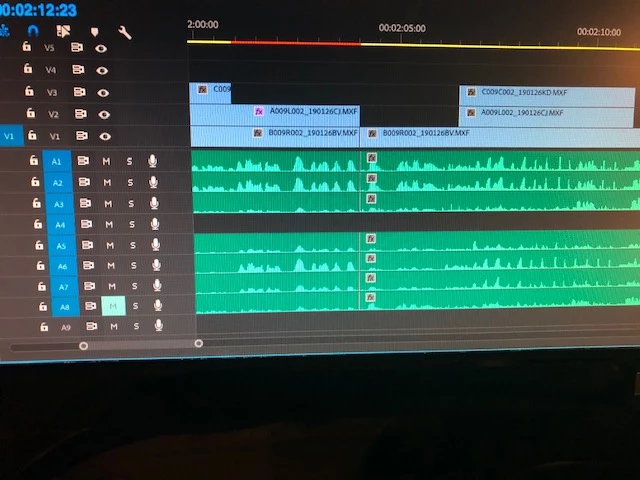 track 4 is missing as it was switched off
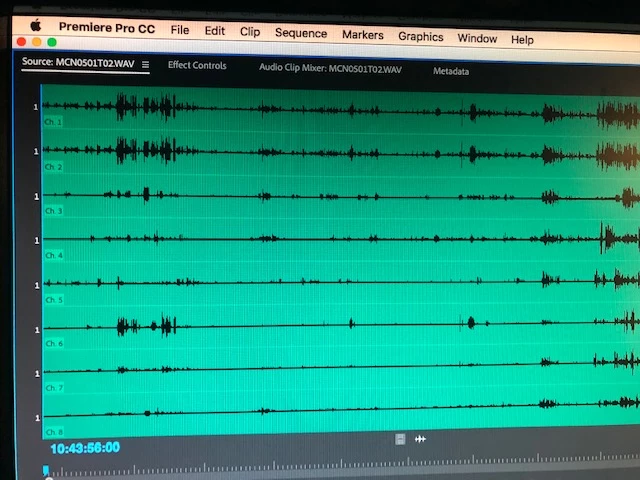 i need to put track 4 in from the original clip to multiple parts of the timeline.
any help would be hugely appreciated.
Simon
 AdChoices