
im0gen
Participant
April 14, 2017
Question

same file as original, but says file type does not match

  • April 14, 2017
  • 2 replies
  • 470 views

The premiere file I'm editing on was created on a different device but the original clips were copied from the one I'm now trying to use. The and MP3 and some .MOV files can be located:
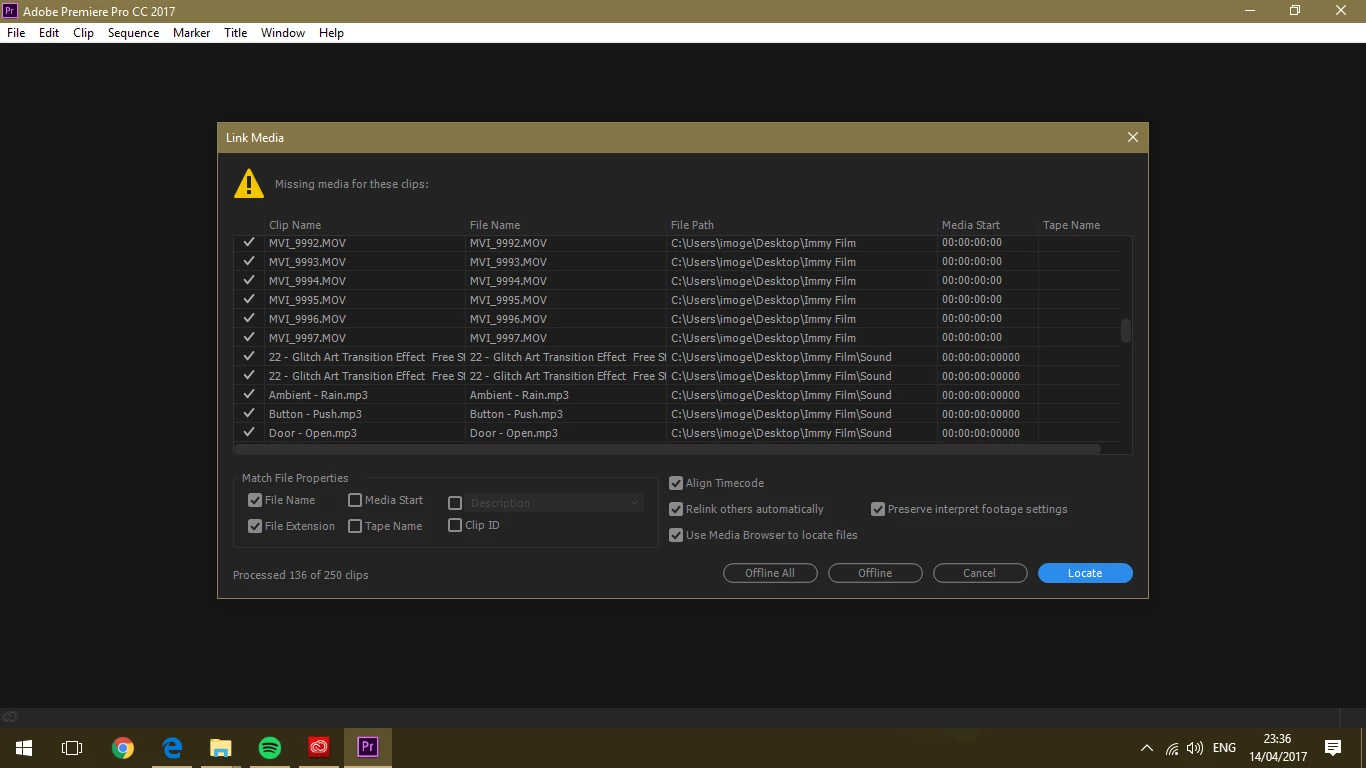
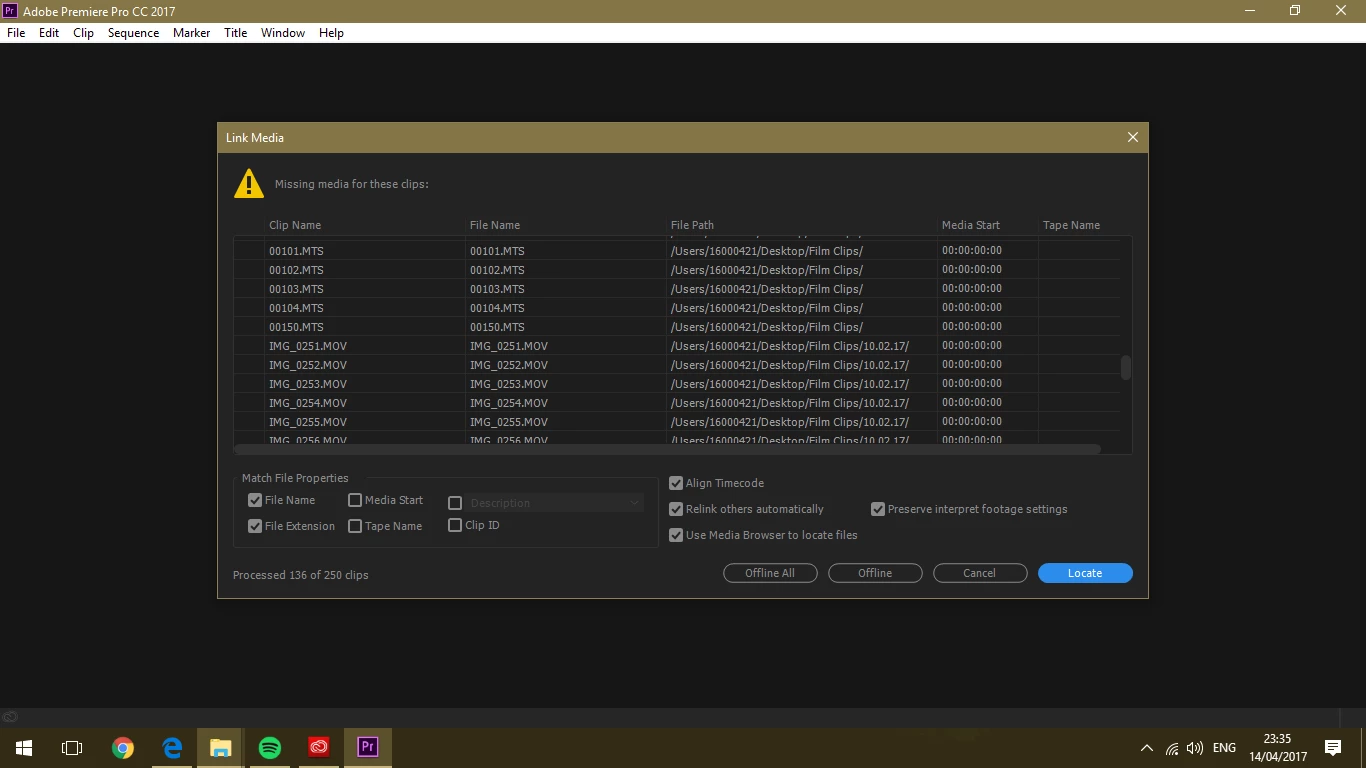
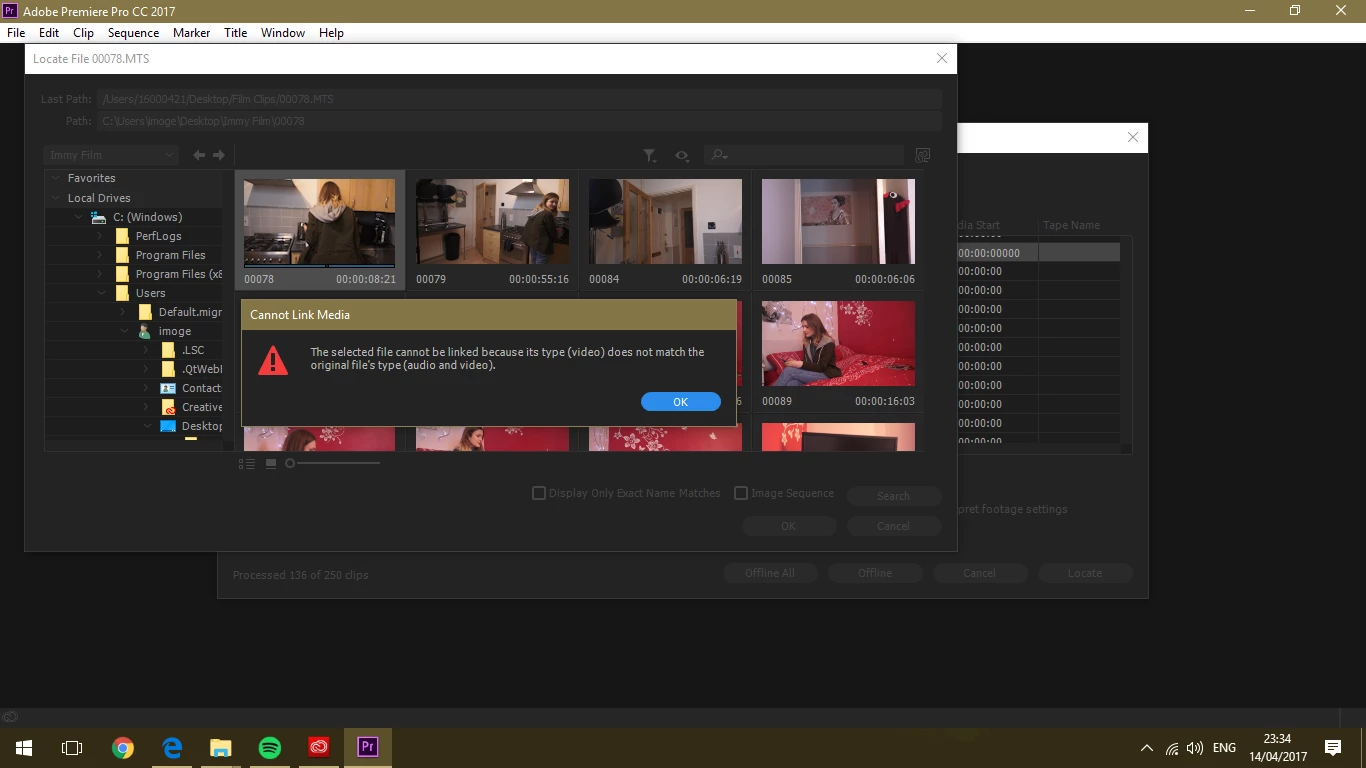
However, when I try to locate some of the .MOV and .MTS files it does not let me use the clip, saying that they are not the same file type, even though they are the same video copied from another.

I successfully located the same files onto another device last night, which was not the same one used to create the premiere file, but when I tried to do it on this laptop after purchasing a subscription for Premiere, it does not work so I am slightly confused. I hope this makes sense. Is there any way I can resolve this issue & use these clips?
2 replies

Known Participant
June 18, 2025

Have this same problem. I can't use the original clip now and have to duplicate an entire project JUST so it can use a clip it's being ultra picky about. The original clip is the same, is not corrupt, plays in other Premiere projects, plays in Windows, is the SAME EXACT clip as was used 10 minutes ago, but now magically Premiere and Adobe don't like it and "cant" use it. 


Mod note: Edited for content. Please do not discuss legal action on these forums.

Inspiring
June 18, 2025

Have you tried "Replacing" the clip instead of relinking?

R Neil Haugen
Legend
April 15, 2017

In your last example, note it says the the file-type "audio/video" of the original is not matched by the file-type of the found clip ... "video" ... so it's not seeing the attached (we hope) audio file on the located media.

Somehow, it's not seeing the clips in the folder structure they're in, as-copied, as perhaps "completely" as it did the originals.

Everyone's mileage always varies ...