
Beantwortet
Same lower third looks different on two sequences with the same colour space
Hey all,
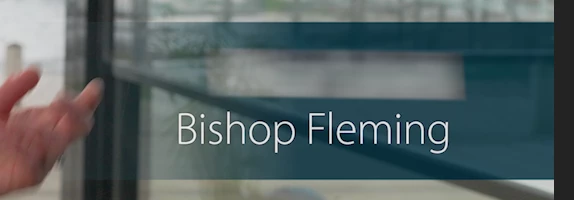
I'm having an issue and I'm stumped as to how to solve it. I made a lower third in After Effects, with a colour gradient and opacity gradient as its background. On a video I edited only yesterday, the lower third appeared correctly in Premiere, like so:
However when using the exact same graphic (exact same file that is, not a re-export) on a different Premiere Pro project today, it appears with the colour looking too dark, and the opacity also looks a bit off to my eye:
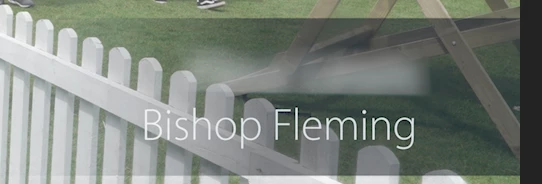
The colour space on each sequence is the same (Rec. 709), both instances of the lower third are at 100% opacity, and both have the same blend modes on (normal), so I'm not sure what else to try in order to fix it. Any help would be greatly appreciated, thank you!
 AdChoices