jimmywalter
Inspiring
August 4, 2026
Question

Same Premiere Pro-Lumetri settings, same video, different results

  • August 4, 2026
  • 4 replies
  • 45 views

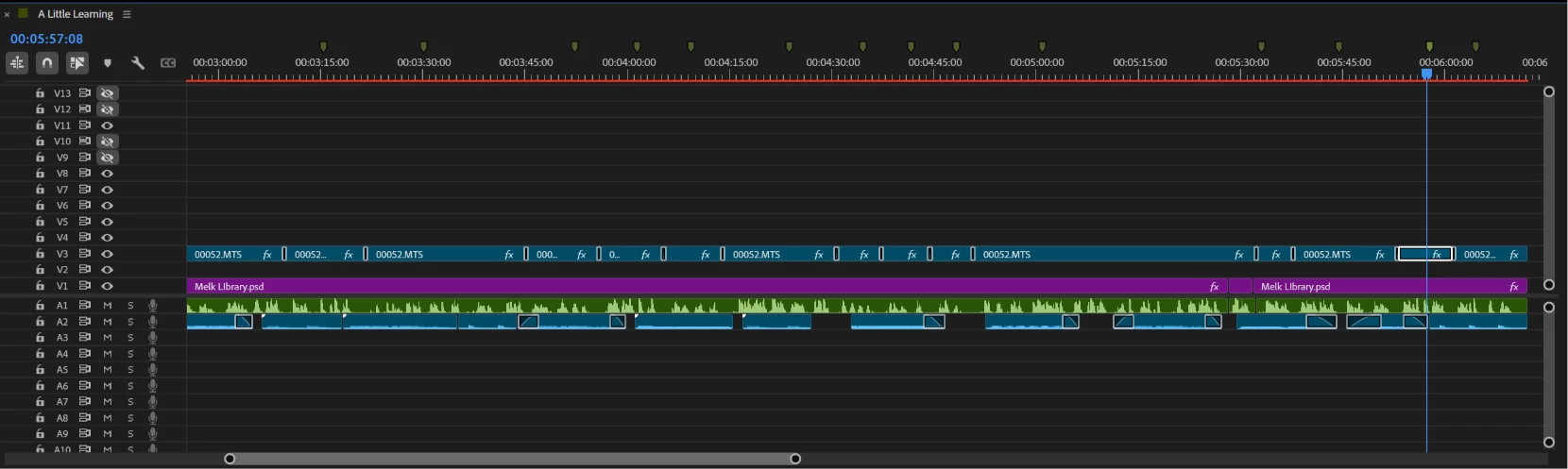
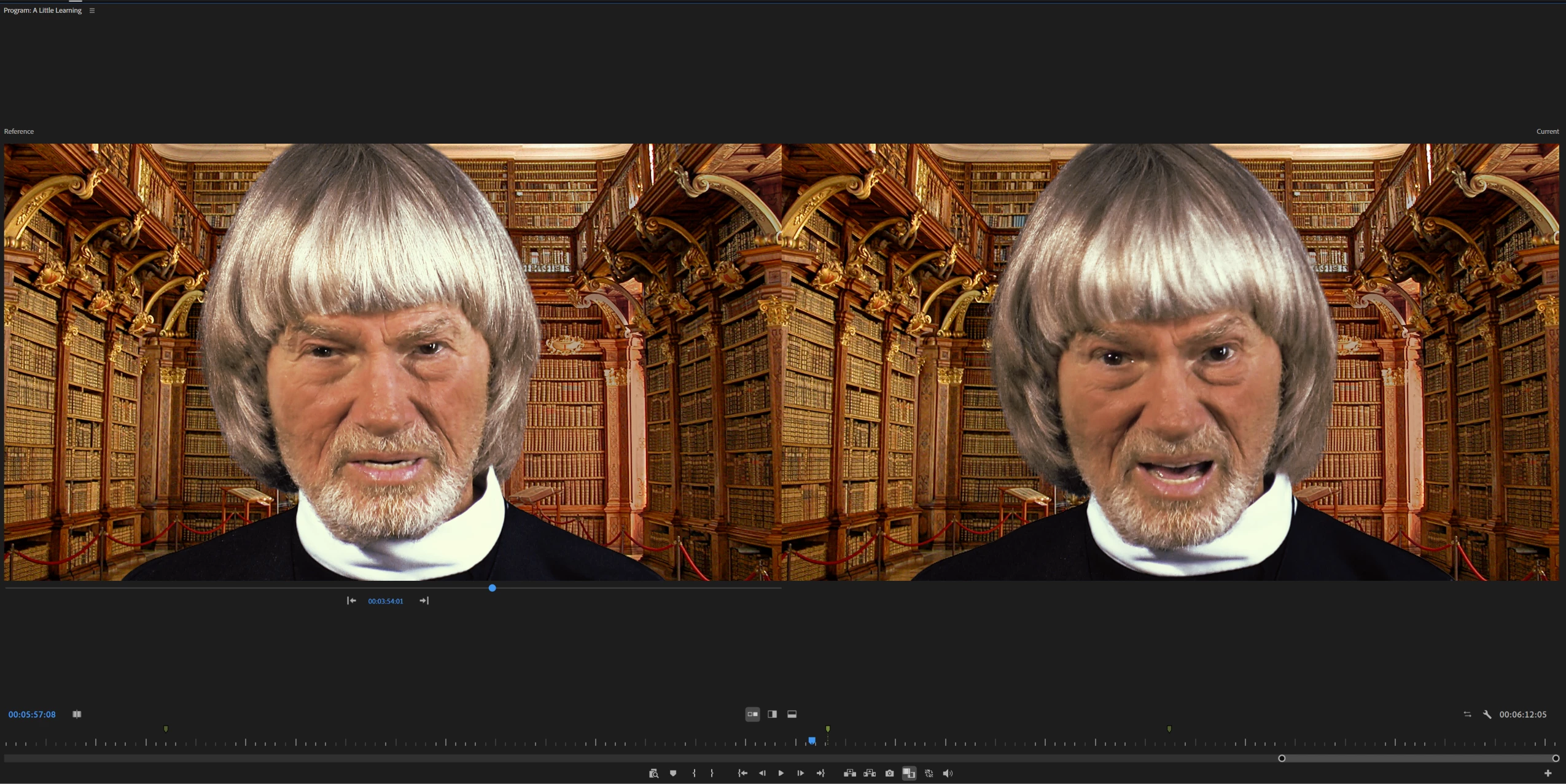
Same video in a Premiere Pro project, but cut into pieces, using the same lumetri settings, gives
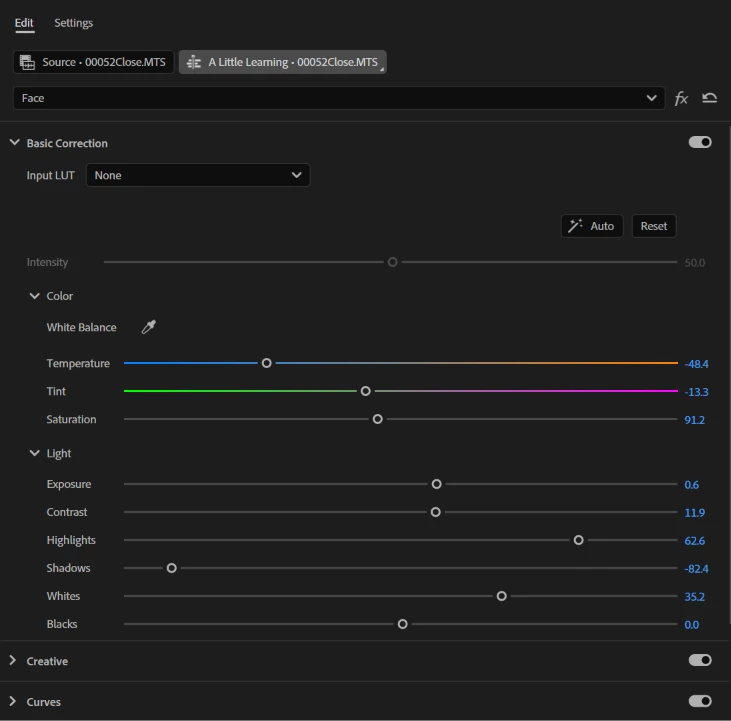
Lumetri settings, Exactly the same for both.
Timeline both are 00052closeMTS

 different results.


4 replies

Community Expert
August 7, 2026

If you check the Effect Controls panel for both clips, is each effect (including Lumetri) applied in the same stacking order?

Community Manager
August 4, 2026

Hi,

Do you have any other effects on these clips? Let us know.


Thanks,
Kevin

jimmywalter
Inspiring
August 5, 2026

Thank you Kevin for asking and looking. The both have BCC magic sharp and Primatte Studio (both with the same exact settings). The clips are from one session, continuous video with no changes in lighting, distance etc.)

Community Manager
August 5, 2026

Hey Jimmy,

Sounds frustrating. What I'd try first is to copy and paste the clips into a new sequence. See if it is working then. If not, try a wholly new project with the same clips and let us know the results.

If it still isn't, you can troubleshoot.

If you remove all effects, do they still match? If so, see if this version of Premiere supports your plug-ins. If they are not, update them. I hope that things work again for you at this point.

If you are still having trouble, you can try the Reset Options dialog box. For that, press Shift at launch. Try deleting all media cache and resetting plug-in loading cache first. If that doesn't work, try again and reset all the options in that dialog box.

If you are still unable to solve this, let us know, and we can escalate your case to assisted support, OK?

Thanks for your patience on this. I hope we can get you moving again soon!

Cheers,
Kevin