name is already taken
Known Participant
September 12, 2020
Answered

Scale effect starts before keyframe
  • September 12, 2020
  • 3 replies
  • 2124 views


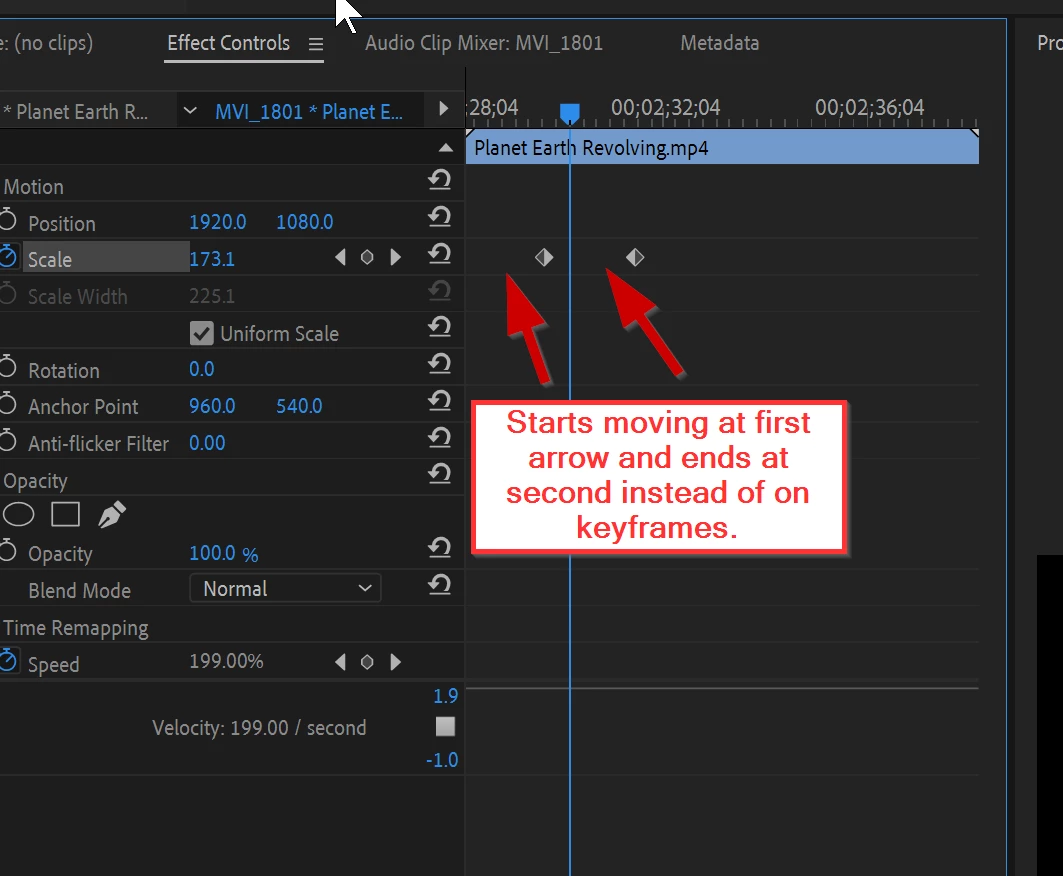
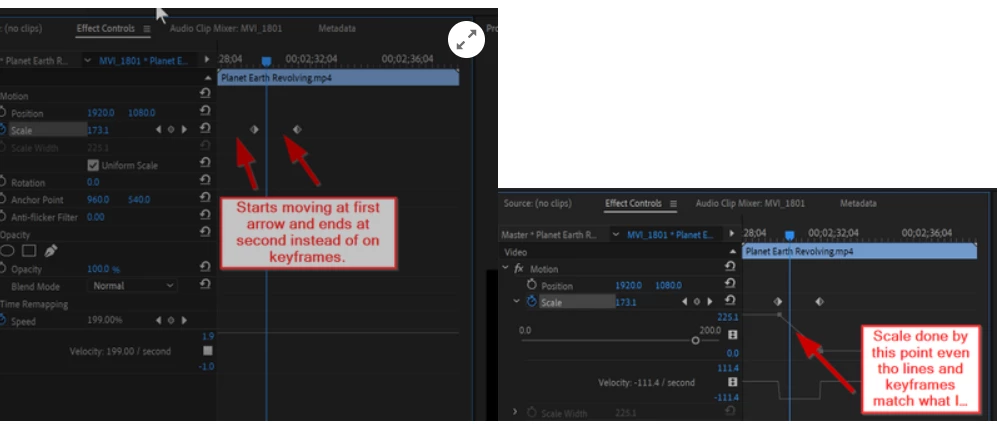
I'm not sure what's going on or if it only exists on the preview or will continue to the final render (and frankly I don't want to find out) but my scale attribute is activating before the keyframe. IE I say to scale down at 9.50 seconds and at 8.45 seconds it starts. I have tried remaking the keyframes but it does not change. I am also using time remapping in the frame, but the moments in the timeline shouldn't change. Does anyone know what is going on?
Correct answer Ann Bens

You can use 4 keyframes for Scale and 2 keyframes for Speed and you will experince this 


Time remapping and Motion dont go together.

Do timeramapping first > nest > add scale to nest.

3 replies

Participating Frequently
January 6, 2022

Hey. 


I'm facing the same problem could you please tell how you fixed it?


Regards 

Hassan.

name is already taken
Known Participant
September 13, 2020

More research has revealed the following:

I have also tried setting the second keyframe where I want it on the timeline and then moving the Earth out of frame. The unwanted keyframe still appears. It seems to be a bookend, however, this unwanted keyframe is not the problem. 

My animation still begins moving before the first keyframe.

Ann Bens
Community Expert
Community Expert
September 13, 2020

Premiere does not set keyframes by itself.

Set first keyframe both spacial and temporal to Linear.

Can be a bit tricky when using postion and scale at the same time especially when using easy in/out.

If it does not work start over, also sometimes it better to start working backwards.

Start with the end postion and work your way back to the default setting.


Participating Frequently
January 6, 2022

Hey.


I'm having the same problem. I started even backward but it gave nothing. 


Regards

Hassan.

name is already taken
Known Participant
September 13, 2020

I am now experiencing this with a different set of animations. The animations were starting before the keyframes and then when I deleted the keyframes the movement continued even after the keyframes were gone. Help!