
Question
"Scanning Audio Plug-Ins" frozen
When trying to launch the new Premiere Pro on my Macbook Pro the application freezes at a loading box saying "Scanning Audio Plug-Ins".
This is a clean install with no added plugins. I tried re-installing.
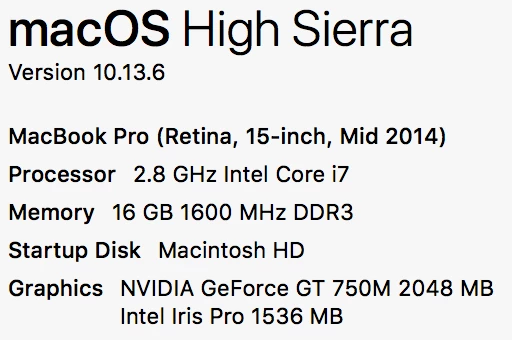
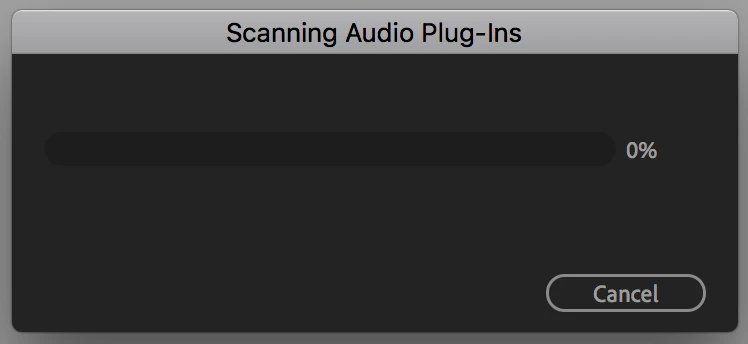

When trying to launch the new Premiere Pro on my Macbook Pro the application freezes at a loading box saying "Scanning Audio Plug-Ins".
This is a clean install with no added plugins. I tried re-installing.
Already have an account? Login
Enter your E-mail address. We'll send you an e-mail with instructions to reset your password.
 AdChoices