Joost van der Hoeven
Community Expert
Community Expert
December 6, 2021
Question

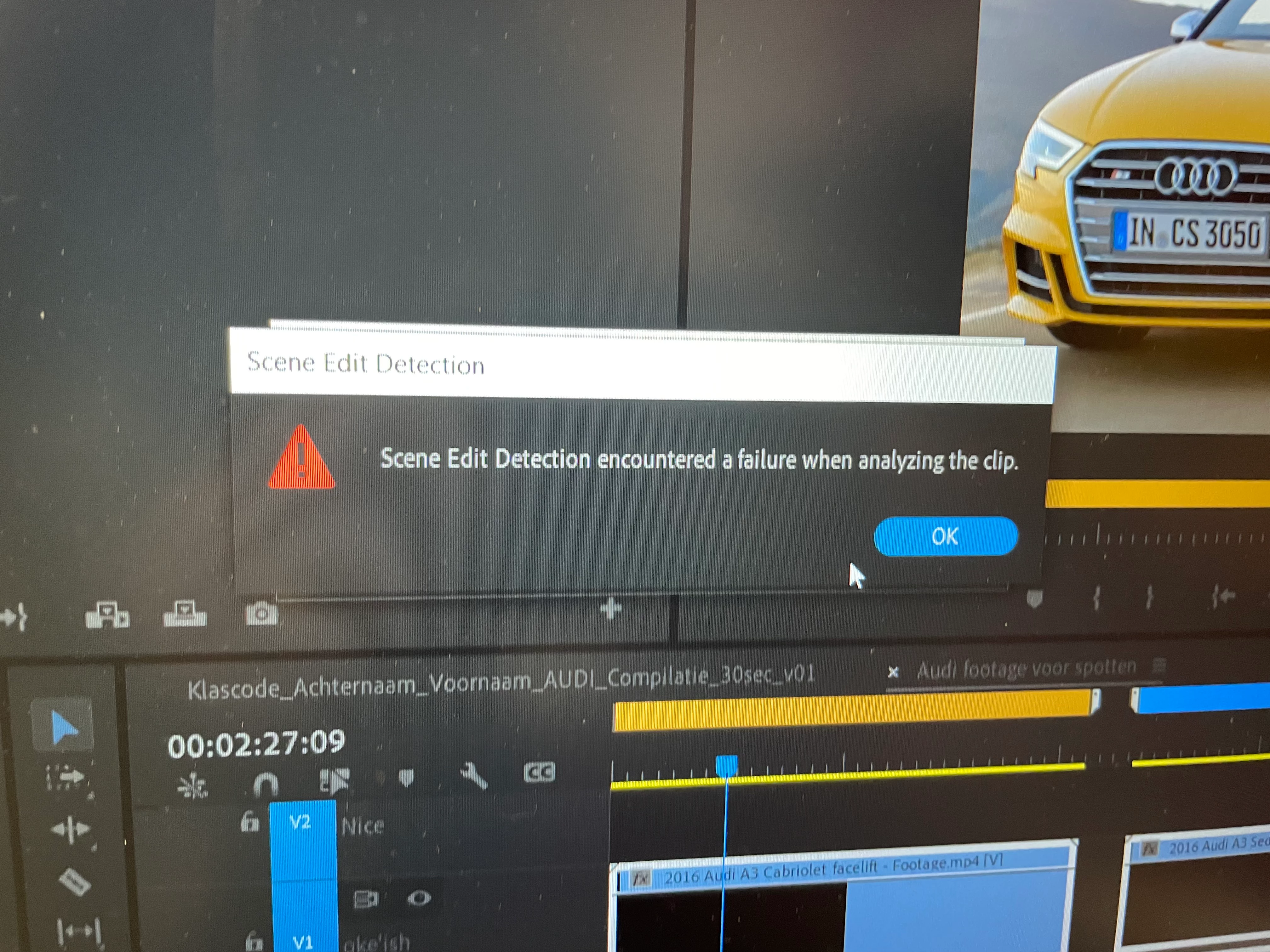
Scene Edit Detection encountered a failure when analyzing the clip

  • December 6, 2021
  • 2 replies
  • 4918 views

A student of mine has issue with Scene Edit Detection on .mp4 clips.
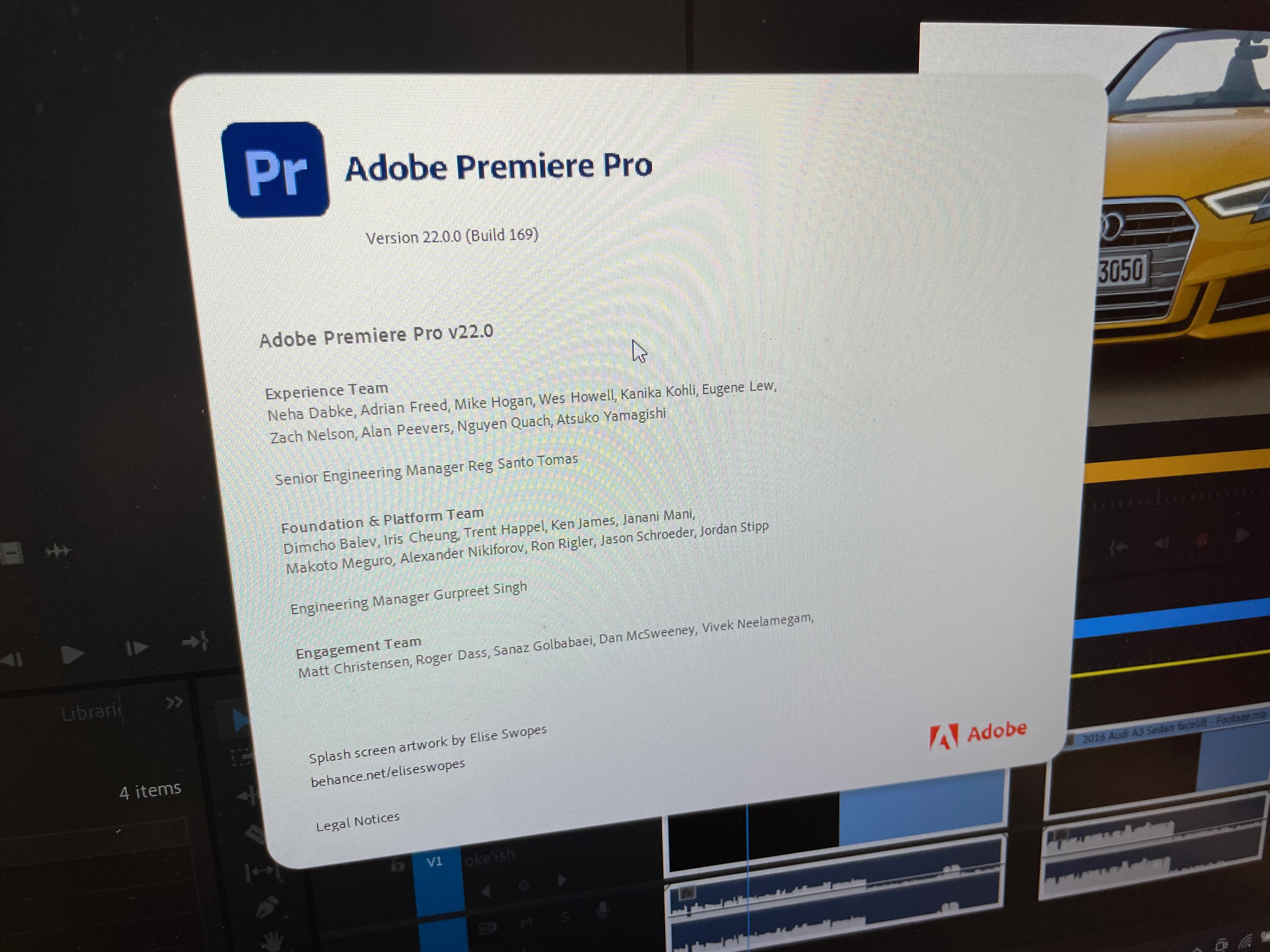
He is on Windows 10 and Pr 2022. Other students, or myself don't have this issue. What could the cause be that het gets the "Scene Edit Detection encountered a failure when analyzing the clip" -fail?

FYI:
There are no Windows Updates pending.
We have restarted the Computer, no succes
We have disabled GPU accelation, no succes


This topic has been closed for replies.

2 replies

Participant
March 15, 2024

I started Premiere holding the shift key and selected Clear media cache files and Reset pluging loading cache. It worked for me! Hope this helps you too.

Participant
October 26, 2024

Can you please explain how you did that?


Averdahl
Community Expert
Community Expert
October 26, 2024
  1. Press down the Shift-key on your keyboard and keep it pressed down.
  2. While holding the Shift-key pressed down, launch Premiere Pro.


You will now be presented with a dialog named Reset options. Check Reset app preferences and Clear media cache files and click on Continue.


quote

Can you please explain how you did that?


By @joseph_8609


Ann Bens
Community Expert
Community Expert
December 6, 2021

You and others have no issue on the same clip?


System related?

FAQ: How to reset (trash) preferences.

Joost van der Hoeven
Community Expert
Community Expert
December 6, 2021

Yes, me and others have no issues. I'll have him reset the perfs.


Participant
April 24, 2022

the clip is very long you must shorten the clip and try again.