Participant
February 19, 2017
Question

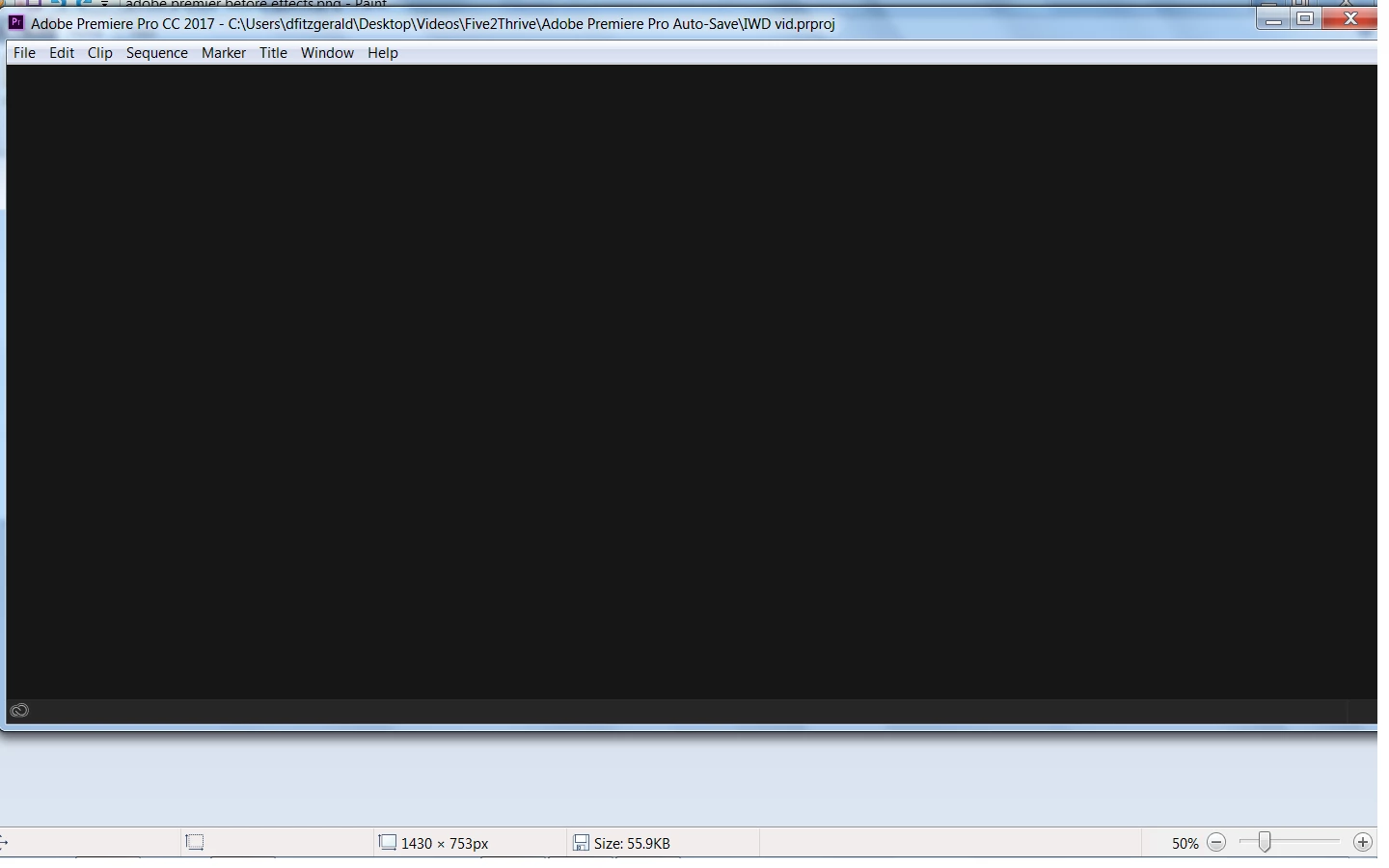
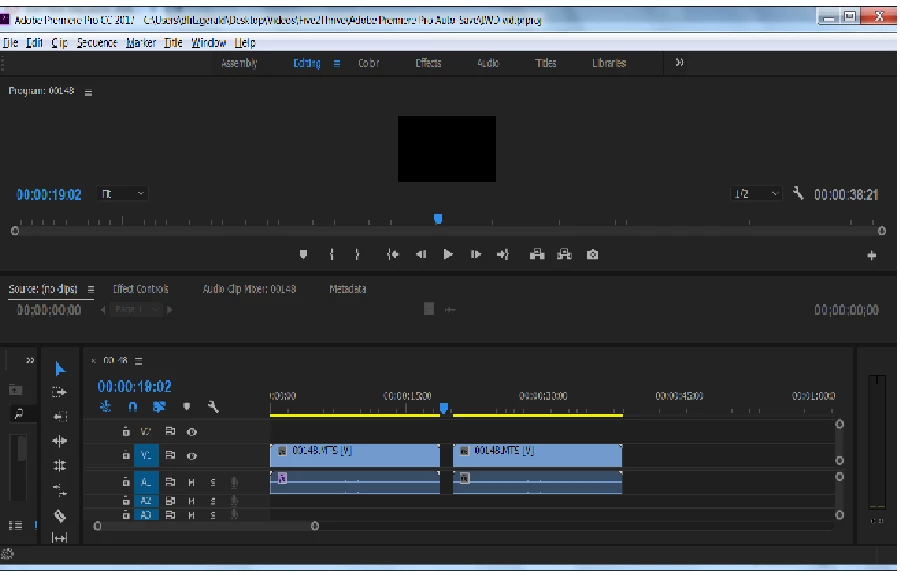
Screen blanking after clicking "effects"

  • February 19, 2017
  • 3 replies
  • 373 views

Here is a before and after screen shot from when I click "effects" tab. This has just started this morning and I have never had this issue before. None of the other tabs have this problem and I can go into effects control by clicking the clip and finding the individual tab on it but if I click the one at the top I get a blank screen as seen in the screen shot.

Any hellp would be much appreciated.
    This topic has been closed for replies.

    3 replies

    Rameez_Khan
    Legend
    March 24, 2017

    Hi danielf,

    Did the suggestions given above help?

    Let us know if you still need help.

    Thanks,

    Rameez

    Legend
    February 20, 2017

    Wait.

    Are you clicking the Effects tab, down near the Project and Media Browser tabs, or are you talking about the Effects workspace at the top of the interface, which is a very different thing from a tab?

    Ann Bens
    Community Expert
    Community Expert
    February 19, 2017

    What if you reset workspace to default?

    Or restart computer,

    hold down shift+alt while opening Premiere.

    Make sure you backup presets.

    It looks like a very small screen.

    Does it meet minimum requirements 1280x800?

    Vidya Sagar
    Participating Frequently
    February 20, 2017

    Hi Danielf,

    As Ann Bens suggested, Please check if the machine is meeting the minimum requirements of Premiere Pro

    Premiere Pro System Requirements for Mac OS and Windows and also provide us the System specifications for further investigation:

    1. What is the exact dot version of Premiere Pro? FAQ: How to find the exact version of Premiere Pro you're using?

    2. What is the GPU model number? Have you updated the GPU drivers?

    3. What is the OS version number?

    4. Is this happening with all projects? Create a new project & test.

    Thanks,

    Vidya Sagar.