
searching fps within pre-existing bin
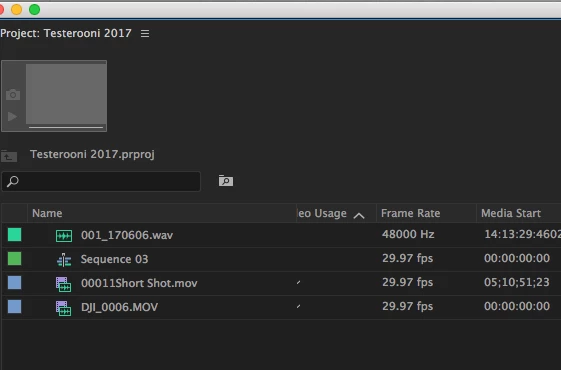
So I have a bin with a few hundred of clips in it, what I want to do is filter them to only show the clips recorded at 60fps, so I can copy them to another bin and interpret them as 24 fps and get some smooth slow motion, while keeping the same clips at regular speed in the bin I'm searching.
So far I have yet to find a way to do this. Creating a "Search Bin" pulls from every video I've imported into the project and clip I've created, not one specific bin. When I try to do it using the regular search filter it still shows me videos shot in 24 fps. Using the "Find" function you can only see one video at a time, and you can't select it while the find box is still up.
Any help is appreciated. This seems like it should be simple but I haven't figured it out yet so I'm hoping someone can show me an easy fix.
Thanks!
 AdChoices