Inspiring
September 22, 2025
Answered

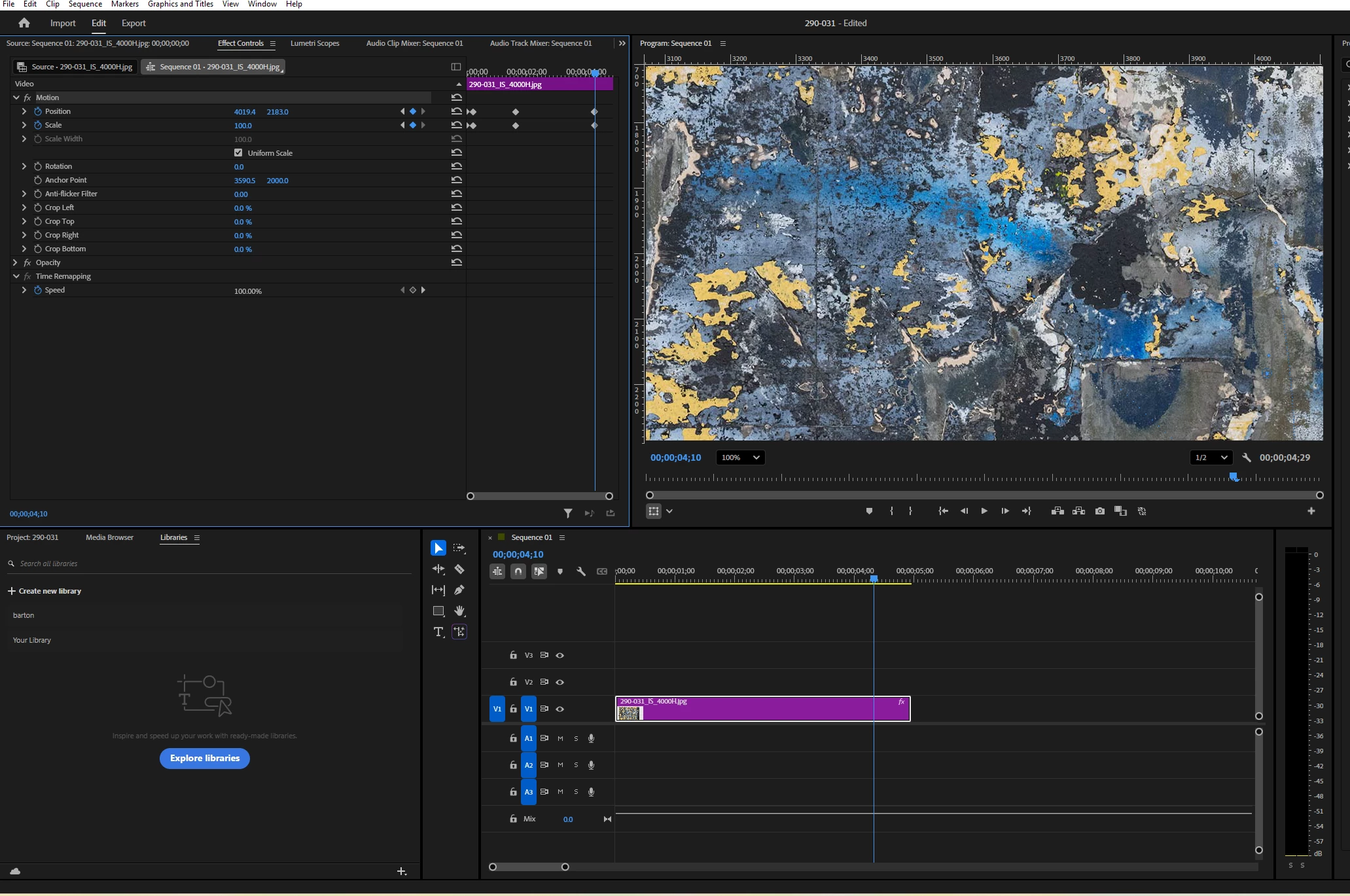
Seeing large images animate in real time during edit (without rendering)

  • September 22, 2025
  • 3 replies
  • 167 views

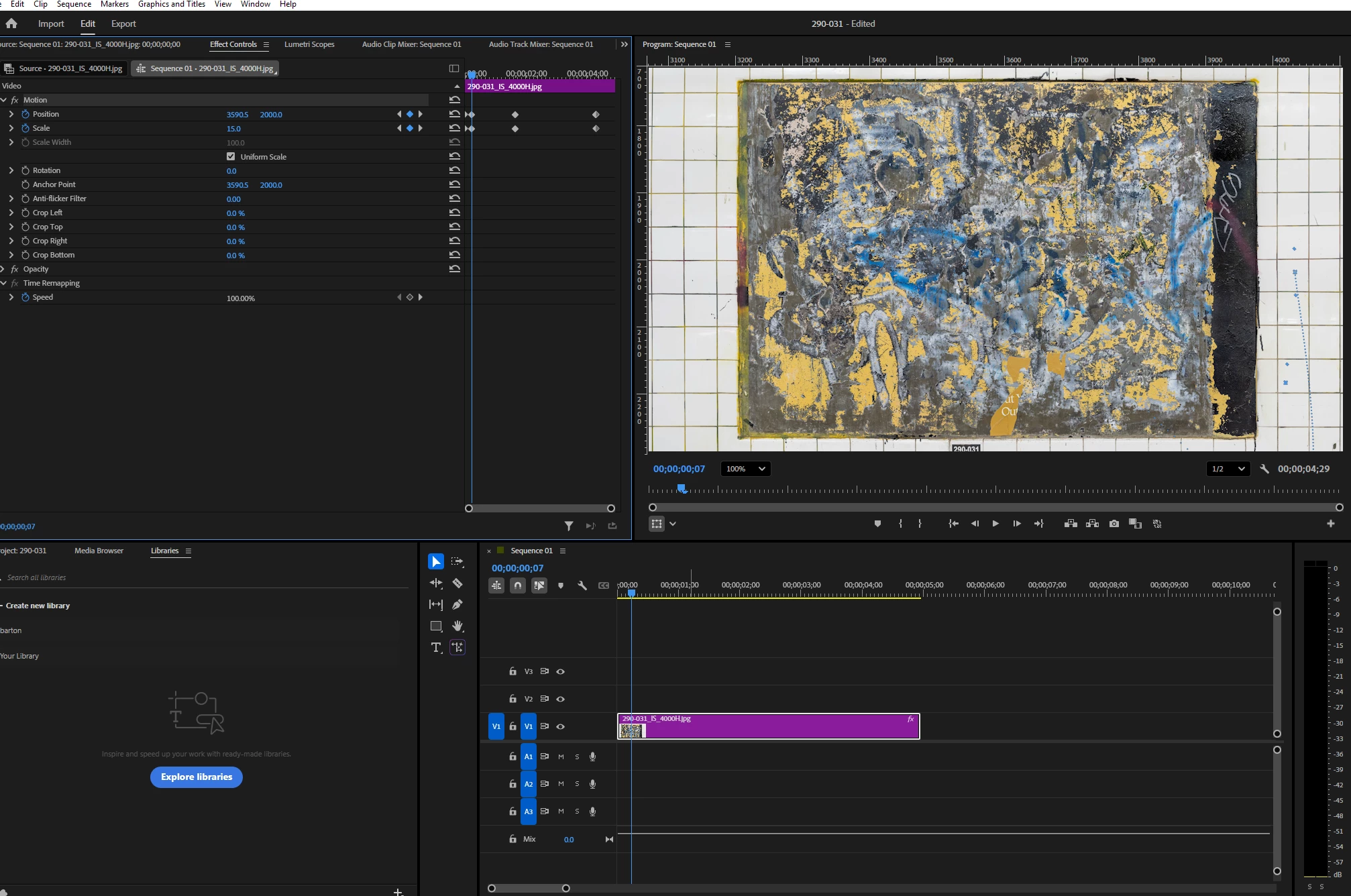
I have a very large file (7181x4000px) that I want to animate.  It's so big so that I can zoom in to the level I want at 100%.  But I get a yellow line indicating it needs to render to be seen animating optimally.  It's impractical to have to render the file, then watch it each time I want to make a change.  Do I have any recourse to see it animating in real time more or less smoothly as I edit?  Thanks for your help.


Correct answer Sumeet_Kumar_Choubey

Hi Barton5C39,

Welcome to the community! As R Neil Haugen suggested, the yellow render line indicates that playback will most likely be in real time, depending on the system performance and effects applied. You may refer to this link to learn more about render bar colors in Premiere Pro. Is it playing back without rendering or dropping a lot of frames? Have you tried reducing the playback resolution to see if it's giving a better playback?


Thanks,

Sumeet

3 replies

Sumeet_Kumar_ChoubeyCommunity ManagerCorrect answer
Community Manager
September 22, 2025

Hi Barton5C39,

Welcome to the community! As R Neil Haugen suggested, the yellow render line indicates that playback will most likely be in real time, depending on the system performance and effects applied. You may refer to this link to learn more about render bar colors in Premiere Pro. Is it playing back without rendering or dropping a lot of frames? Have you tried reducing the playback resolution to see if it's giving a better playback?


Thanks,

Sumeet

Inspiring
September 23, 2025

Yes, it was not playing smoothly - but I did as you suggested and changed the Playback Resolution from 1/2 to 1/4 - and now it's working great.  Thank you!  

Community Manager
September 23, 2025

Glad that it's working properly! Feel free to reach out if you experience any issues. We're here to help.


Thanks,

Sumeet

Ann Bens
Community Expert
Community Expert
September 22, 2025

Might want to try out After Effects.

R Neil Haugen
Legend
September 22, 2025

Premiere struggles with that large of a still image file, so ... that's gonna be a potential issue.


Yellow means you might get adequate playback, might not ... typically when yellow, I do get decent playback on my rig. This image ... might again just be an issue.

Everyone's mileage always varies ...