



Question
Segundo monitor dejó de dar imagen
Lo tenes configurado así pero igual no te tira imagen?
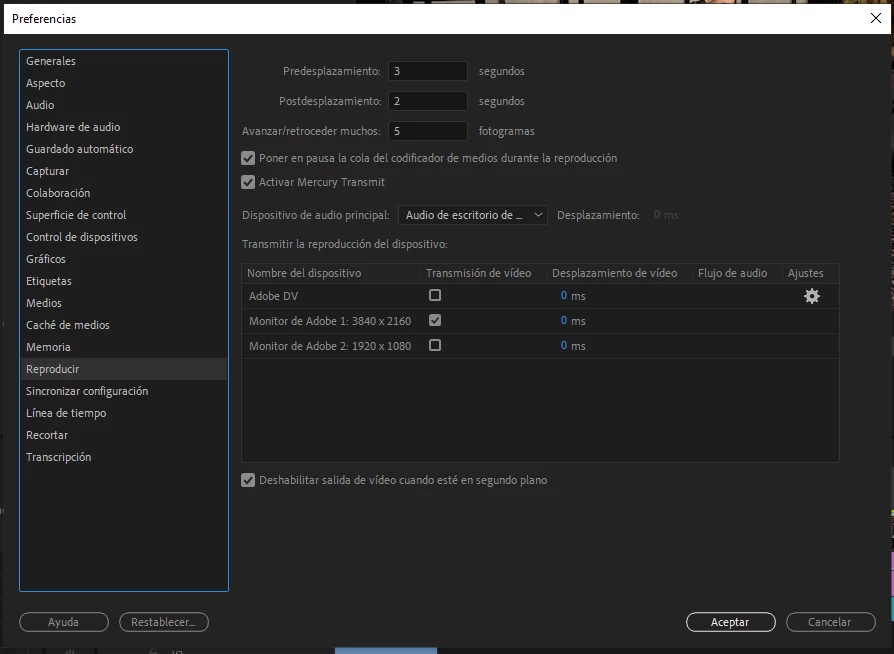
Borraste cache, temps, reiniciaste y nada?
SOLUCION
Pone tu segundo monitor como principal:
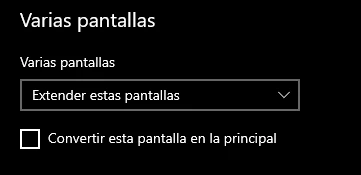
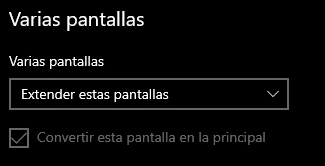
(windows-> configuracion -> pantalla)
Luego en premiere hace lo mismo.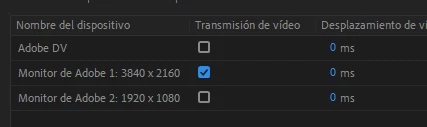
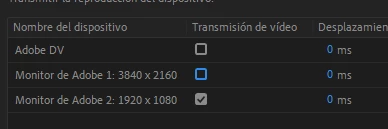
Ahora repeti lo mismo pero a la inversa:
-Volvé a poner tu monitor principal como primer monitor
-En premiere que tu segundo monitor sea quien de la imagen de la previsualizacion del proyecto
y LISTO!
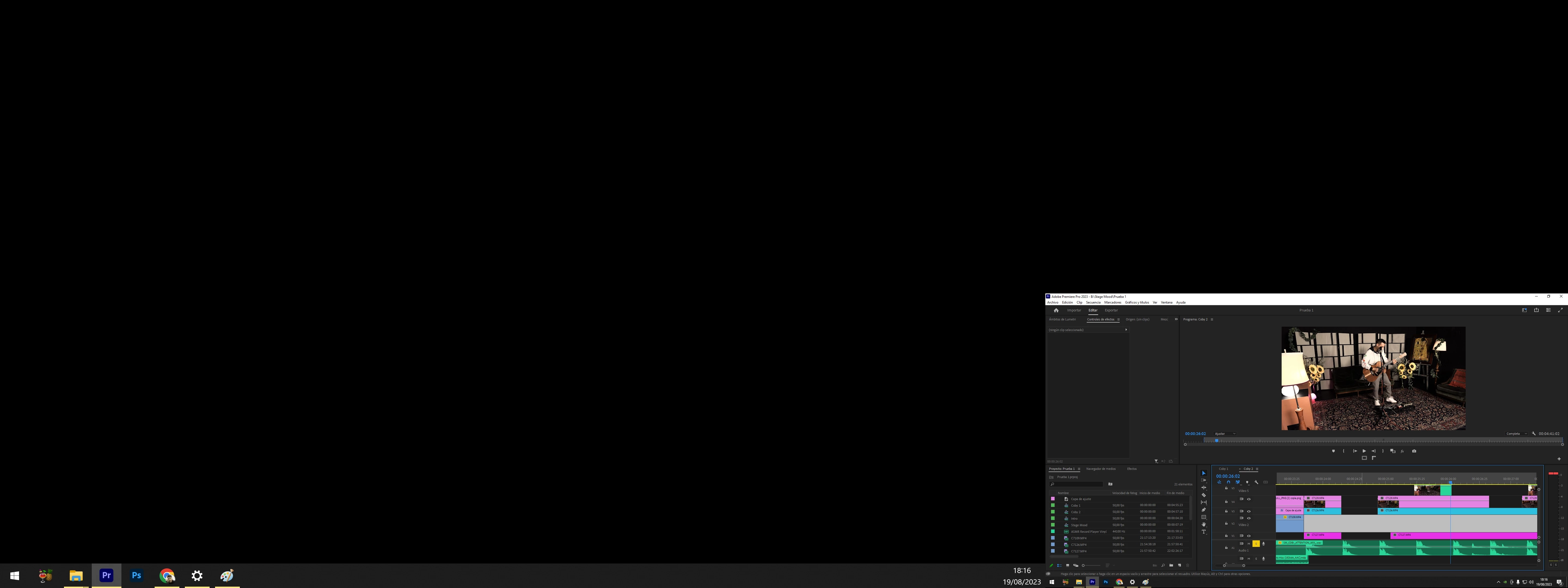
Antes:
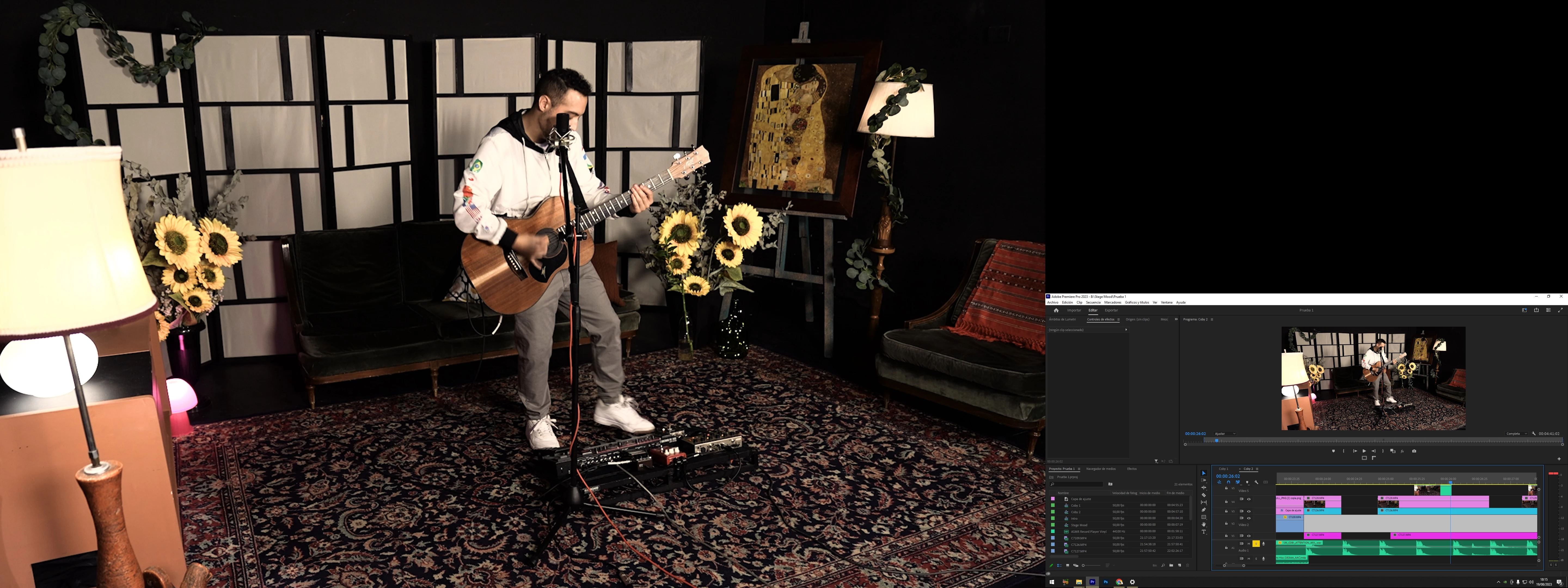
Despues:
.
.
.
.
POSTDATA en el caso que se te complico identificar tu monitor:
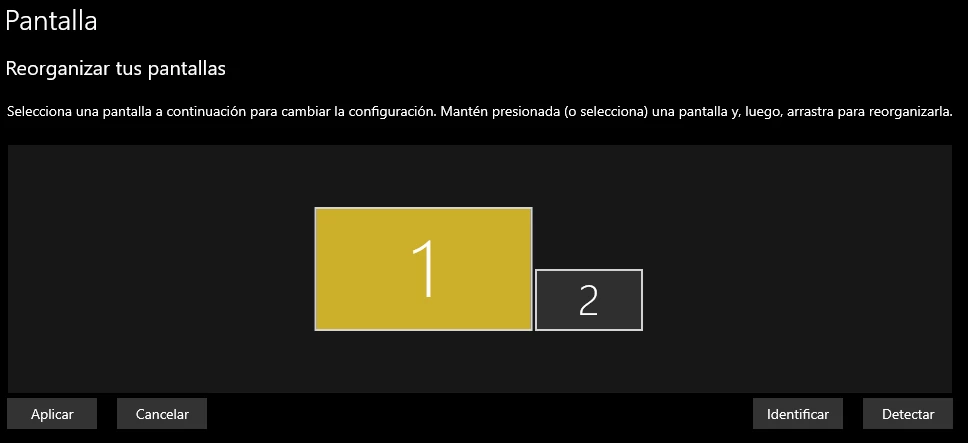
Mi monitor principal es el 2 pero como mi segundo monitor es el 1, selecciono el 1 y ahi lo convierto en principal.
¿TE FUE UTIL LA INFO?
 AdChoices