

Question
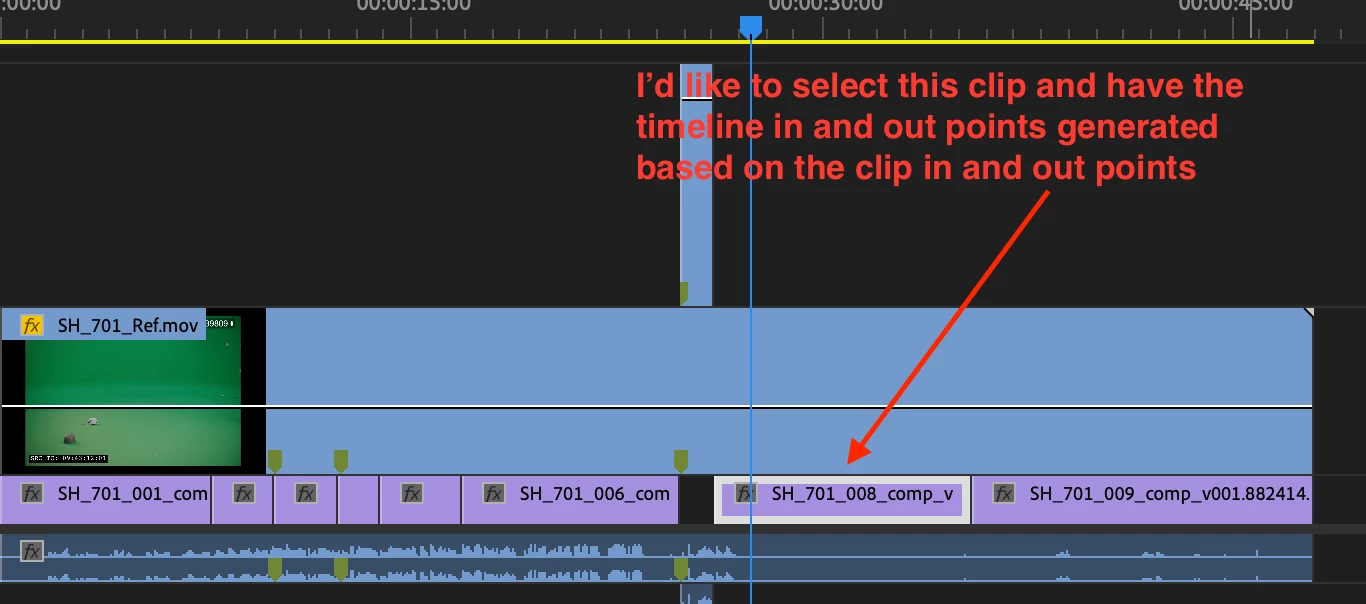
Select a clip in timeline, and set timeline in and out points based on that clip?
Is there a keyboard shortcut or comman to select an edit (clip) in the timeline, and then make the Timeline in and out points based on that clip's in and out points. I have to replace VFX shots often, and that would be a really easy way to do it.
I've tried "replace with clip in bin" it drops the right clip in, but it's never in the same sync as it was before it was replaced.
 AdChoices